For video work
Edit a video with an agent, and review every cut from your phone
The agent renders. You scrub, mark the frames that are wrong, and rewrite the narration line by line. It sends the next cut.
How it goes
Ask for the cut
Say what you want, such as a 40-second cut from your screen recordings. The agent gets your words as a prompt.
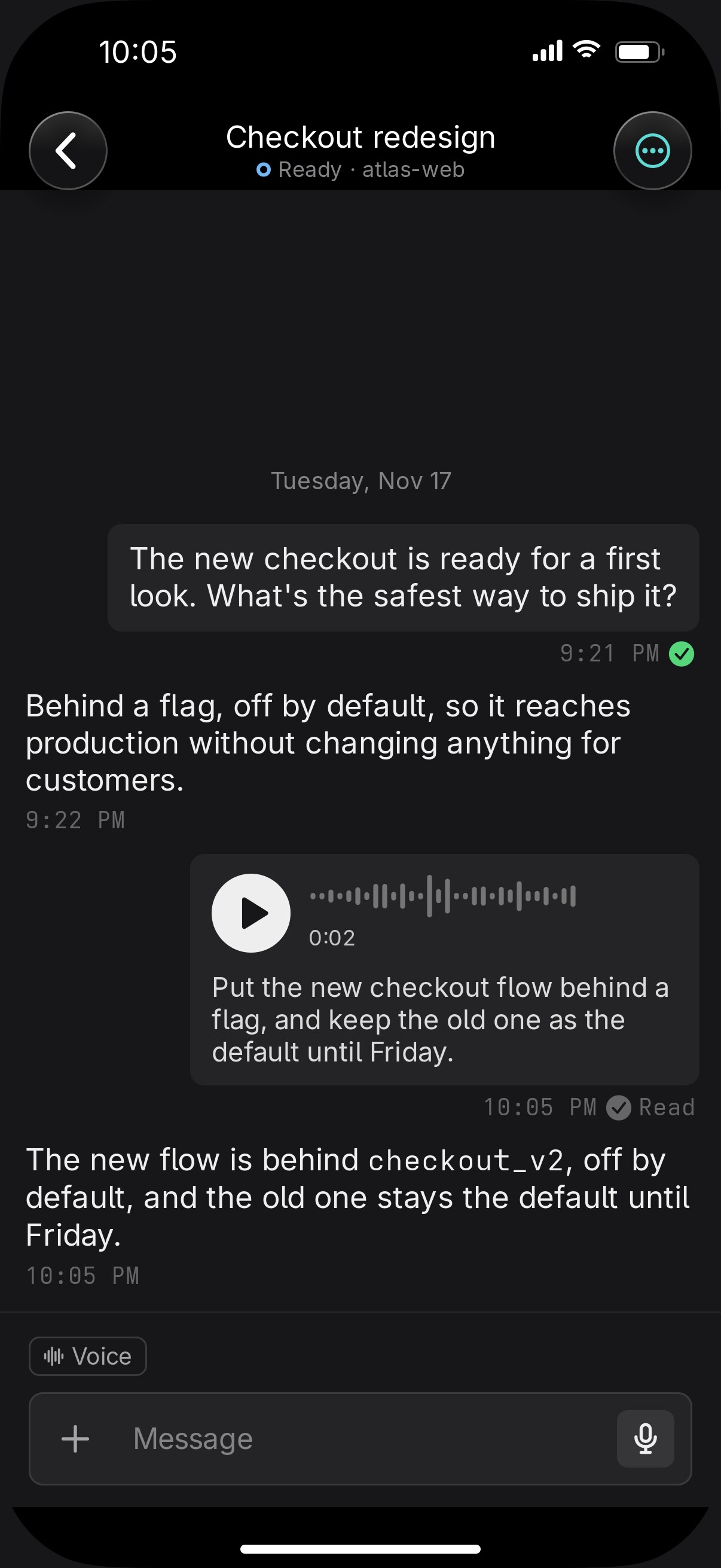
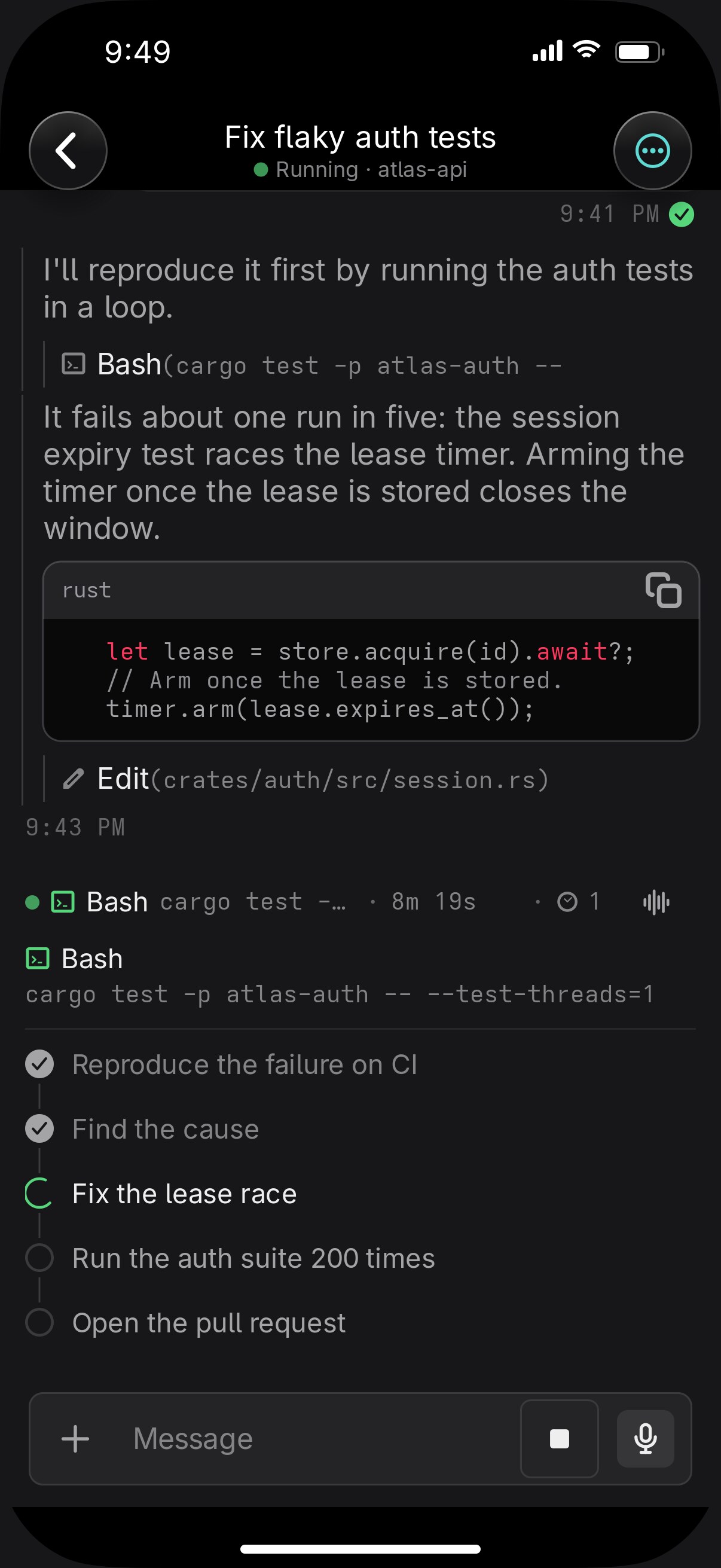
Watch it in the chat
While it renders, the working line shows the step it's on. The cut arrives in the chat and plays there.
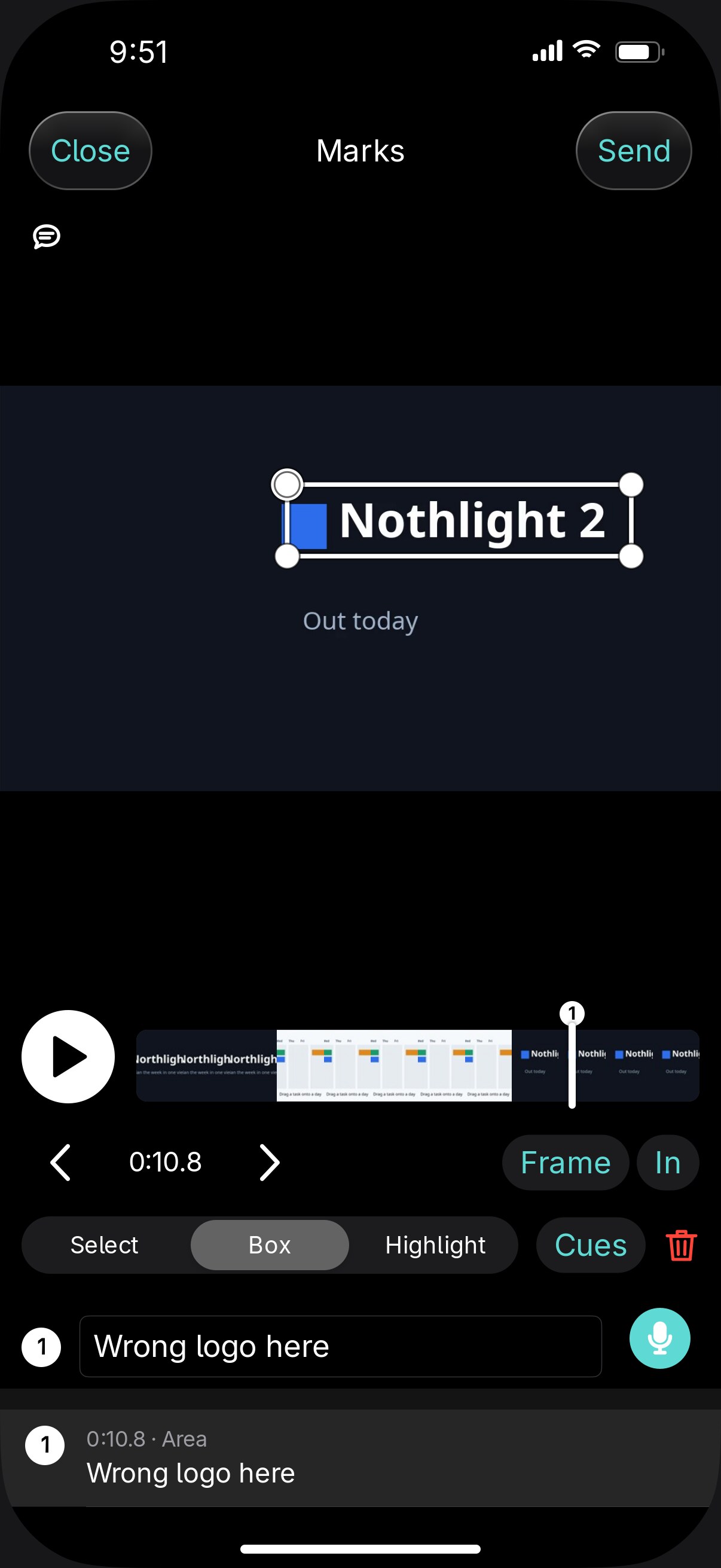
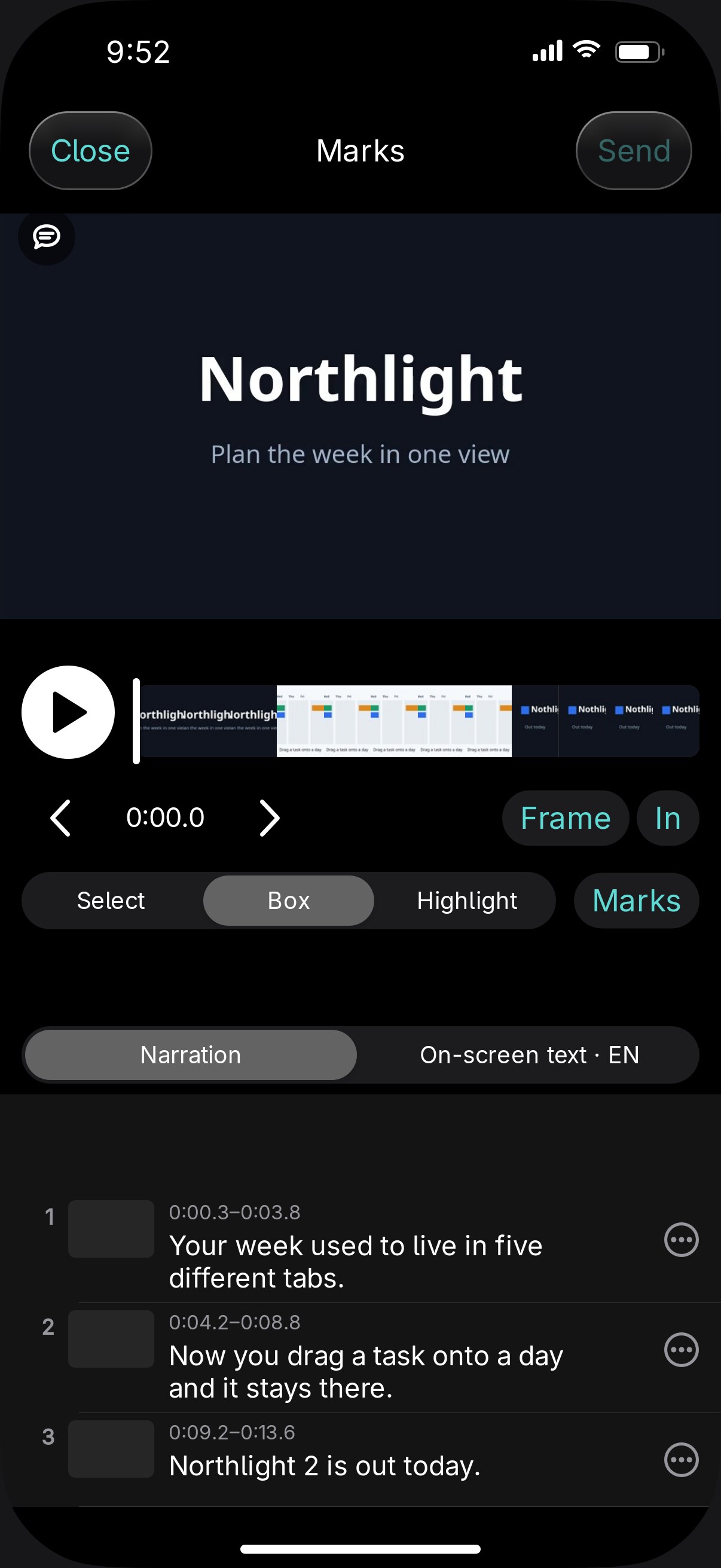
Mark a frame
Scrub to the frame, draw a box on what's wrong, and type or say the note.
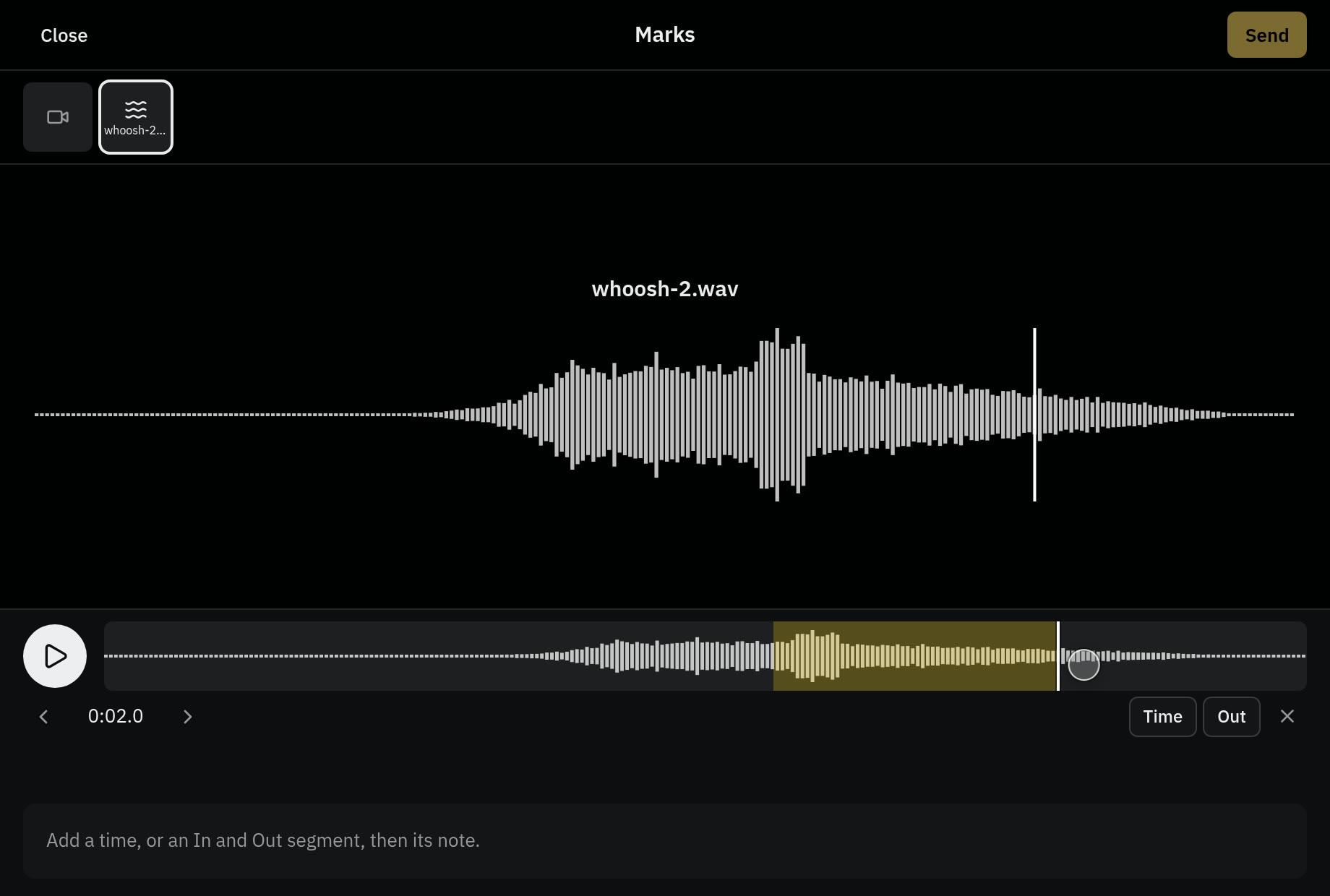
Mark a stretch
Set an In and an Out to name a stretch: "cut this in half". A sound takes a mark on its waveform the same way.
Change a narration line
Open the narration, pick a cue, and change it to your exact words. The agent re-voices and re-renders.
Run the agent in a project on your computer, outside a container. A container agent's video and audio arrive as links.
Install it and send the first clip
$ git clone https://github.com/vendetta-sh/vendetta.git
$ cd vendetta && bash install.sh
$ vendetta notify start
$ vendetta tui