For families
A grocery list an agent keeps, on both your phones
Say what you've run out of. The agent keeps the list.
How it goes
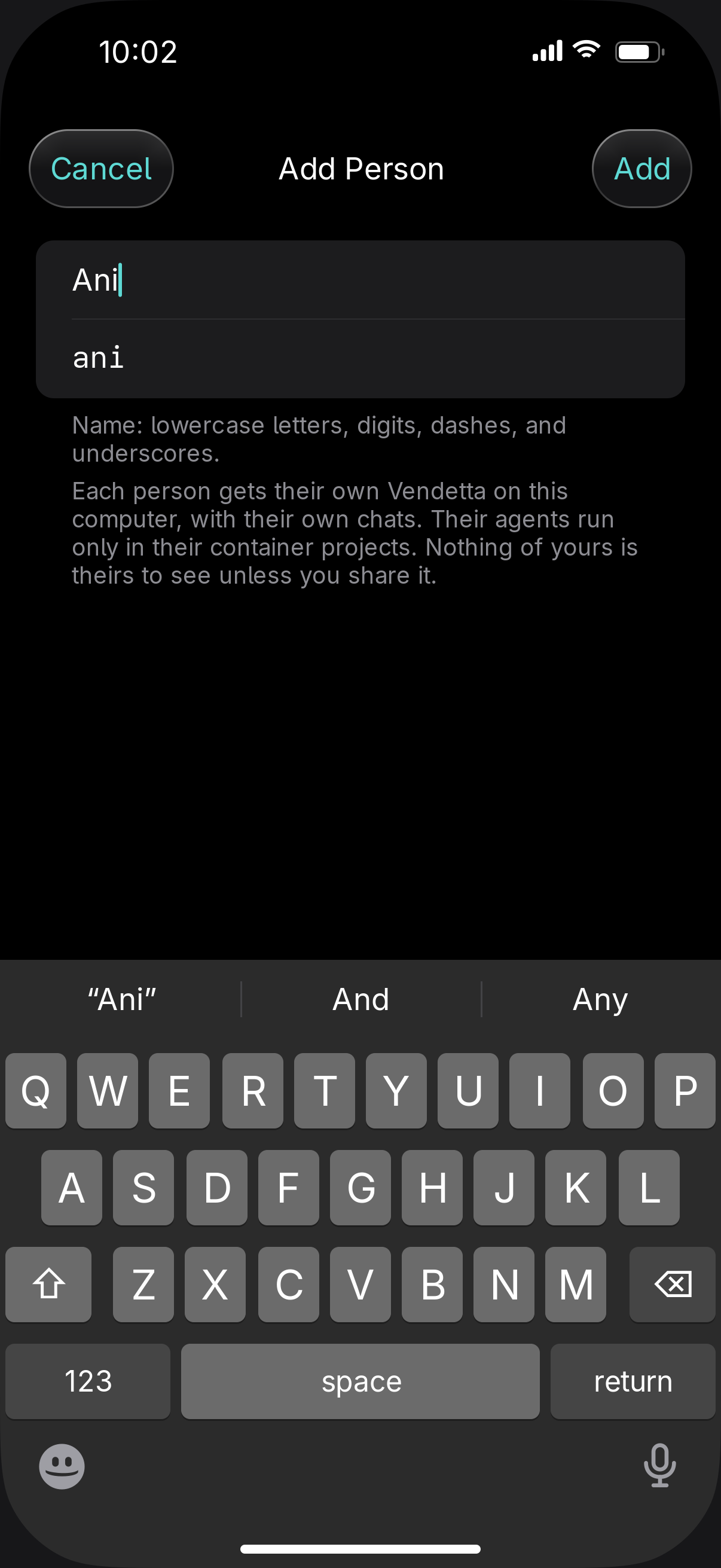
Add them in Settings
Add the person you live with under People. Their app opens in Simple mode: their chats, by project, and nothing about models or providers.
Share the list
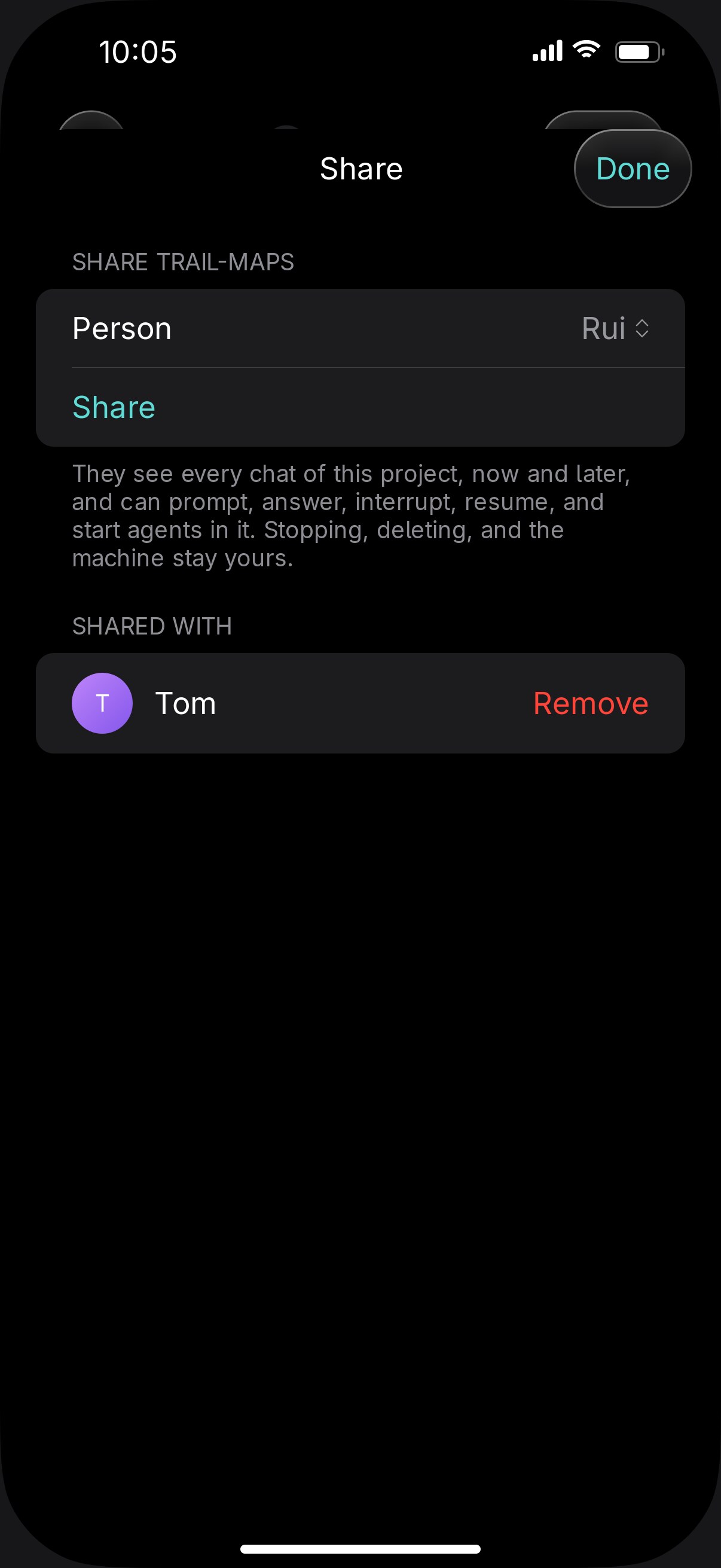
Make a project for the groceries and share it. It shows in their app as a chat.
Say what you need
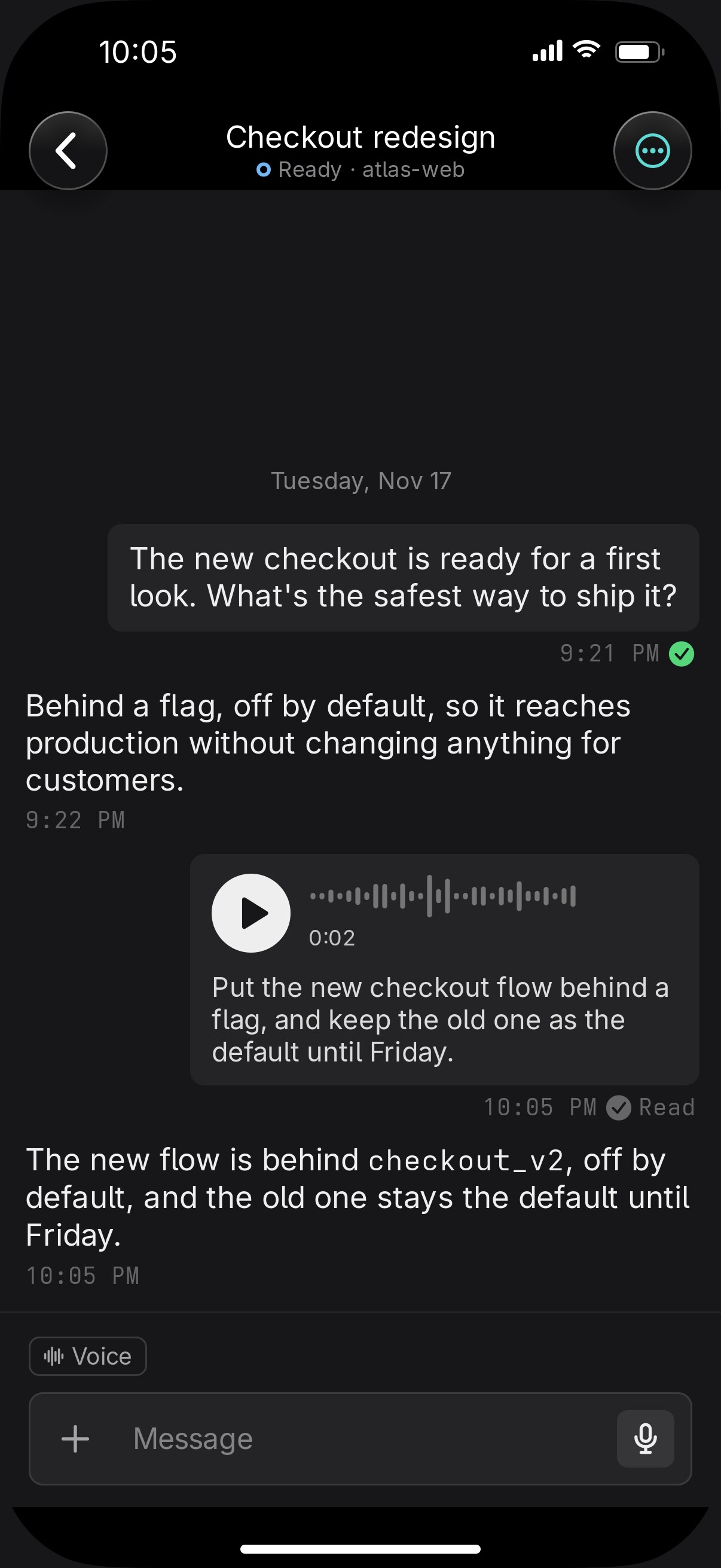
A voice note is enough: "we're out of olive oil and I need lemons for Saturday". The agent updates the list.
Tick it at the shop
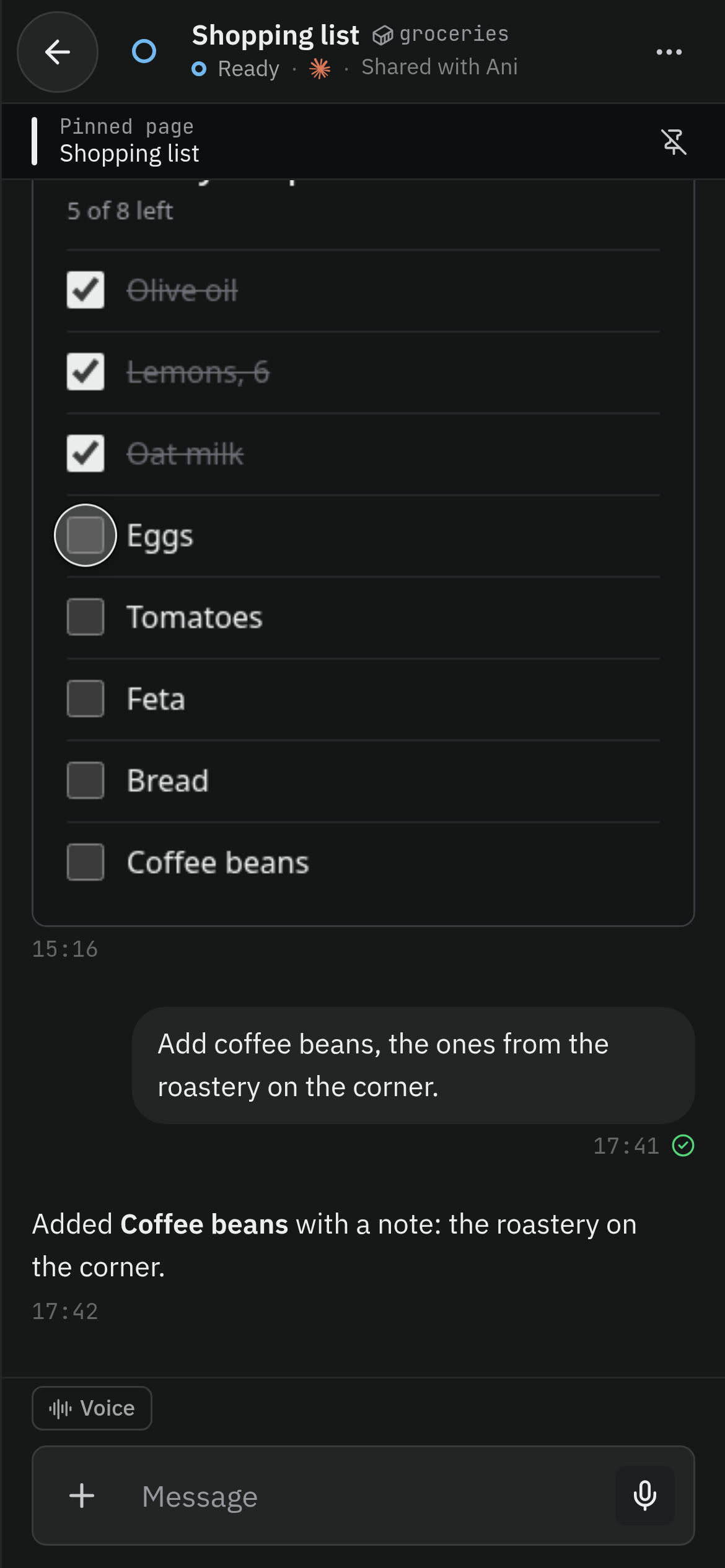
The list is a checklist page, pinned in the chat. Tick things as they go in the basket. Your ticks stay on your own phone, so tell the agent what you bought and it updates the list for both of you.

A shared project's agents run in a container on your computer, and containers run Claude Code only.
You add them. They never see a terminal.
$ vendetta instance add ani