What people do with Vendetta
One person installs Vendetta on a computer that stays on. What happens next depends on who they add and what they ask the agents to do.
Run eight agents and answer them from the train
Vendetta lists every agent across your projects by what it needs. The ones that wait for you reach your phone.
Give the company's recurring work to a team of agents
Declare a lead for each part of the business in one file. Each lead runs its own agents and reports up. You read one message on Monday and answer what only you can.
Build something together, each from your own phone
One of you runs Vendetta. The others get an invite, their own chats, and the shared project. Everyone prompts the same agents, and every message says who sent it.
A grocery list an agent keeps, on both your phones
Say what you've run out of. The agent keeps the list.
Edit a video with an agent, and review every cut from your phone
The agent renders. You scrub, mark the frames that are wrong, and rewrite the narration line by line. It sends the next cut.
Five smaller jobs
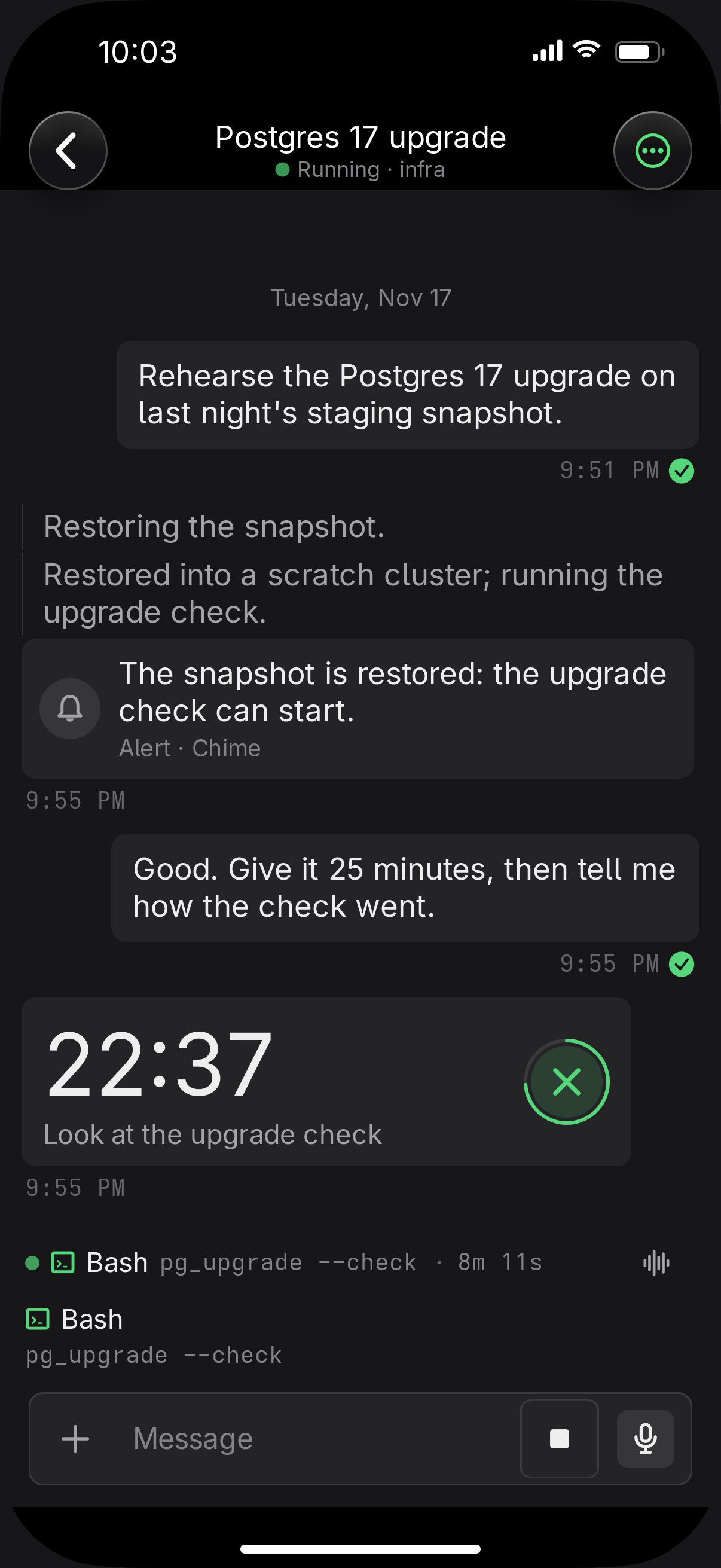
A workout coach with rest timers
An agent that keeps your training plan can start a countdown between sets and show the current set on your lock screen. The timer sounds even with notifications muted.
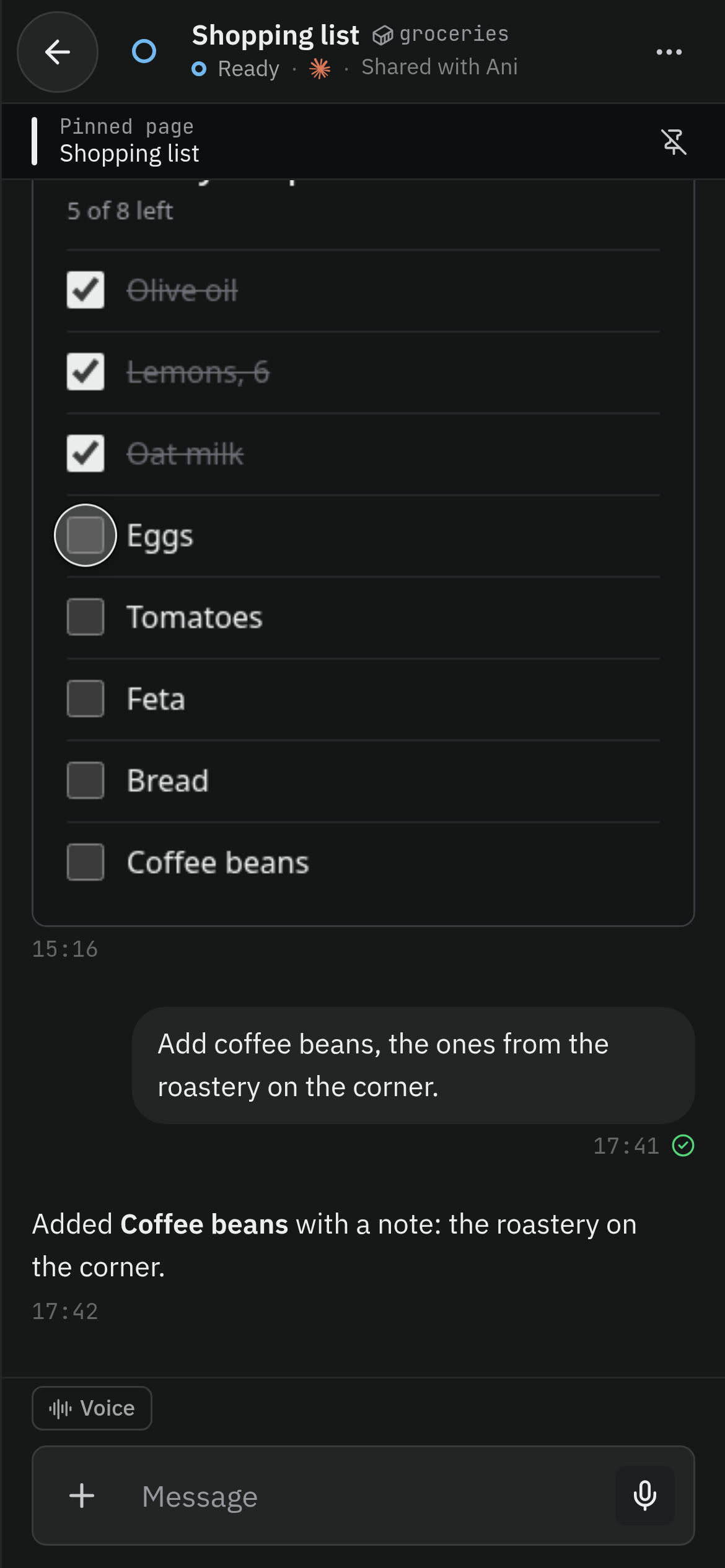
A release checklist as a pinned page
Ask the agent for the release checklist as a page. Pin it in the chat and tick it as you go. Your ticks are saved on each of your devices.
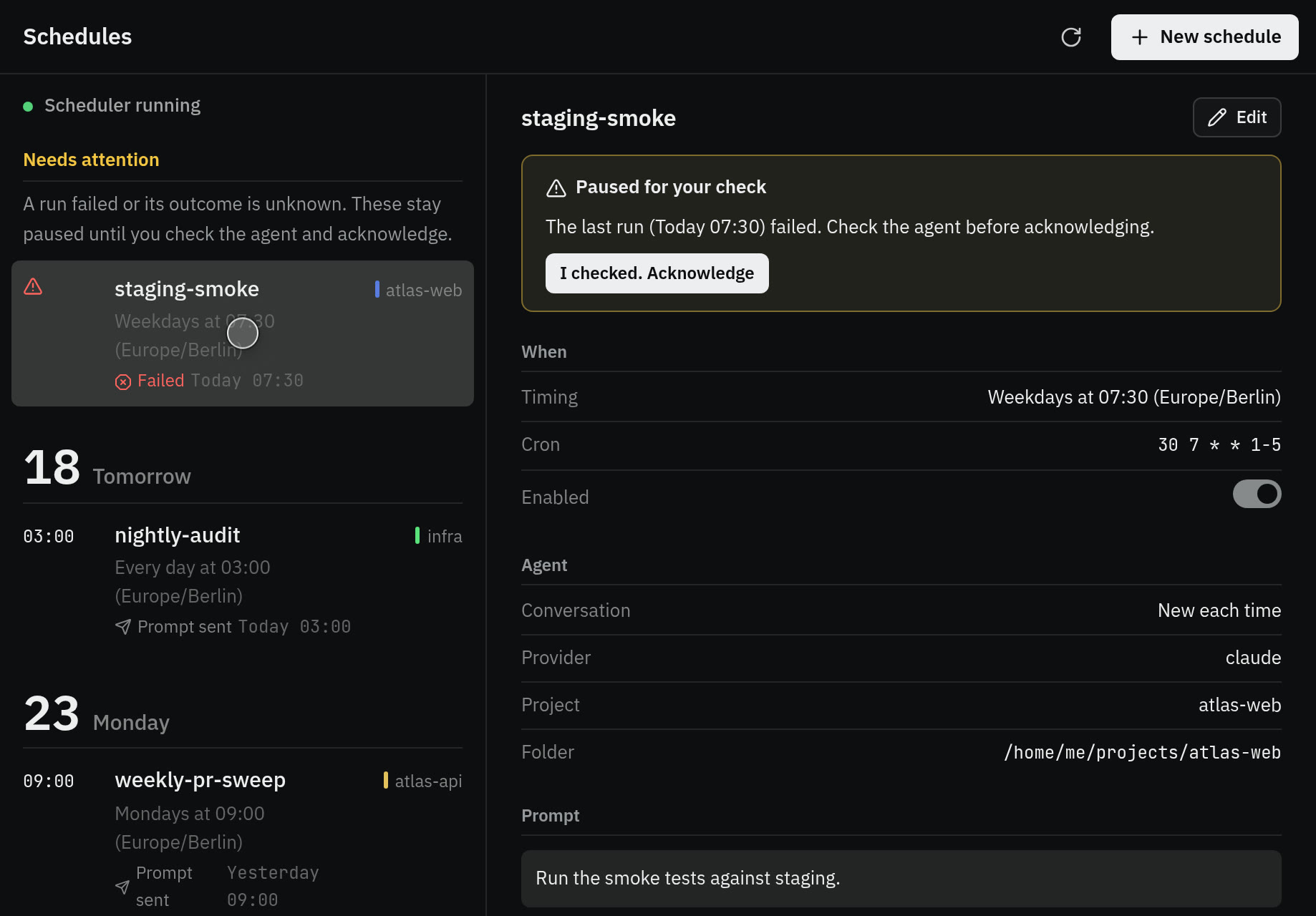
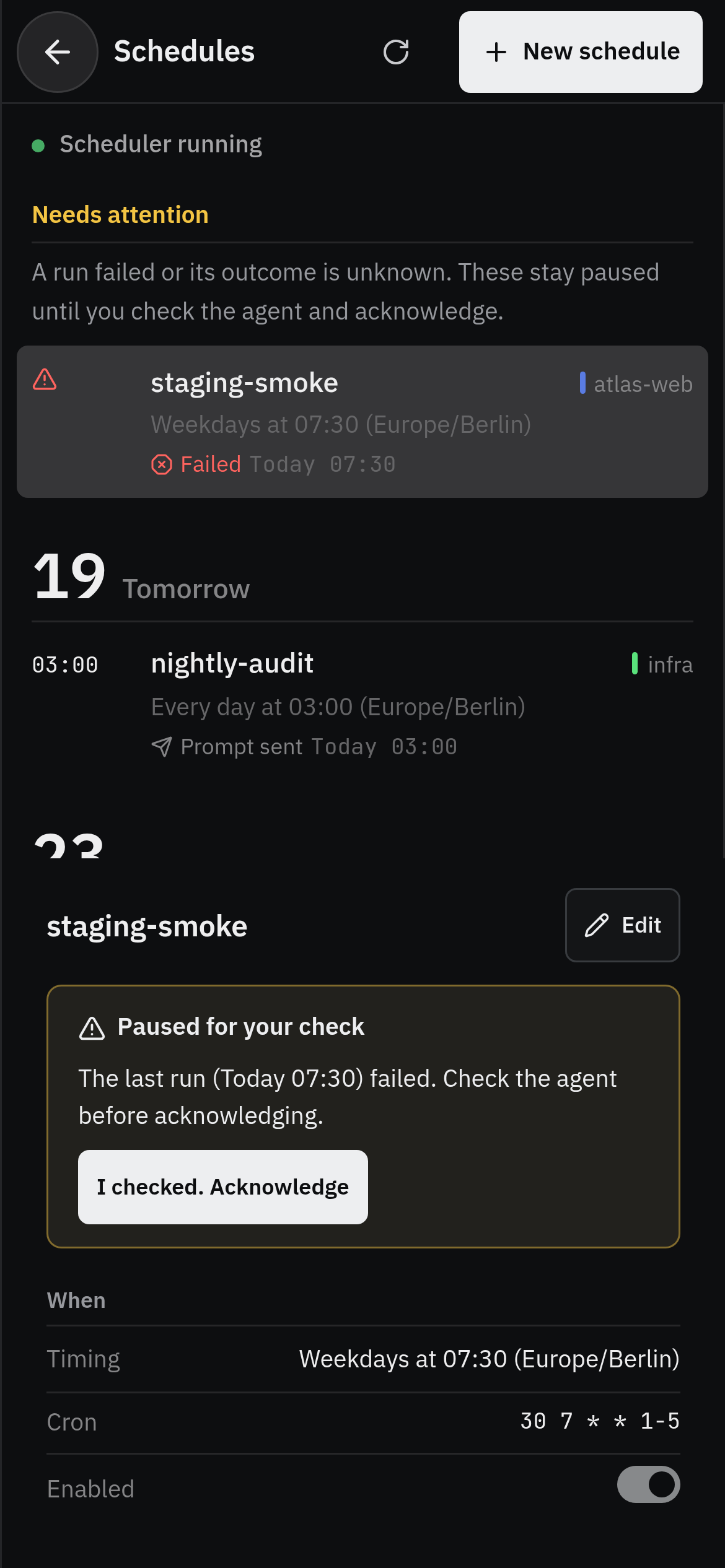
A nightly job with a run history
A schedule sends a prompt on a cron line to a new agent or the same one each time. Every run is recorded, and a failed or uncertain run stops the schedule until you check it.

- Answer agents from Telegram or Discord
- Each conversation gets its own topic or channel. Replies arrive formatted, with progress edited into one message, questions as buttons, and photos and voice notes as prompts. Only the owner you configure can send input. Read how
- Dictate to the agent in the window you're in
- Press a shortcut and talk. The transcript goes to the agent in the focused window, or is pasted where there is none. On macOS it is always pasted. Read how