Ninety seconds of Vendetta

The film, then every clip by capability.

Every clip, by capability
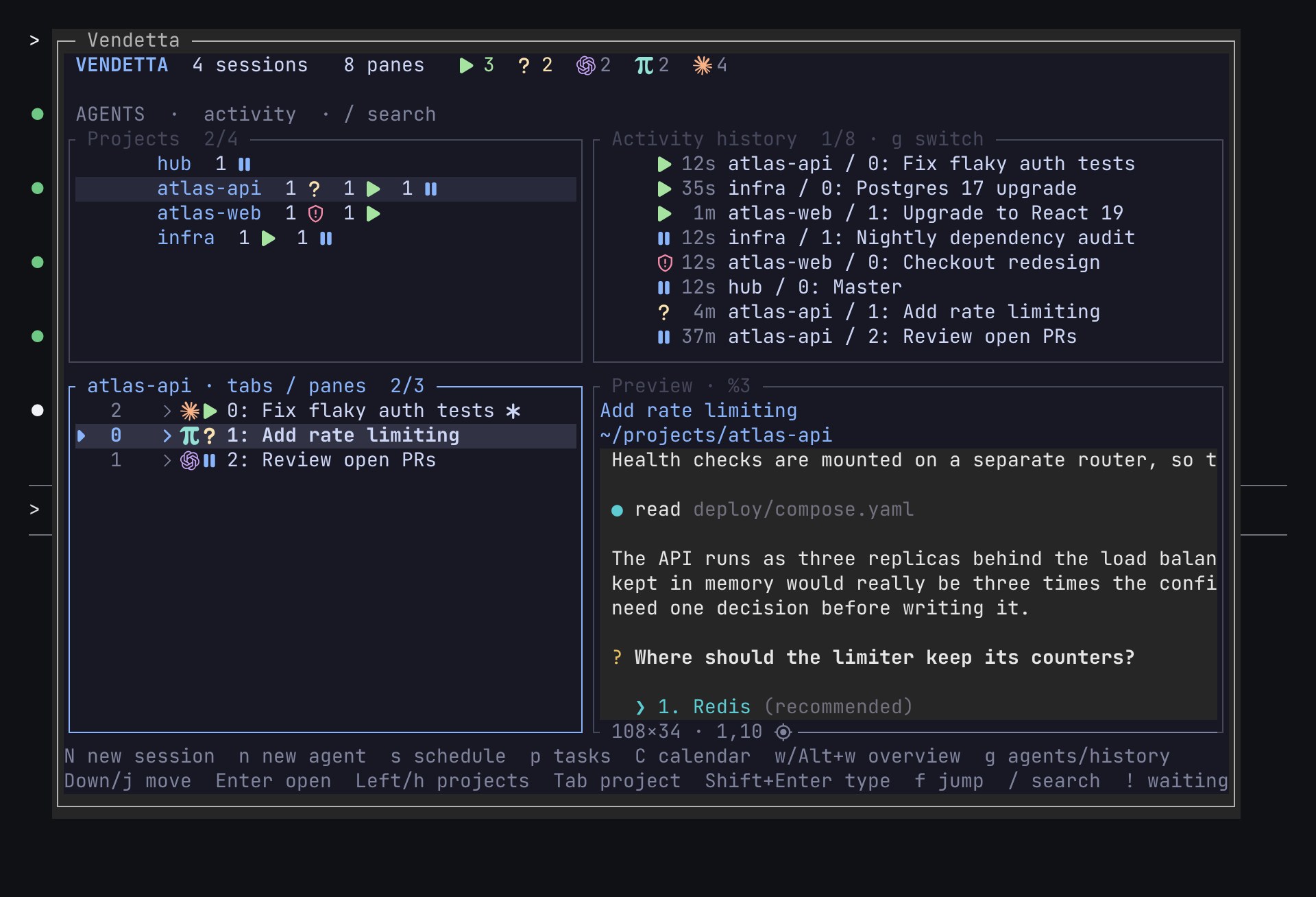
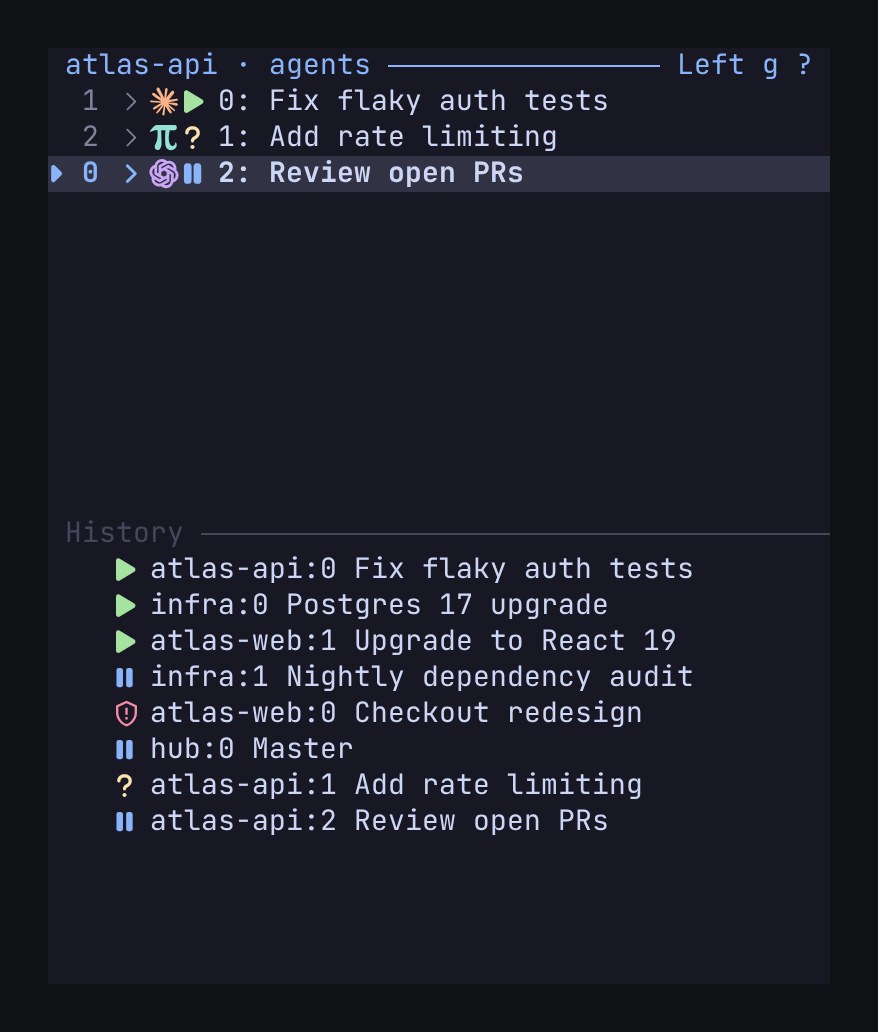
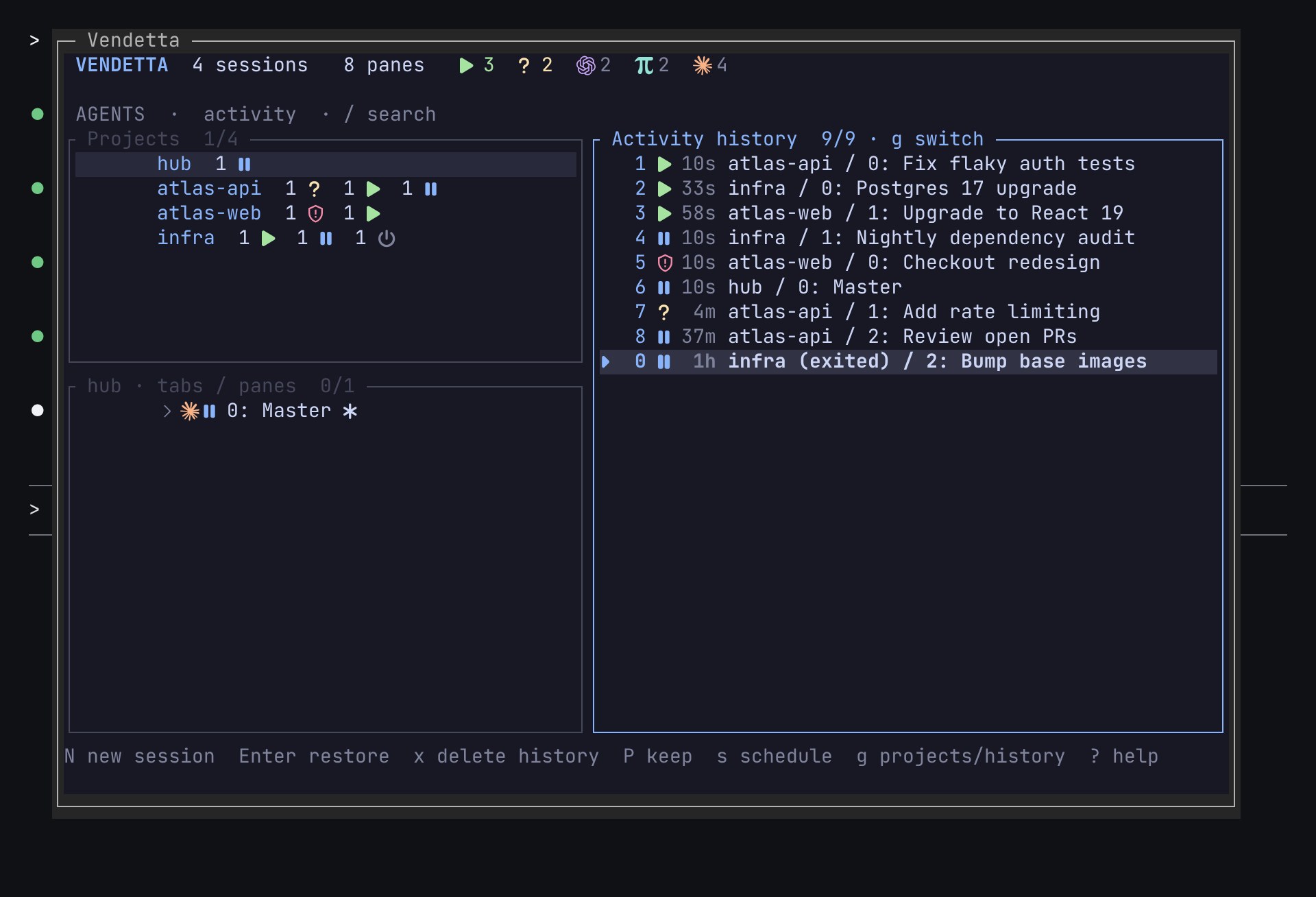
  • The chooser

    At your desk

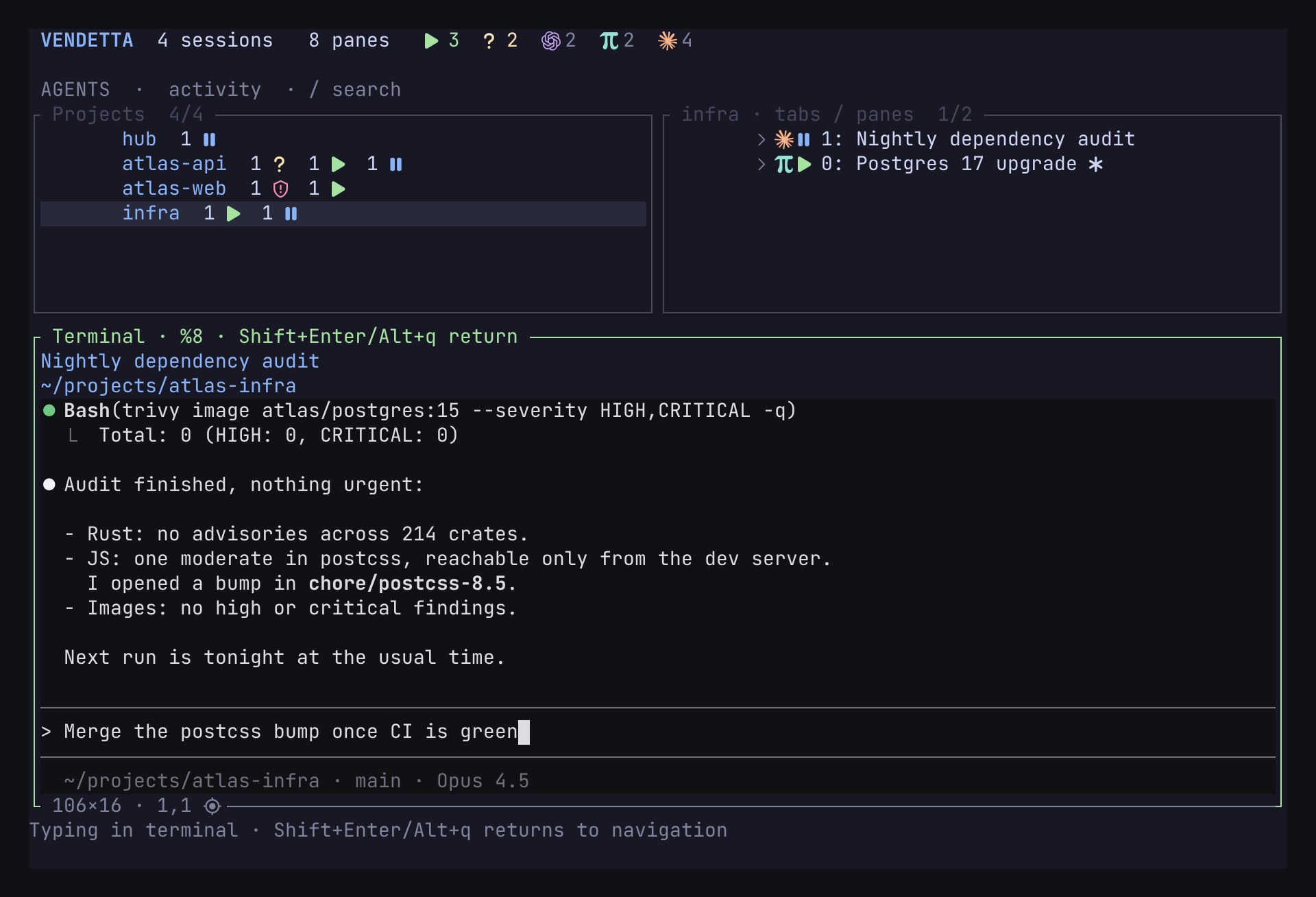
  • A preview you can type into

    At your desk

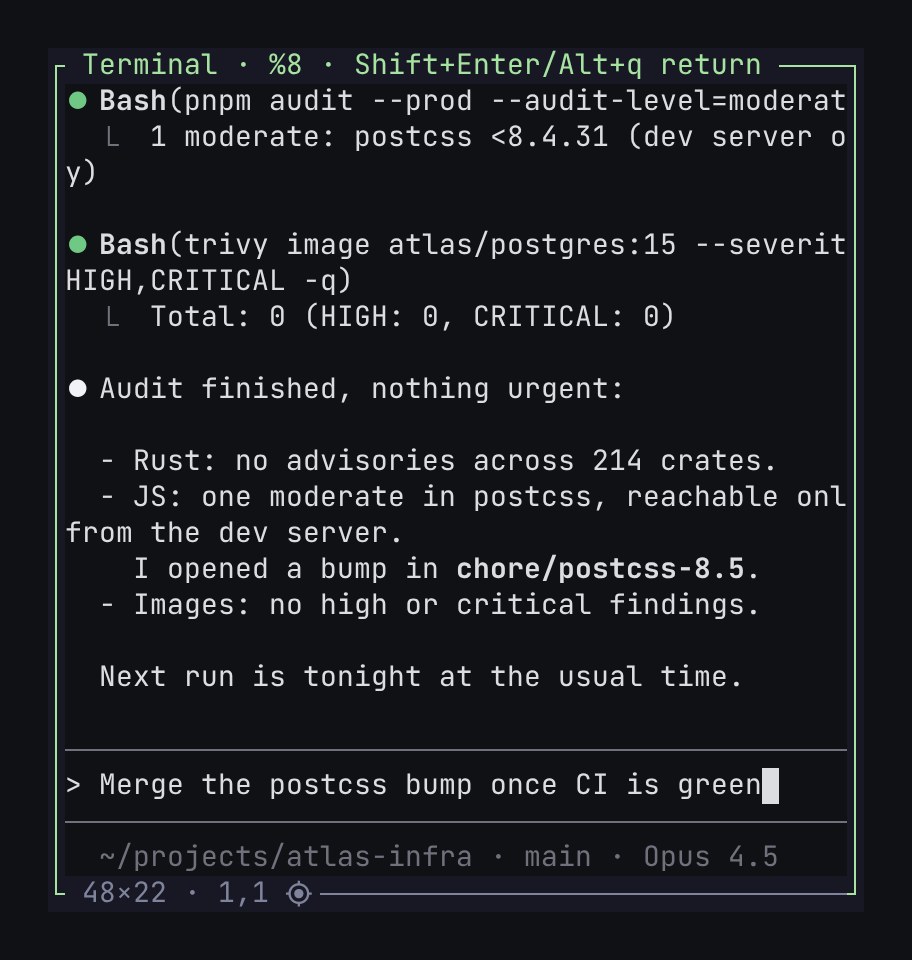
  • Compact mode over SSH

    At your desk

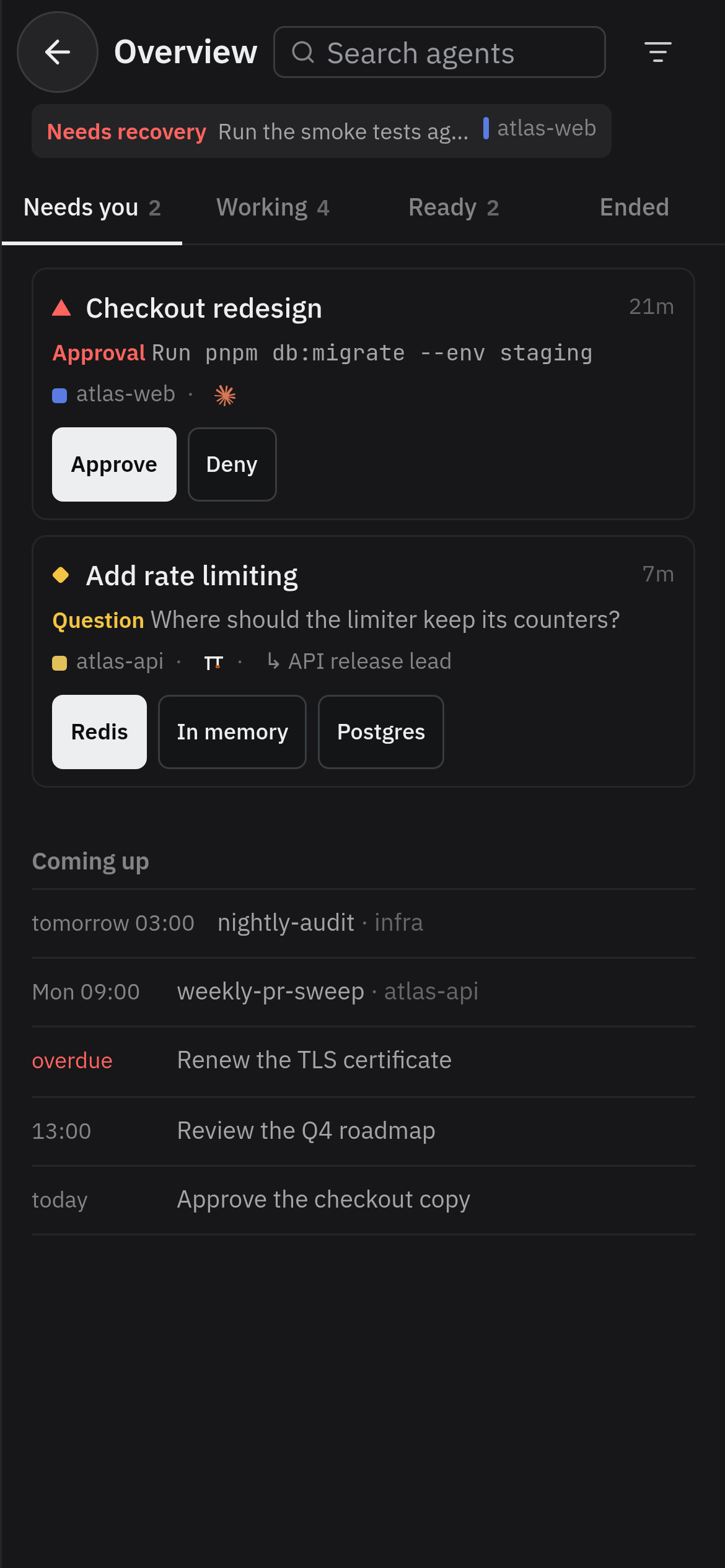
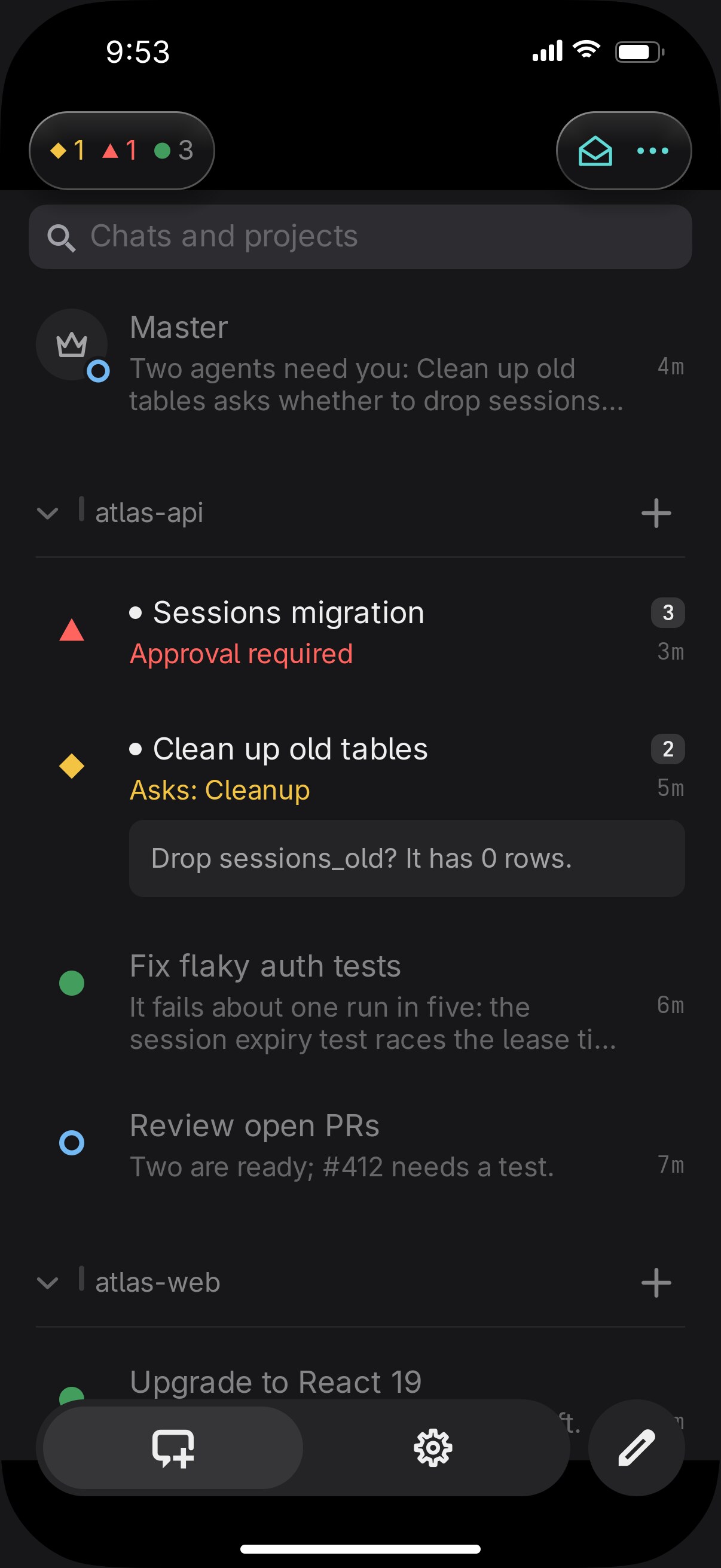
  • The overview on a phone, on its Needs you tab: an approval and a question, each answered with the buttons on its card

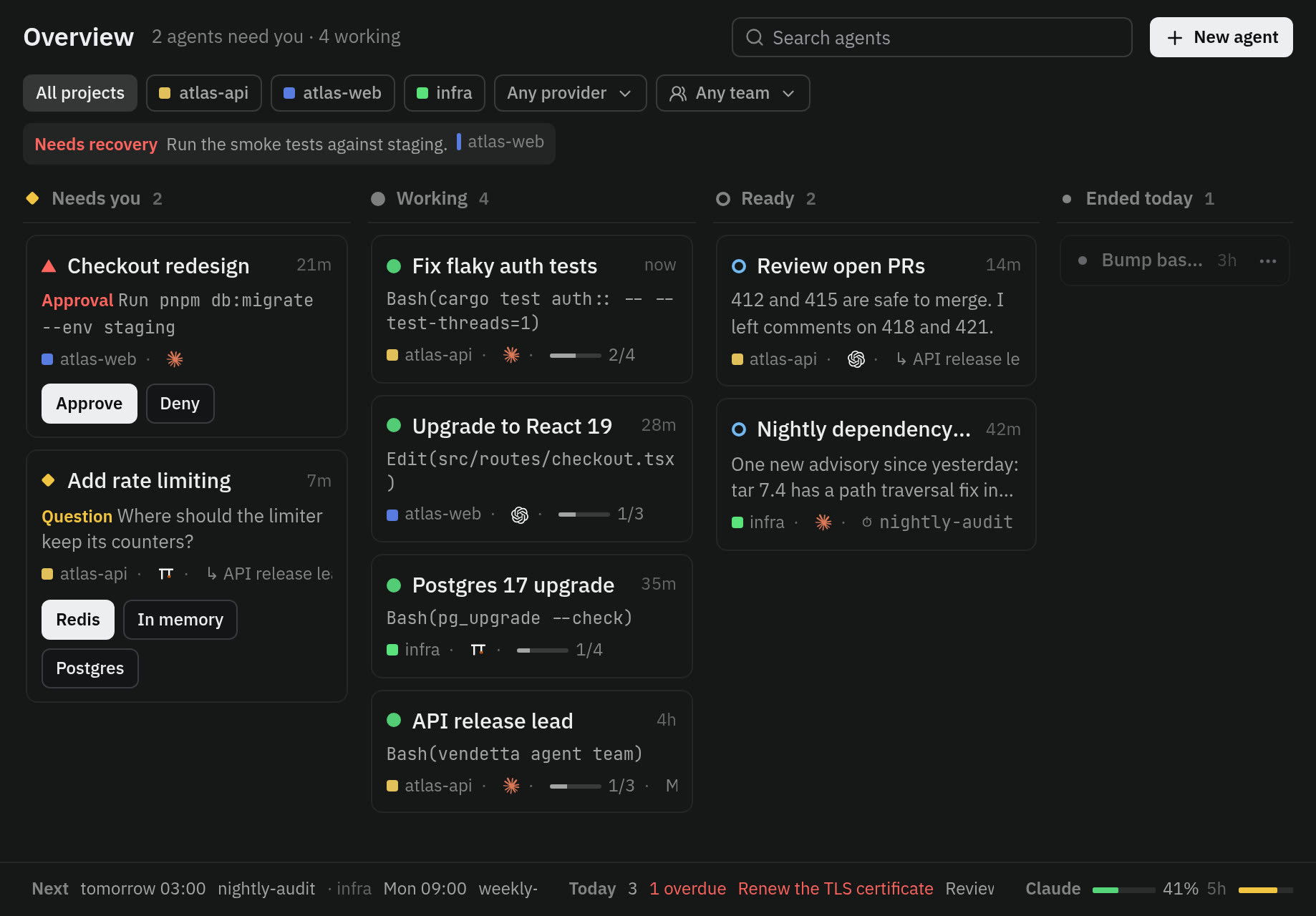
    The overview

    At your desk

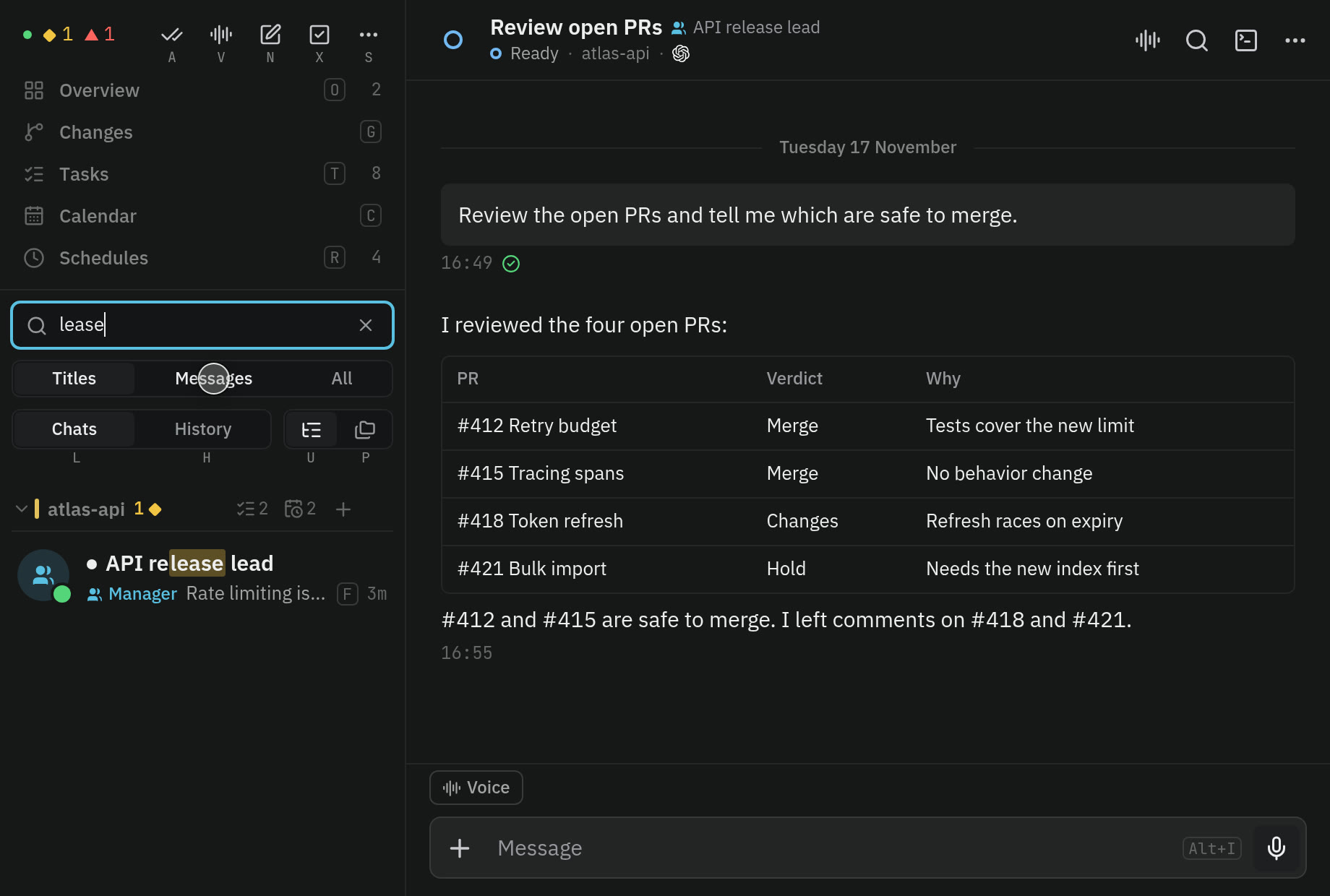
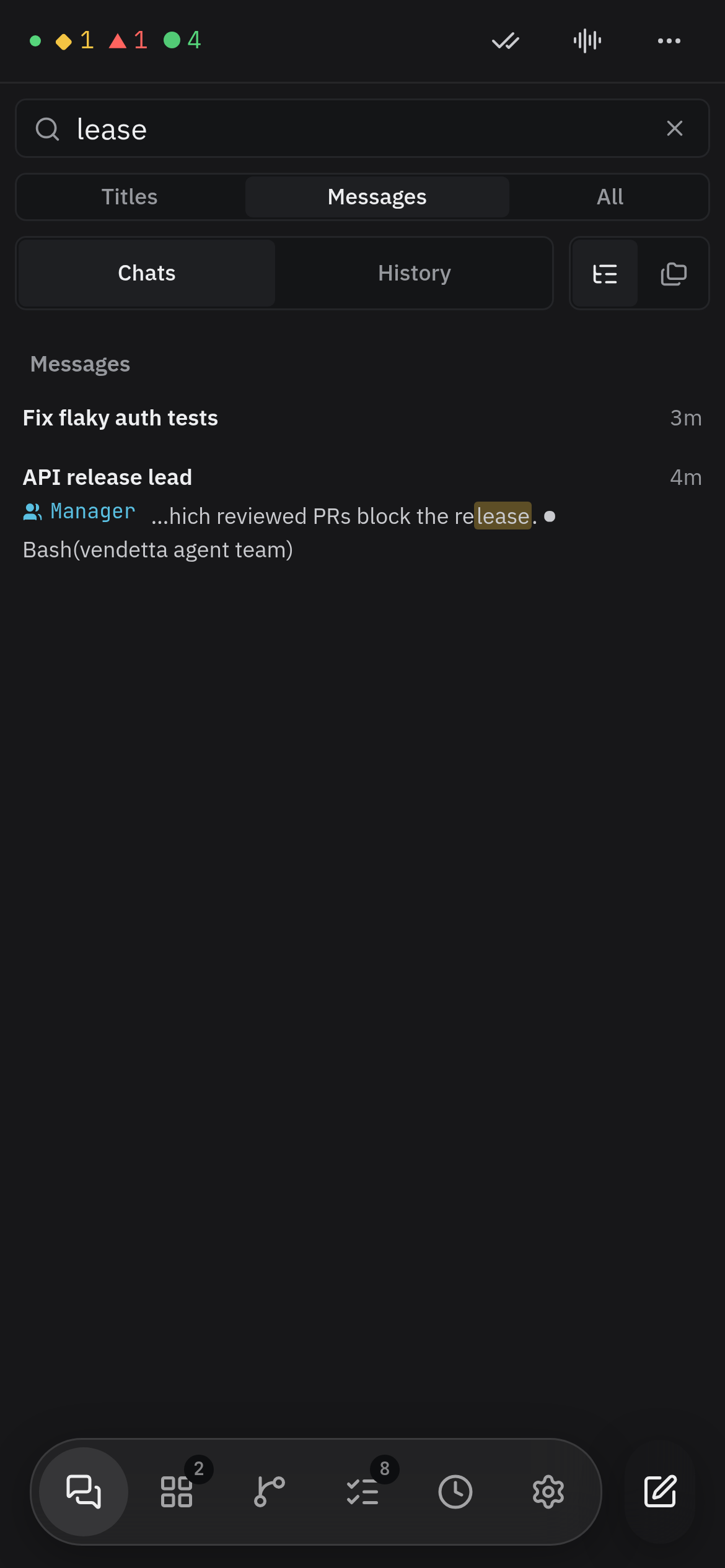
  • Search on a phone: a word typed above the chat list finds the messages that say it

    Search, filters, and bulk actions

    At your desk

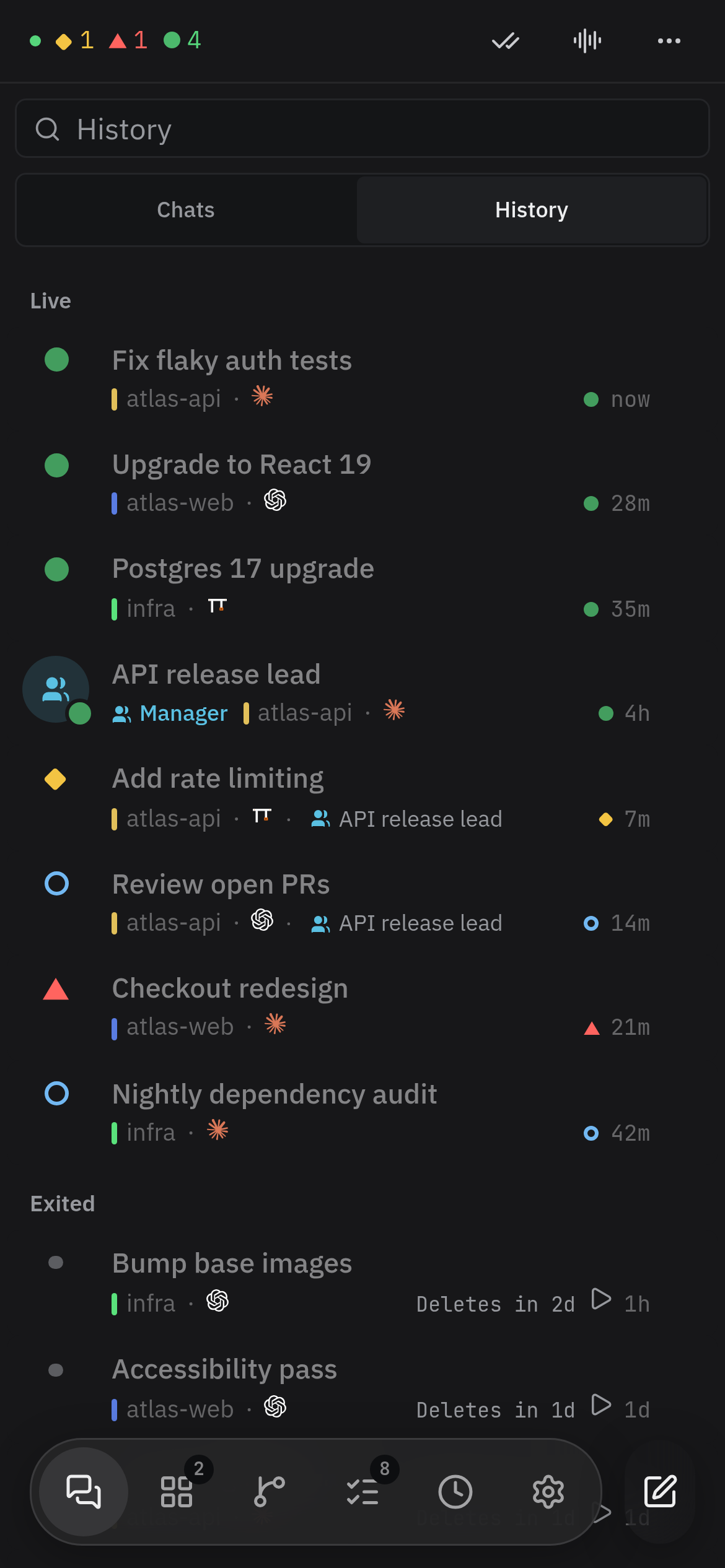
  • History on a phone: ended conversations stay listed under the chats, each one a tap away from being restored

    Restore

    At your desk

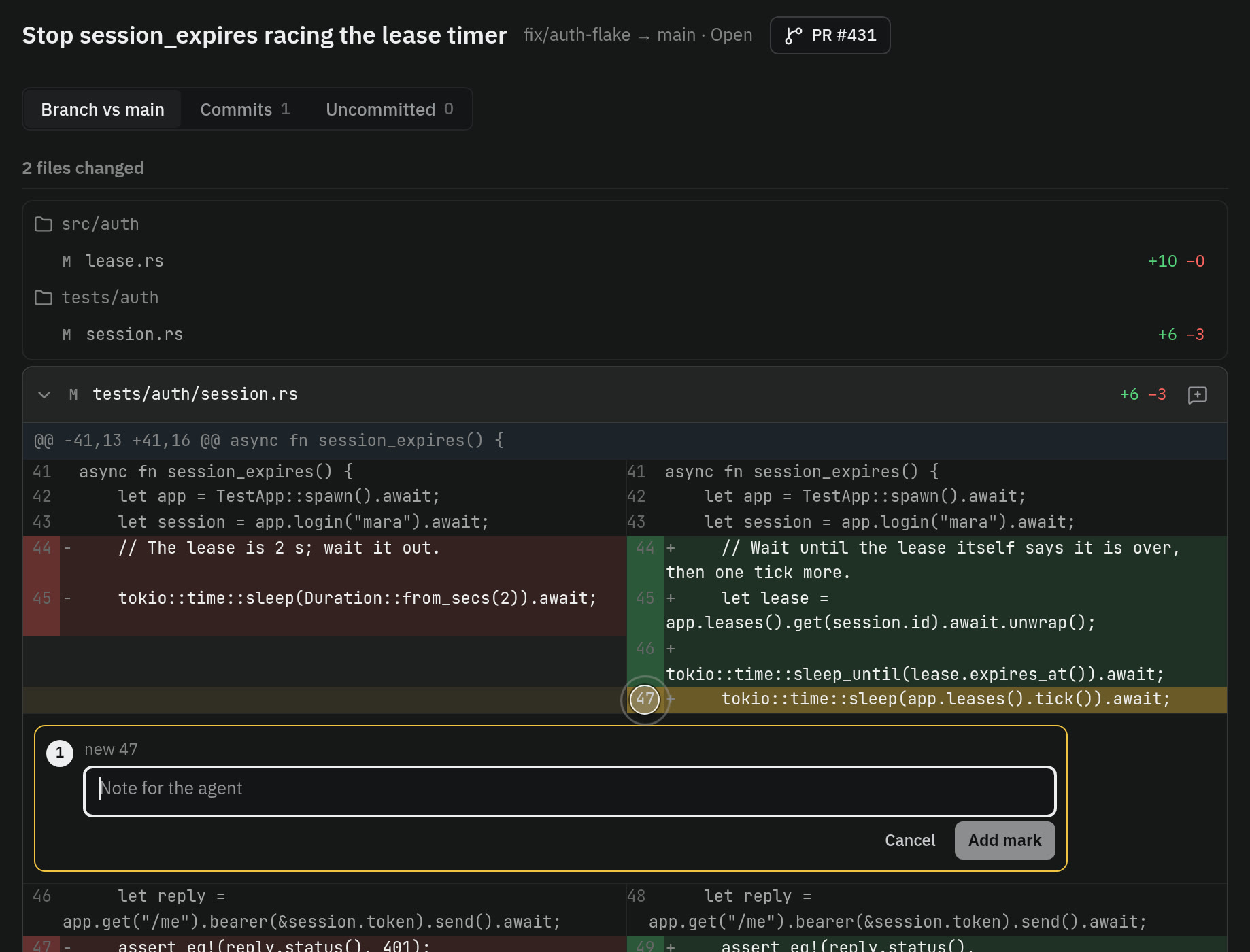
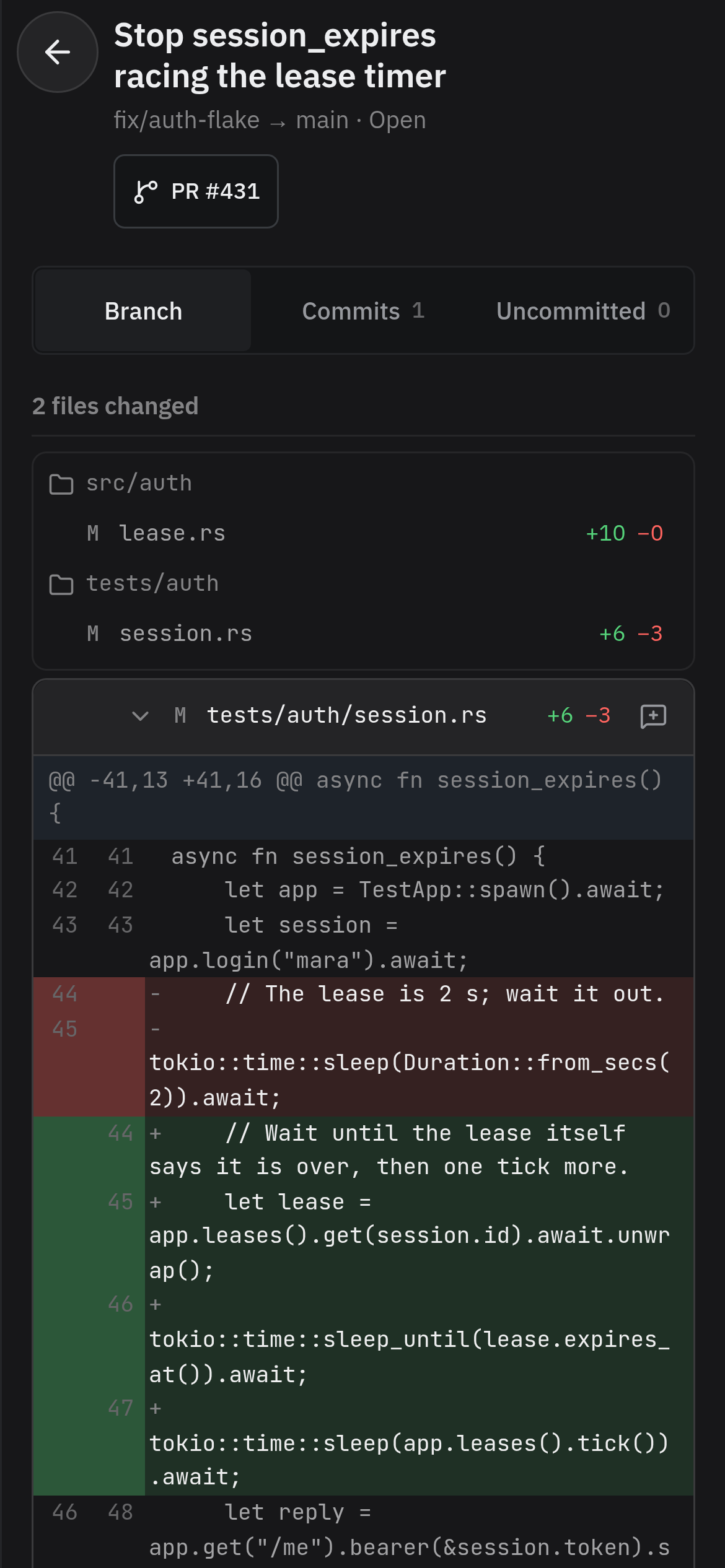
  • An agent's change on a phone: the files it touched and the diff of one of them, with a button on each line to mark it

    Changes

    At your desk

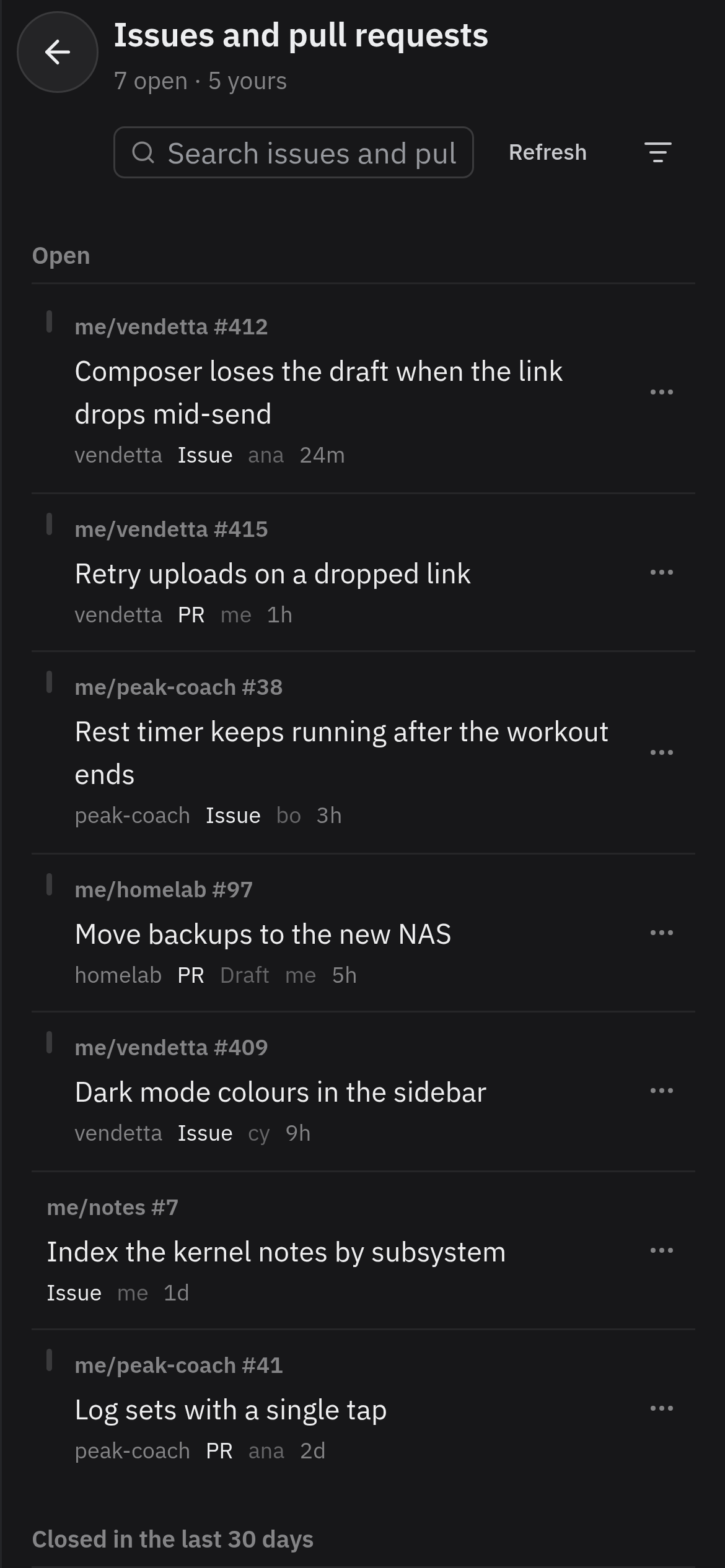
  • The Issues page: open issues and pull requests from several repositories, each with its project, kind, and age, under filters for project, kind, state, and role
    The Issues page on a phone: open issues and pull requests from several repositories, with filters above the list

    Issues and pull requests

    At your desk

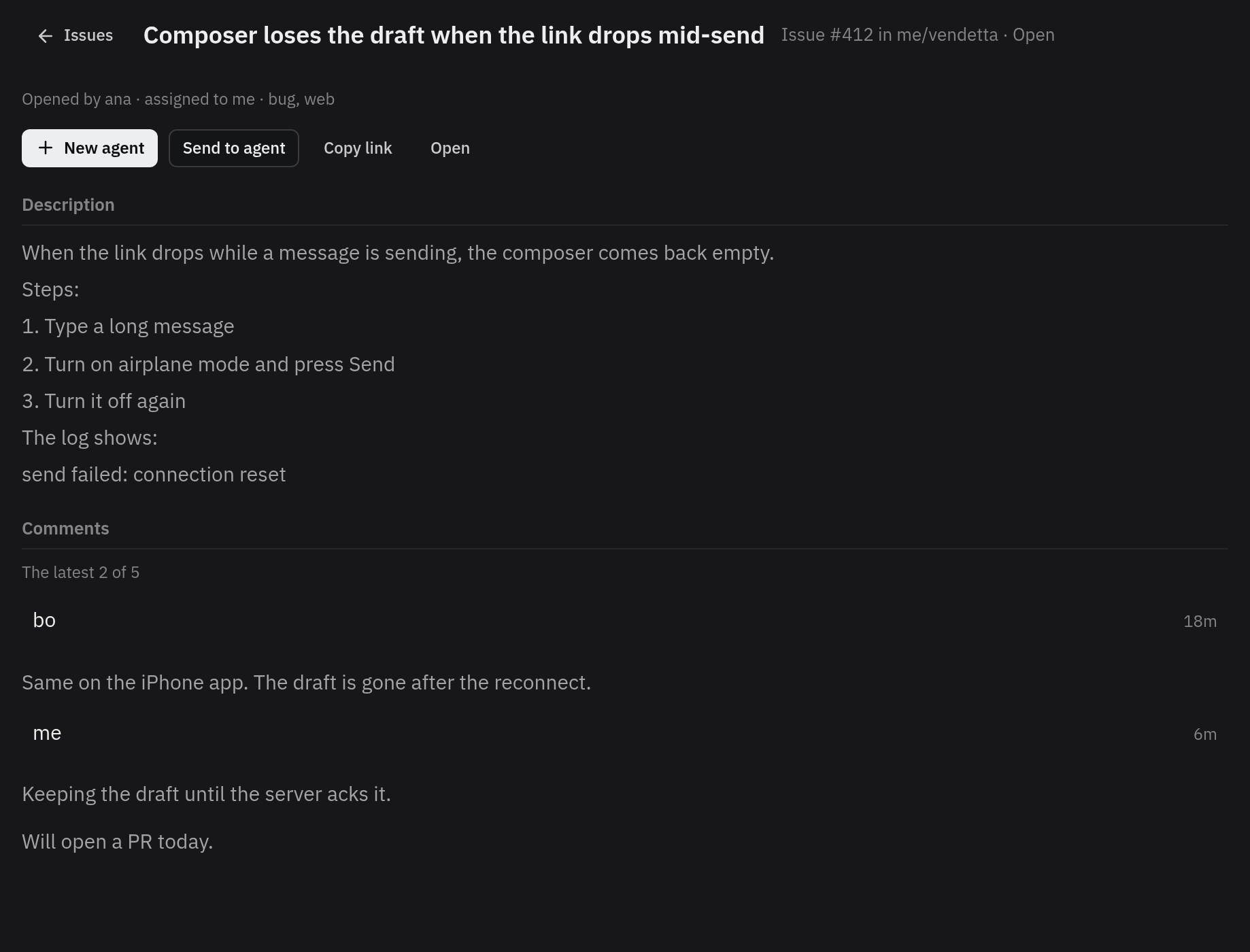
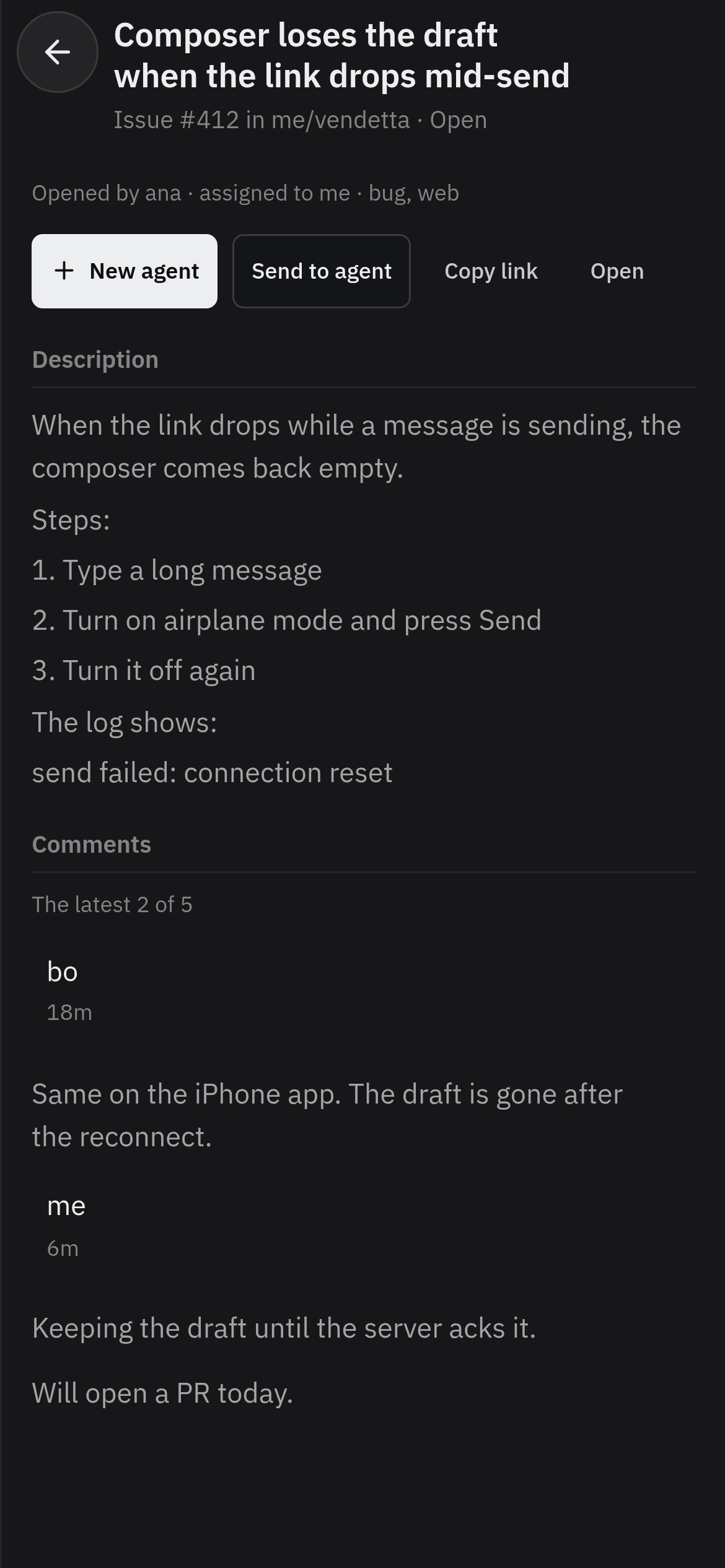
  • One issue's page: New agent, Send to agent, Copy link, and Open above its description and latest comments
    One issue's page on a phone: New agent, Send to agent, Copy link, and Open above its description

    Start an agent on an issue

    At your desk

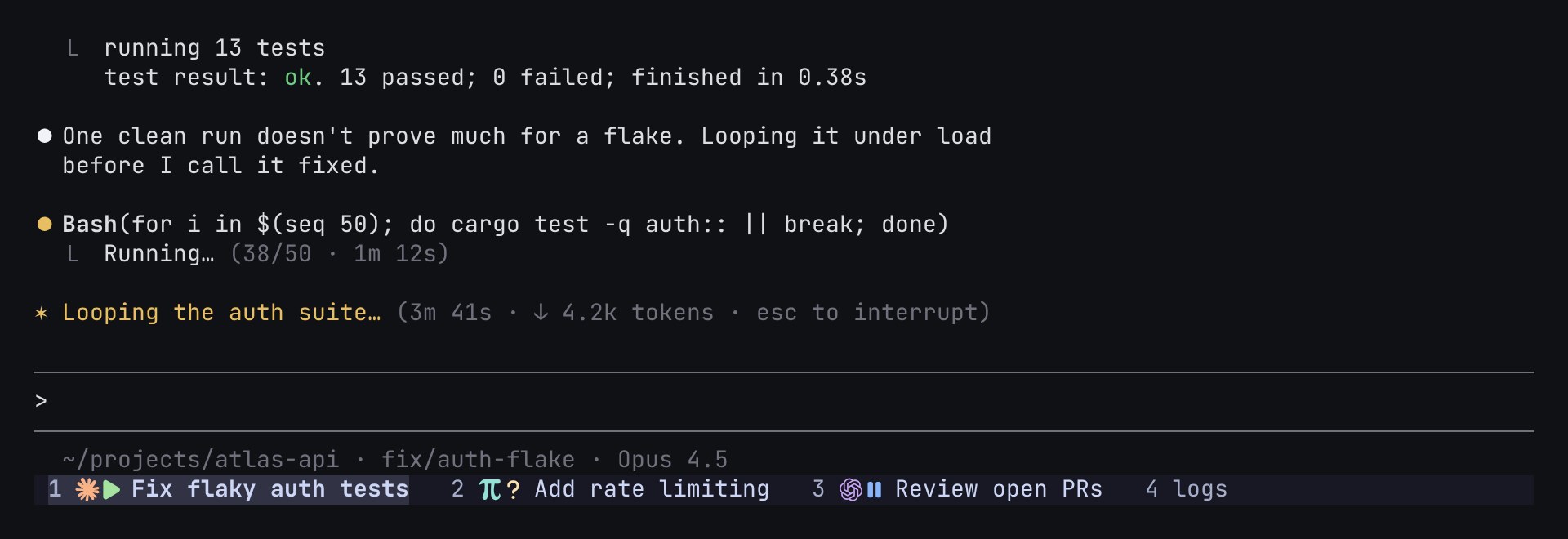
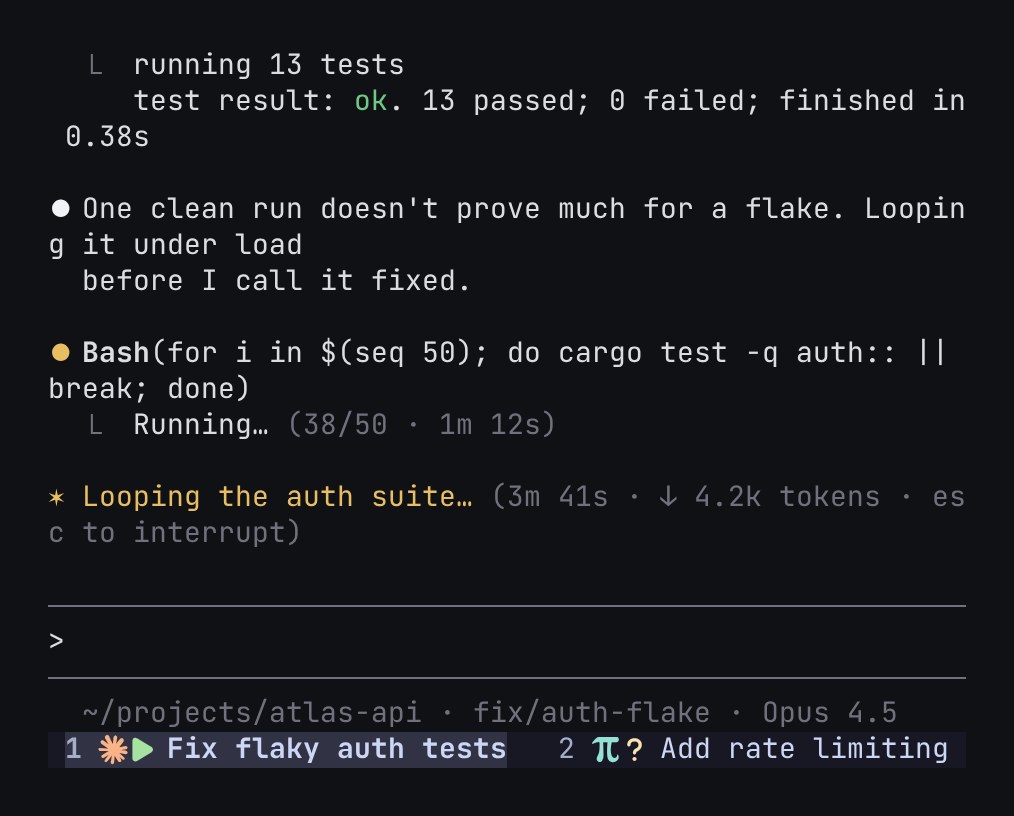
  • Agent states in tmux tabs

    At your desk

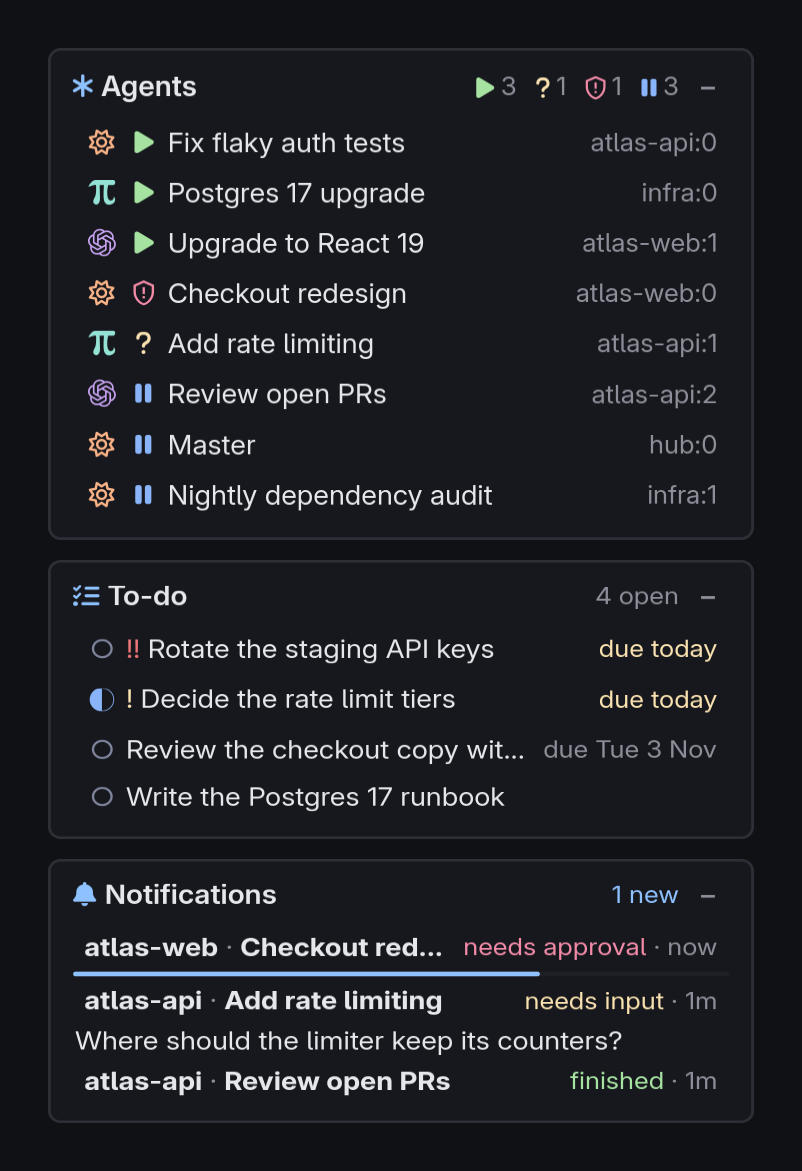
  • The desktop HUD: a card listing eight agents with their states, a to-do card with four tasks, and a notifications card where one agent needs approval and another asks a question

    Desktop HUD

    At your desk

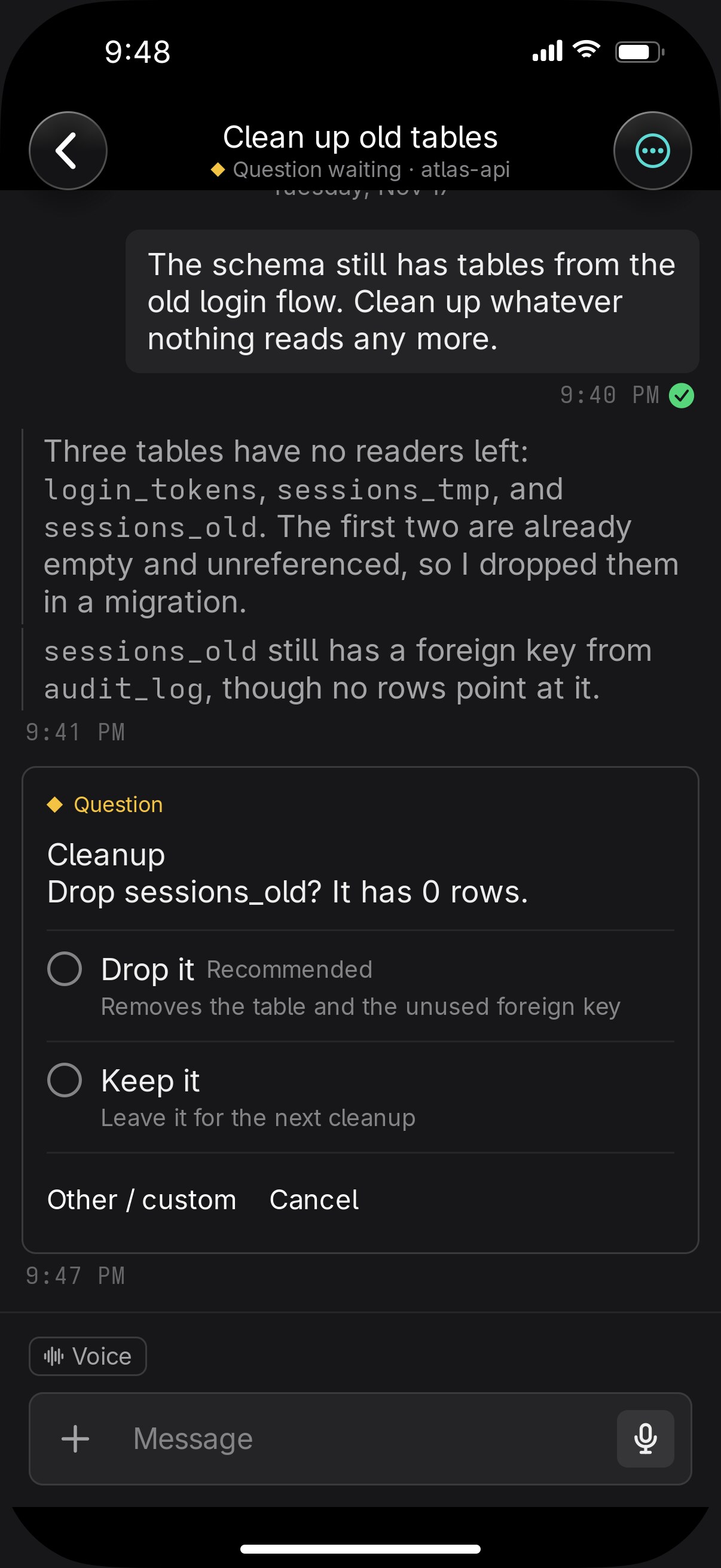
  • Questions as cards

    Away from it

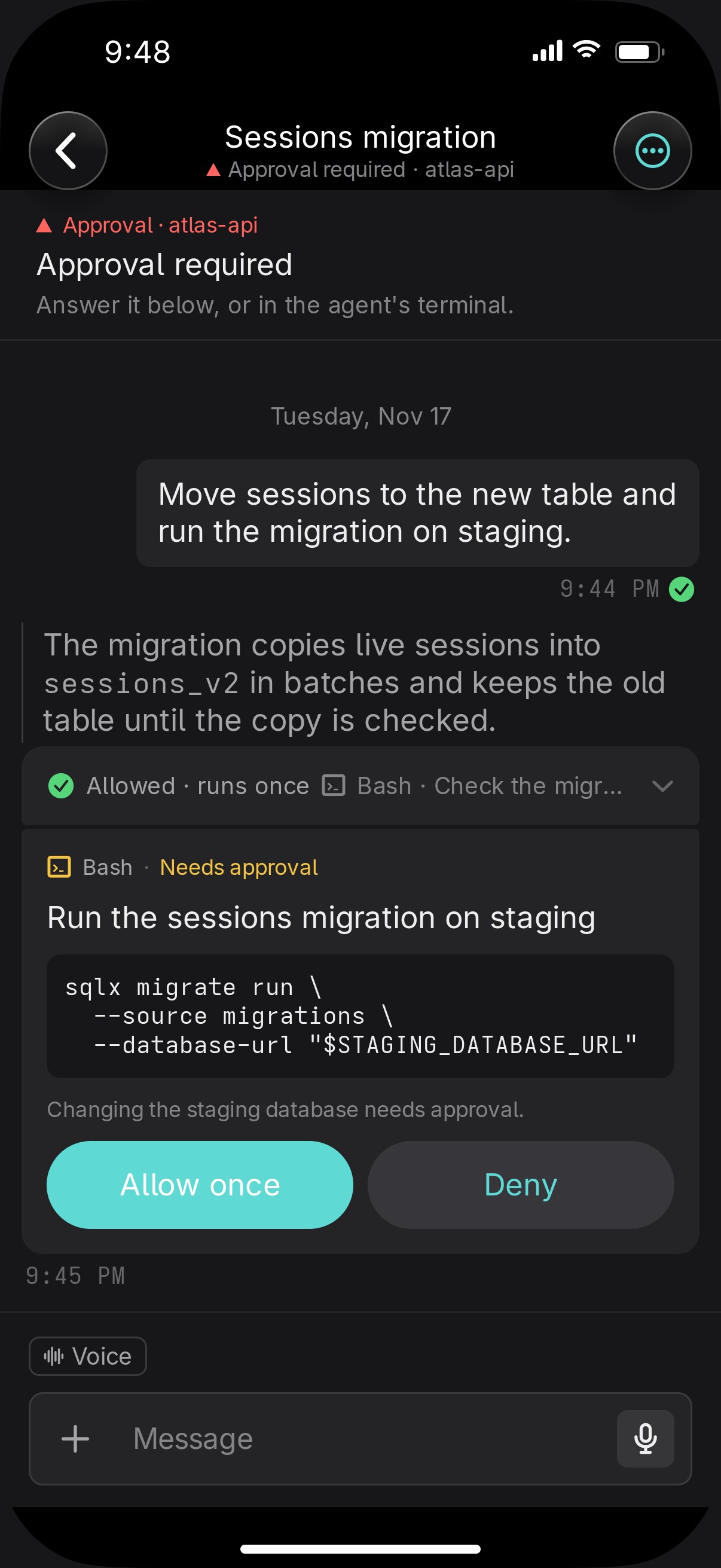
  • Approvals

    Away from it

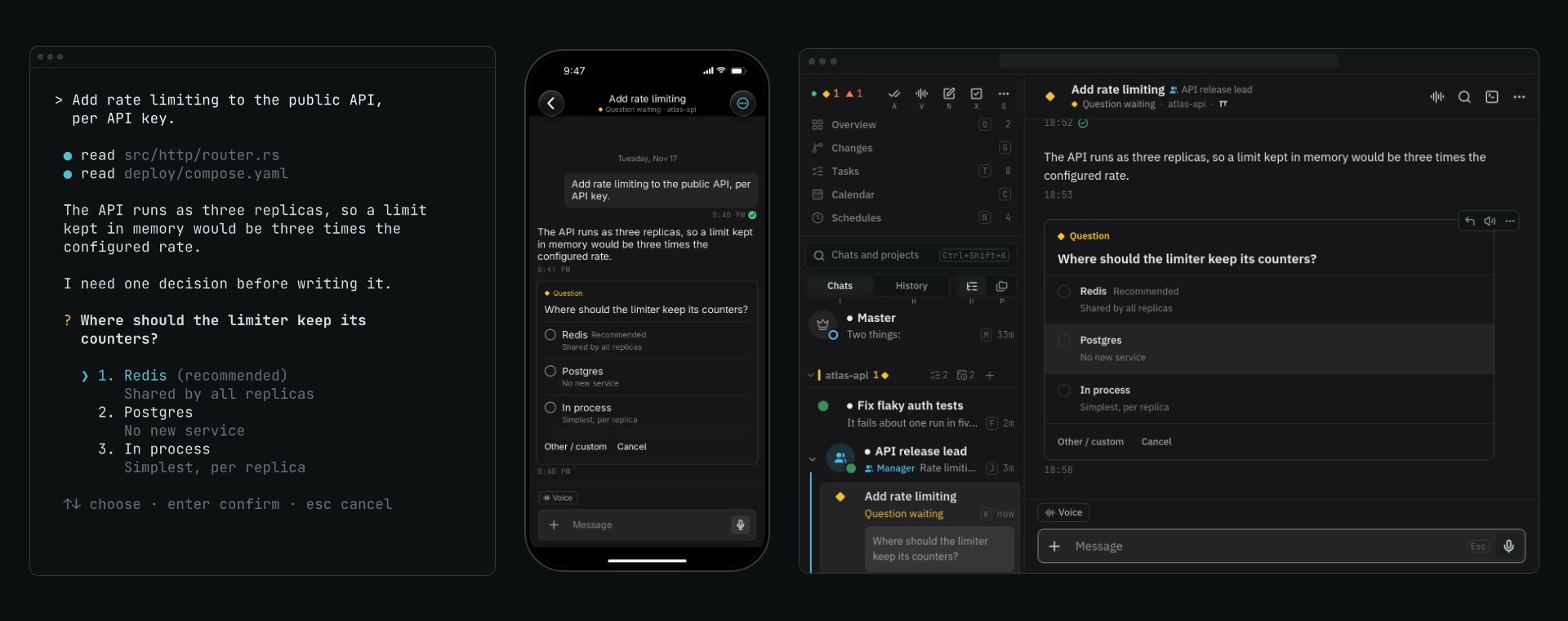
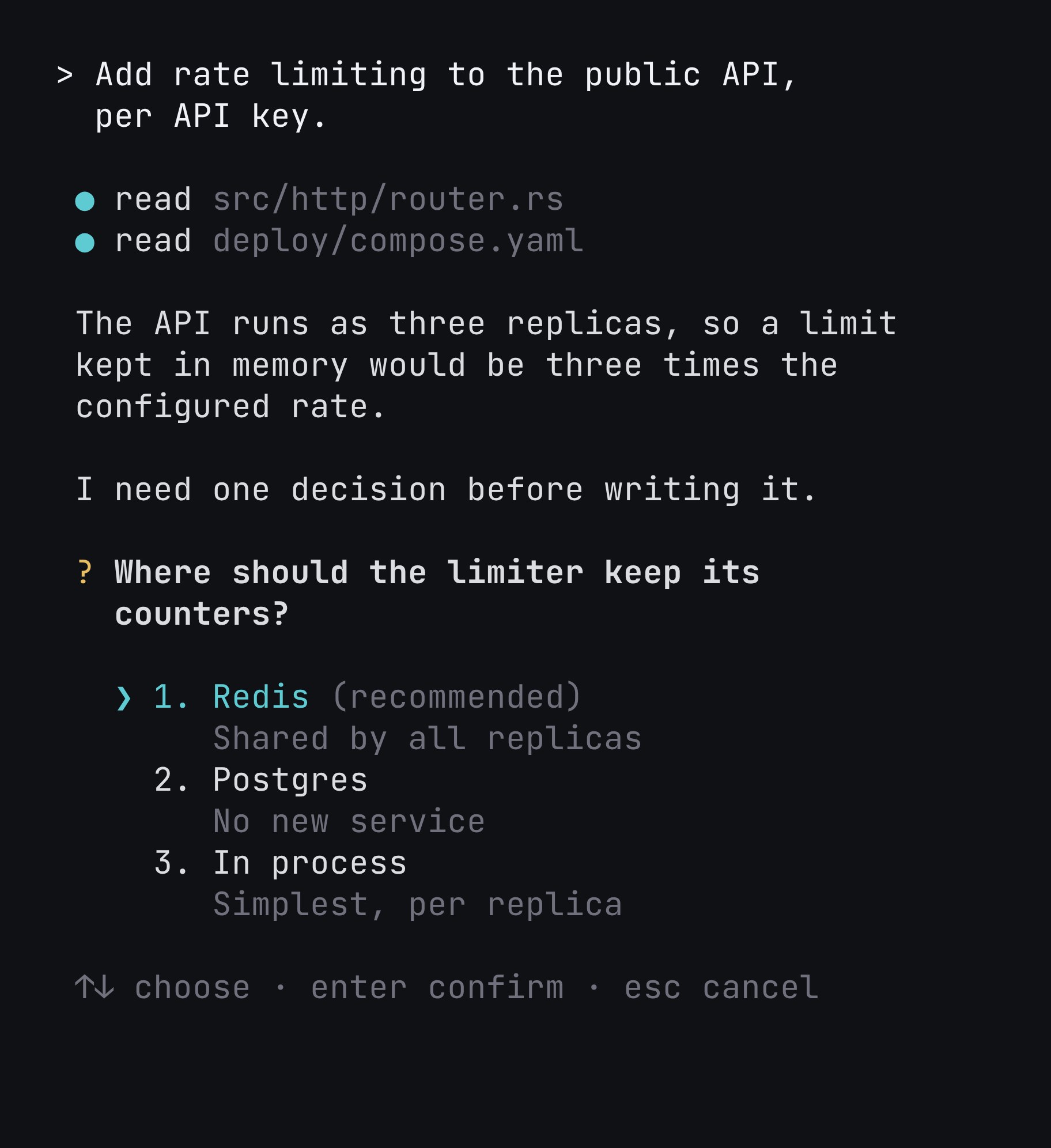
  • An agent in its own terminal pane: it reads a deploy file, asks where the limiter should keep its counters with three options, and once Redis is answered it writes the limiter
    Your terminal
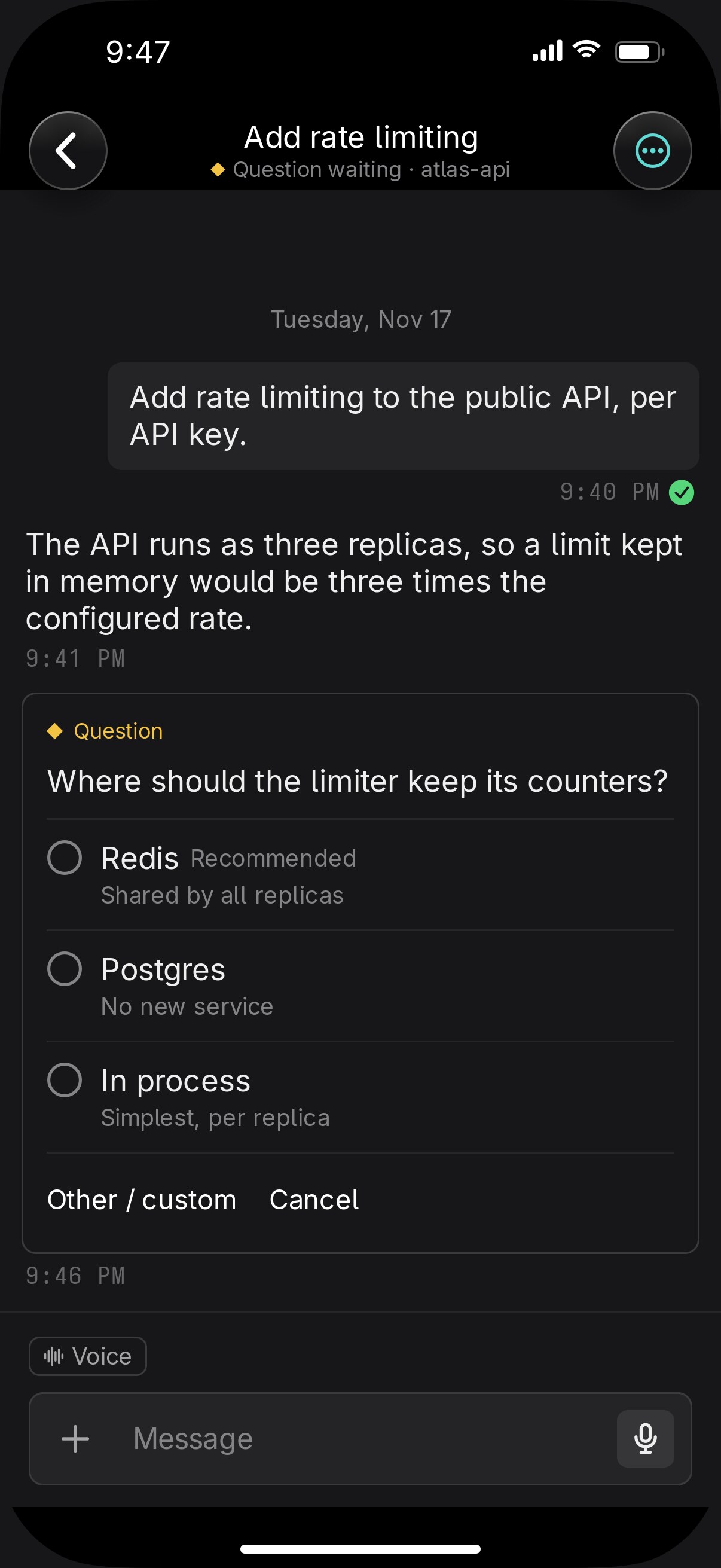
    On iPhone, an agent adding rate limiting is working; it asks where the limiter should keep its counters, Redis is chosen, and it works on. Shown as a sequence of states.
    Your iPhone
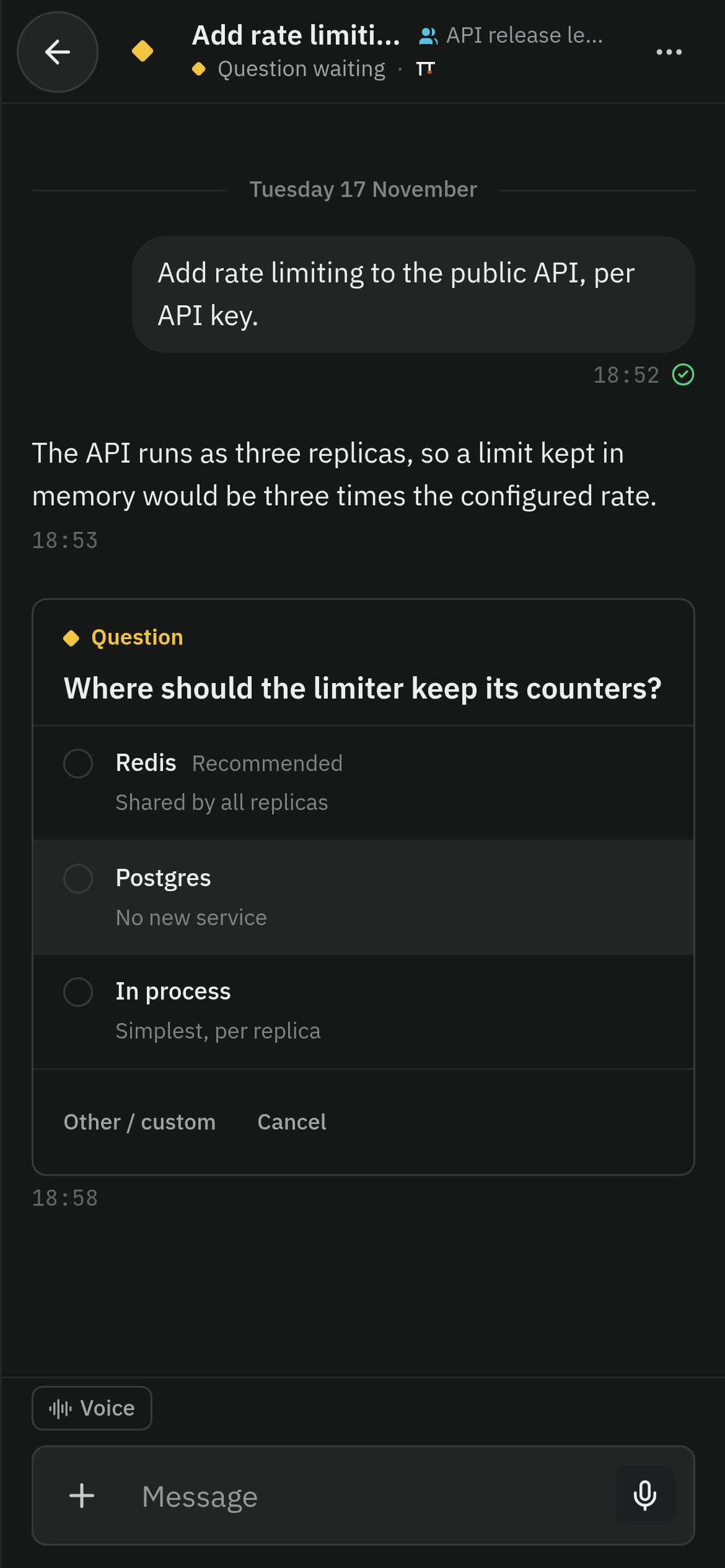
    In the web client on a phone, an agent that was working asks where the limiter should keep its counters; Redis is tapped and the agent works on
    A browser

    One conversation on every screen
    Away from it

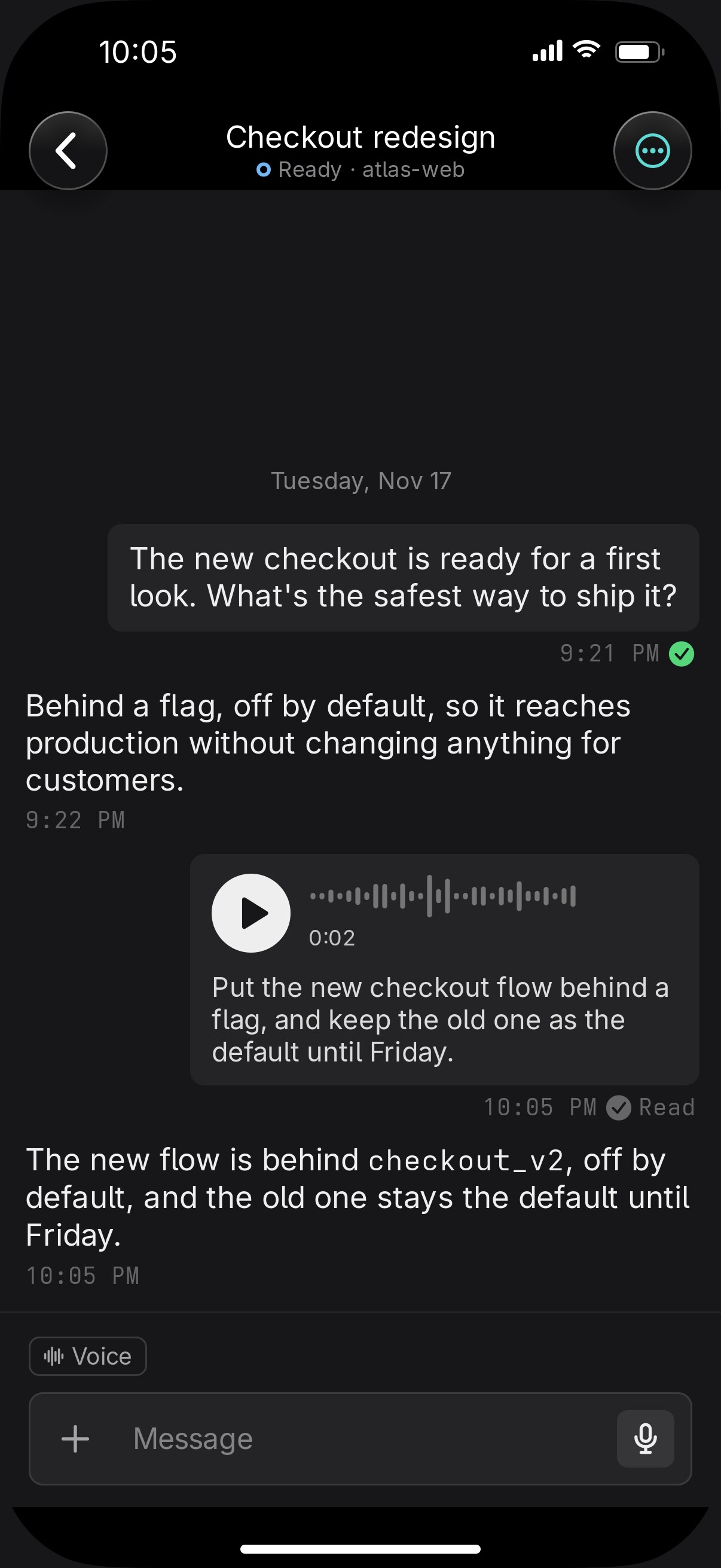
  • Voice notes

    Away from it

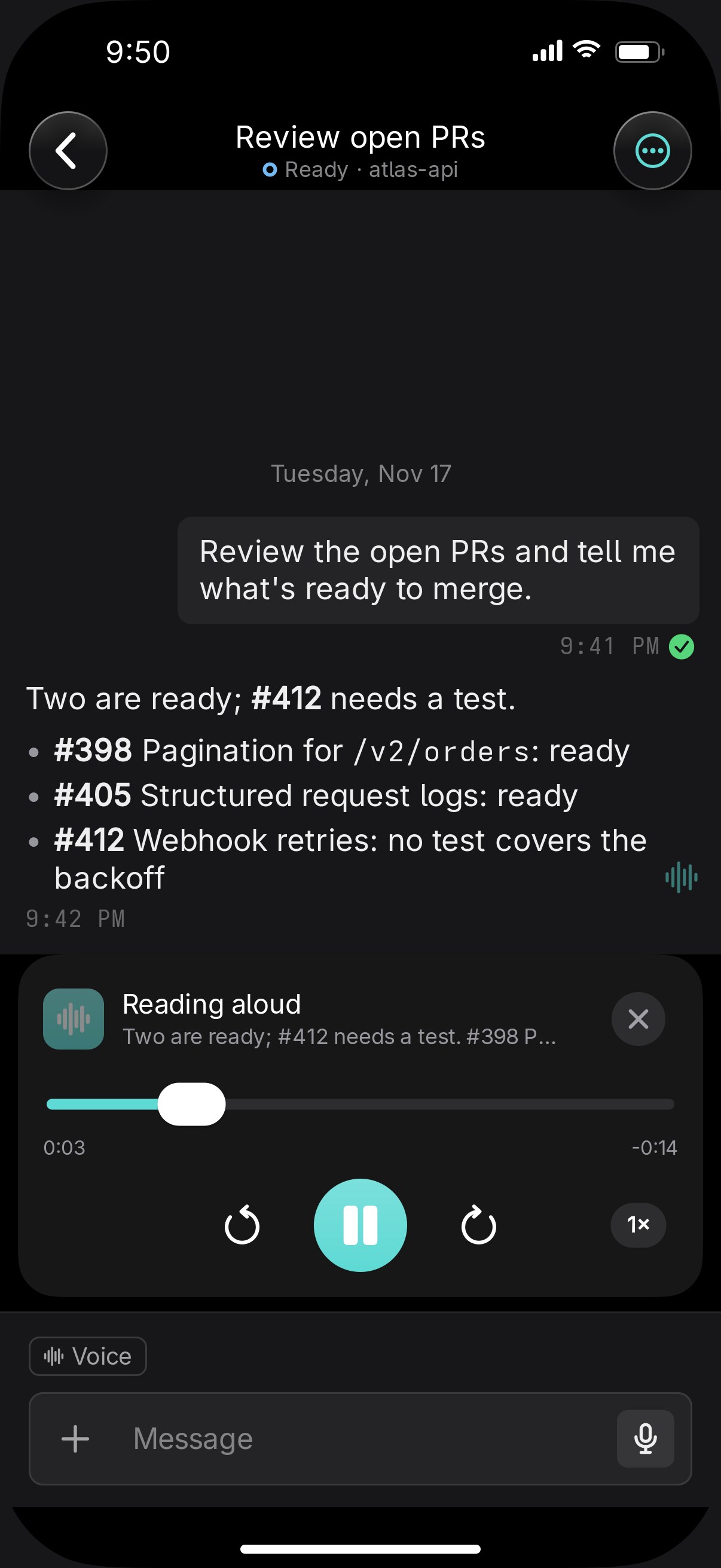
  • Listen

    Away from it

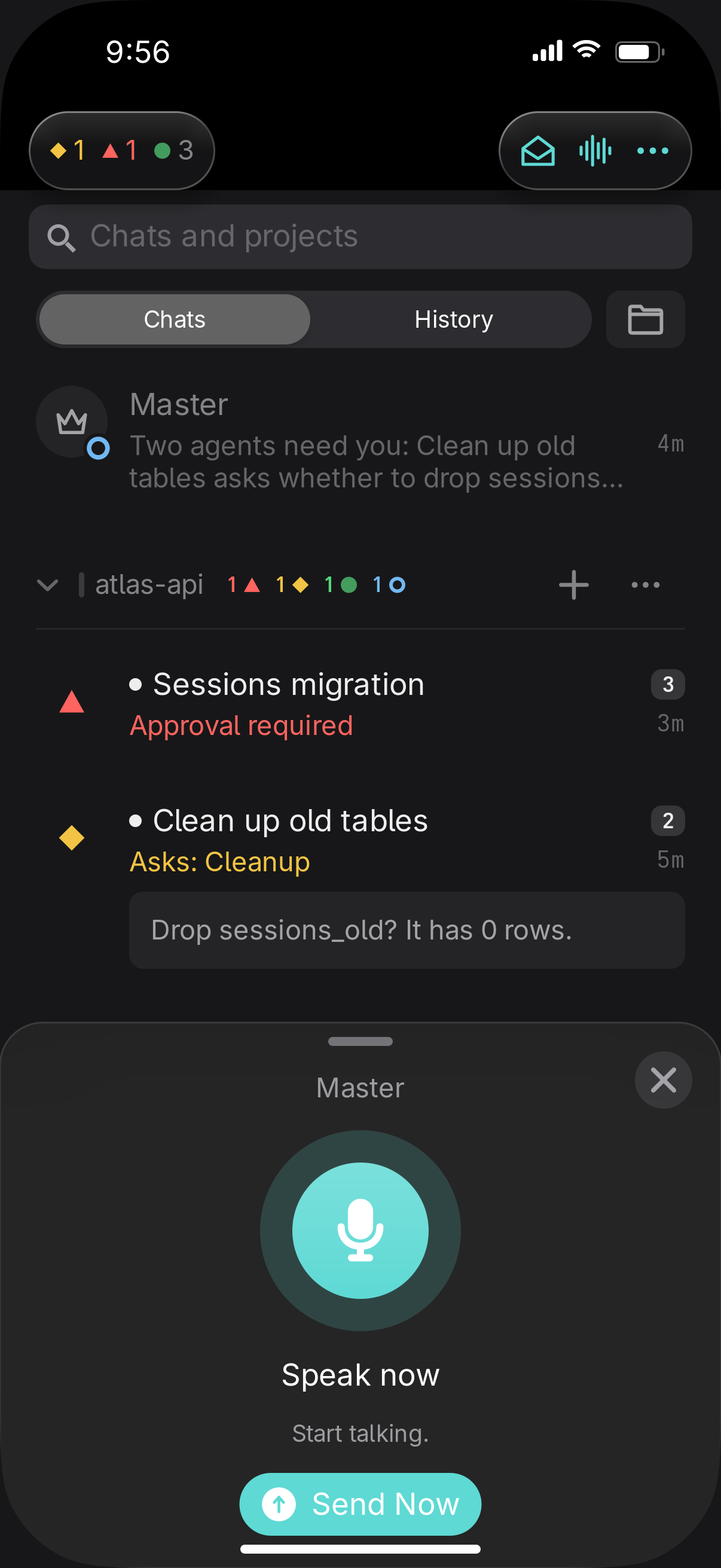
  • Voice mode with the Master on iPhone: a sheet over the chat list with a microphone, Speak now, and Send Now

    Voice mode

    Away from it

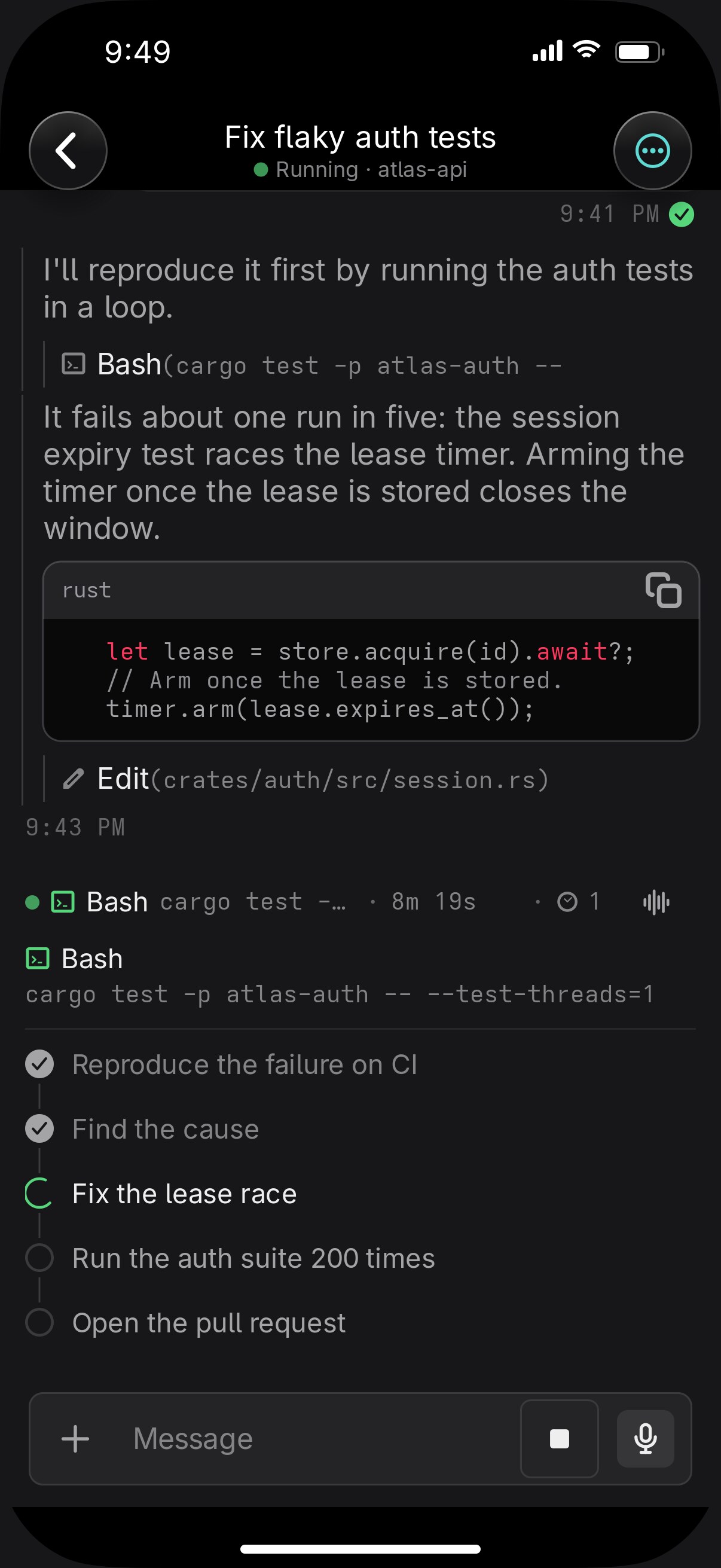
  • The working line and the plan

    Away from it

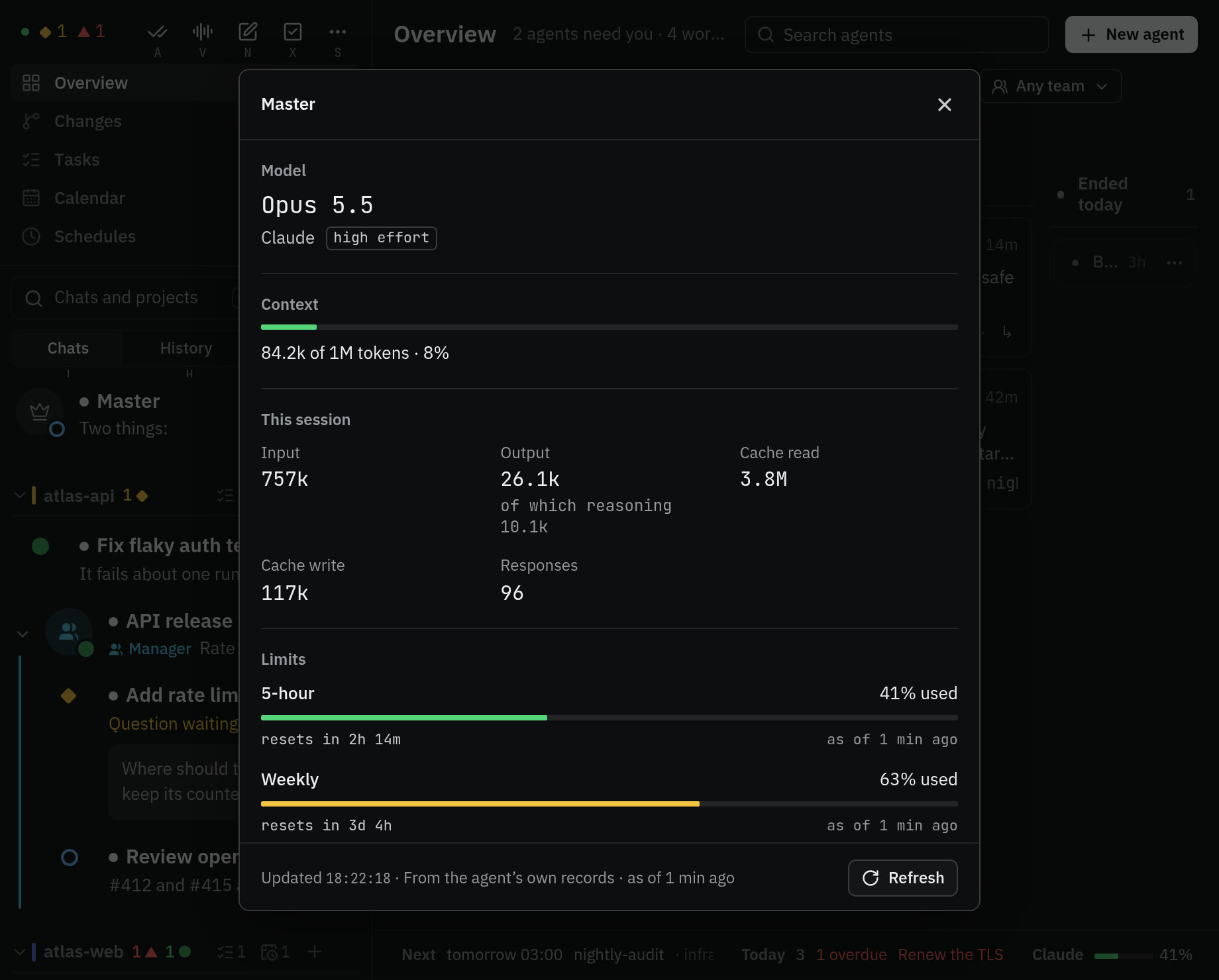
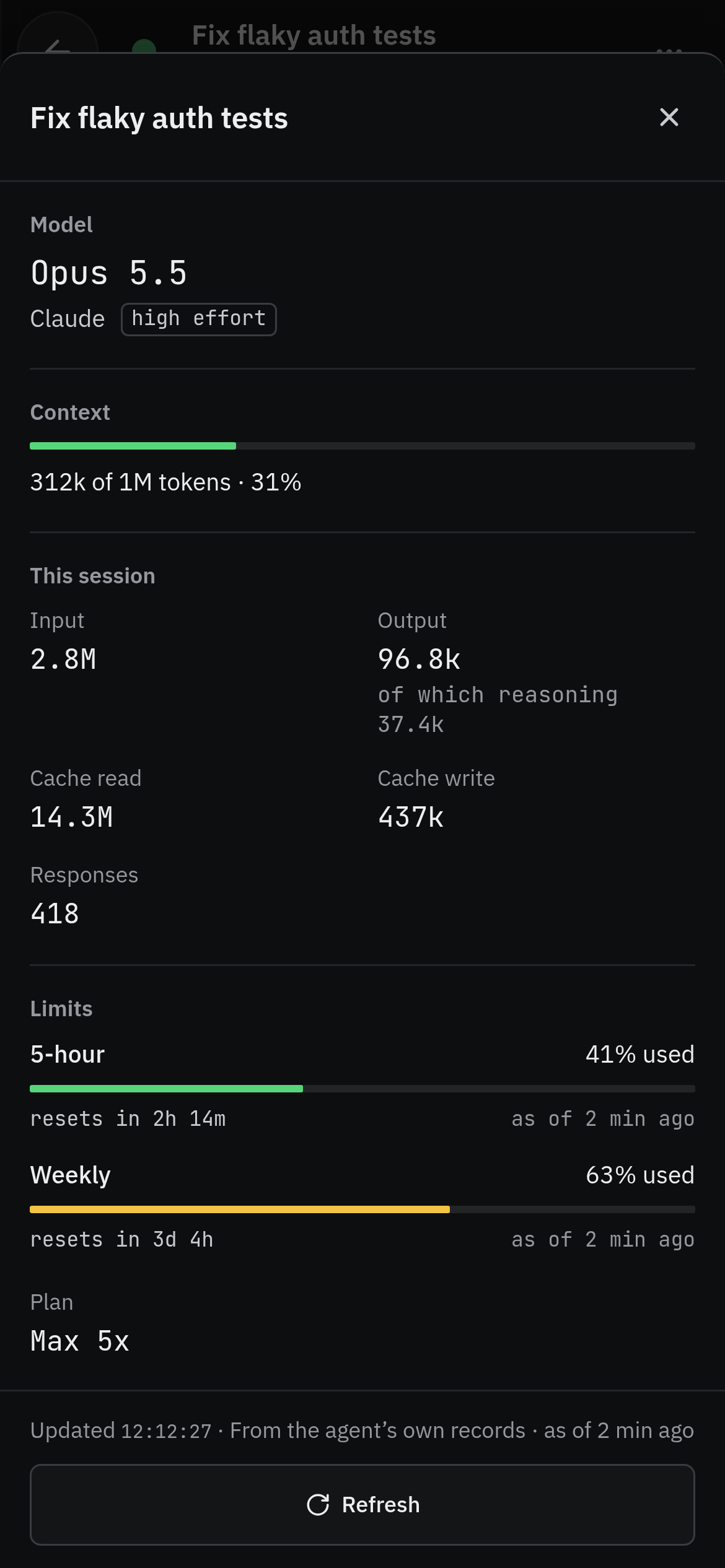
  • Usage and context on a phone, from a chat's menu: the model, how full its context is, and the 5-hour and weekly limits with their reset times

    Usage

    Away from it

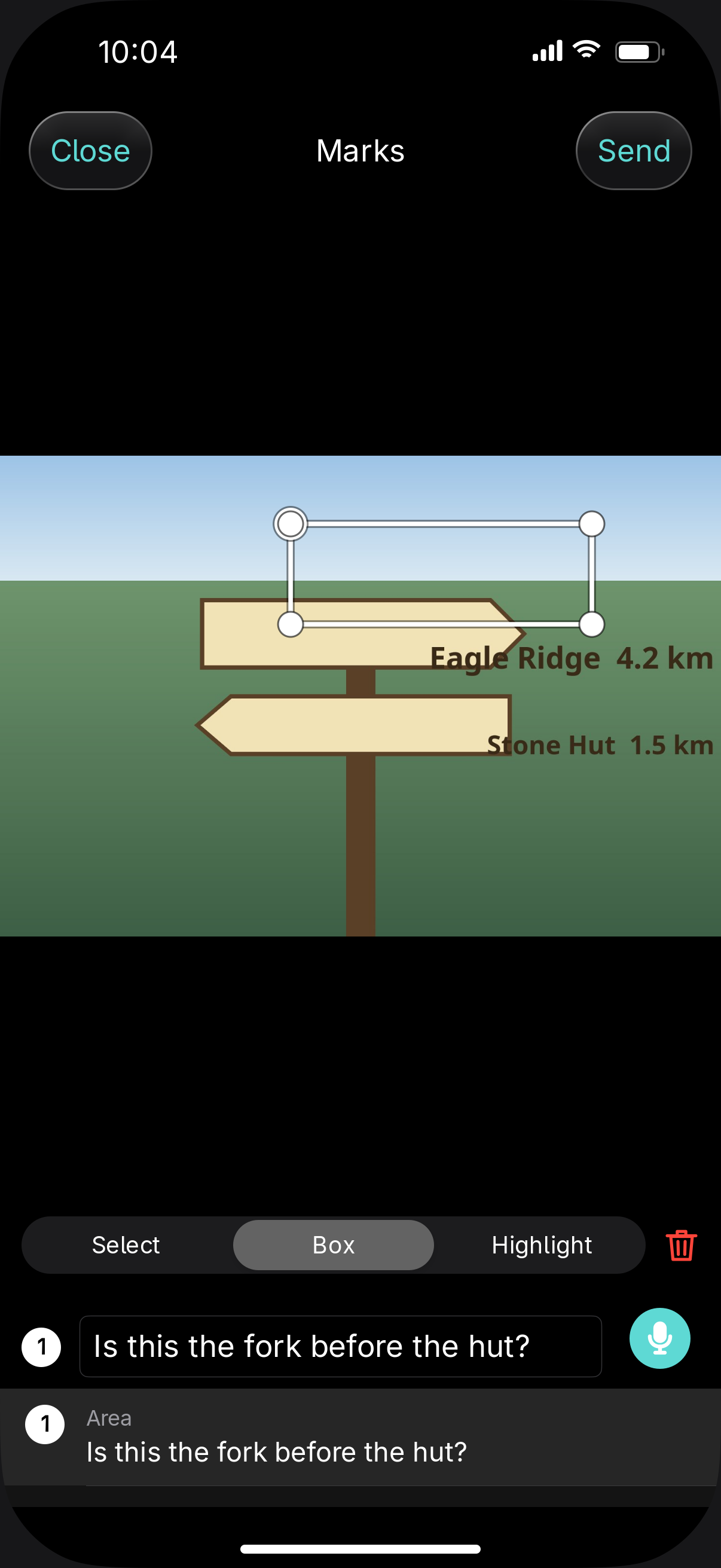
  • The marks editor on a photo on iPhone: a box drawn on a trail sign with the note Is this the fork before the hut?, listed as mark 1

    Marks on photos

    Away from it

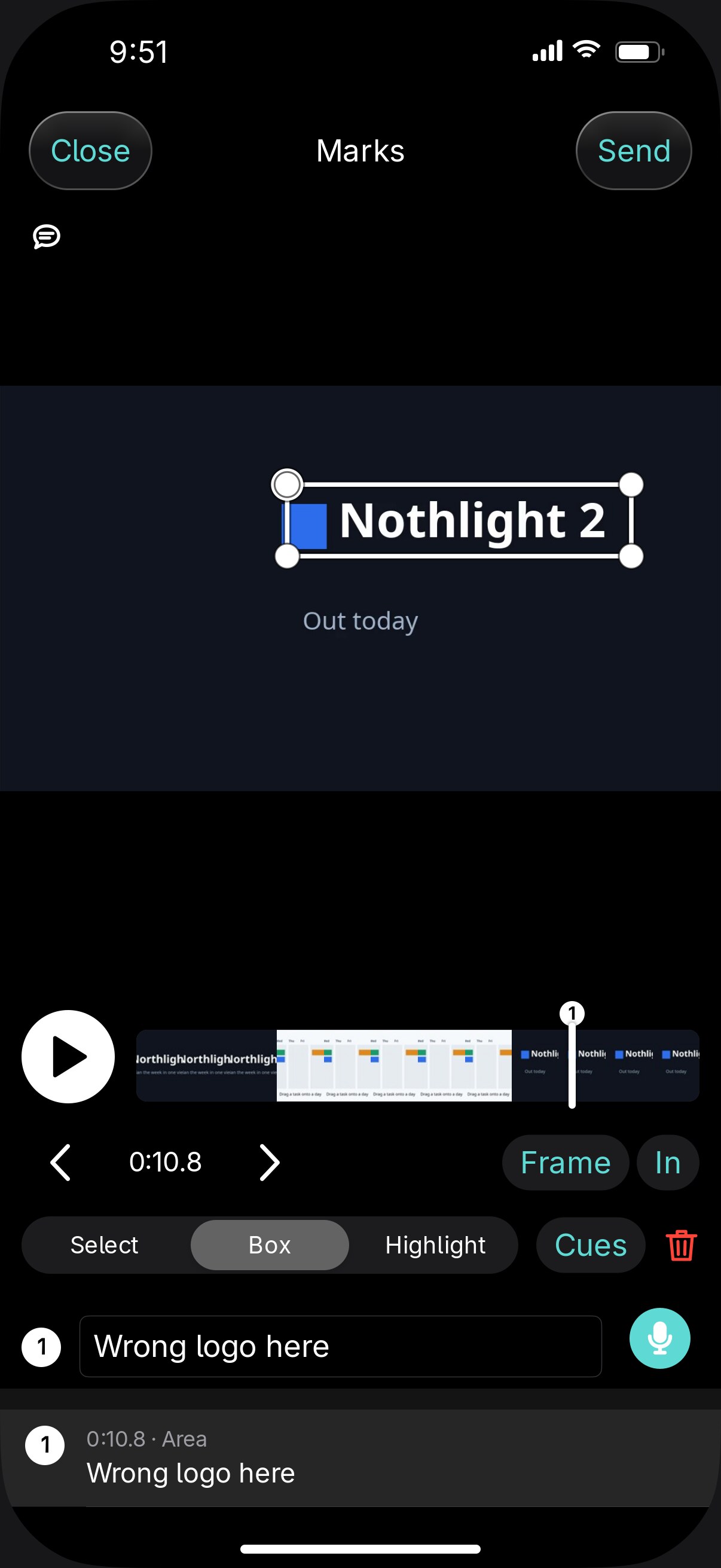
  • Marks on video

    Away from it

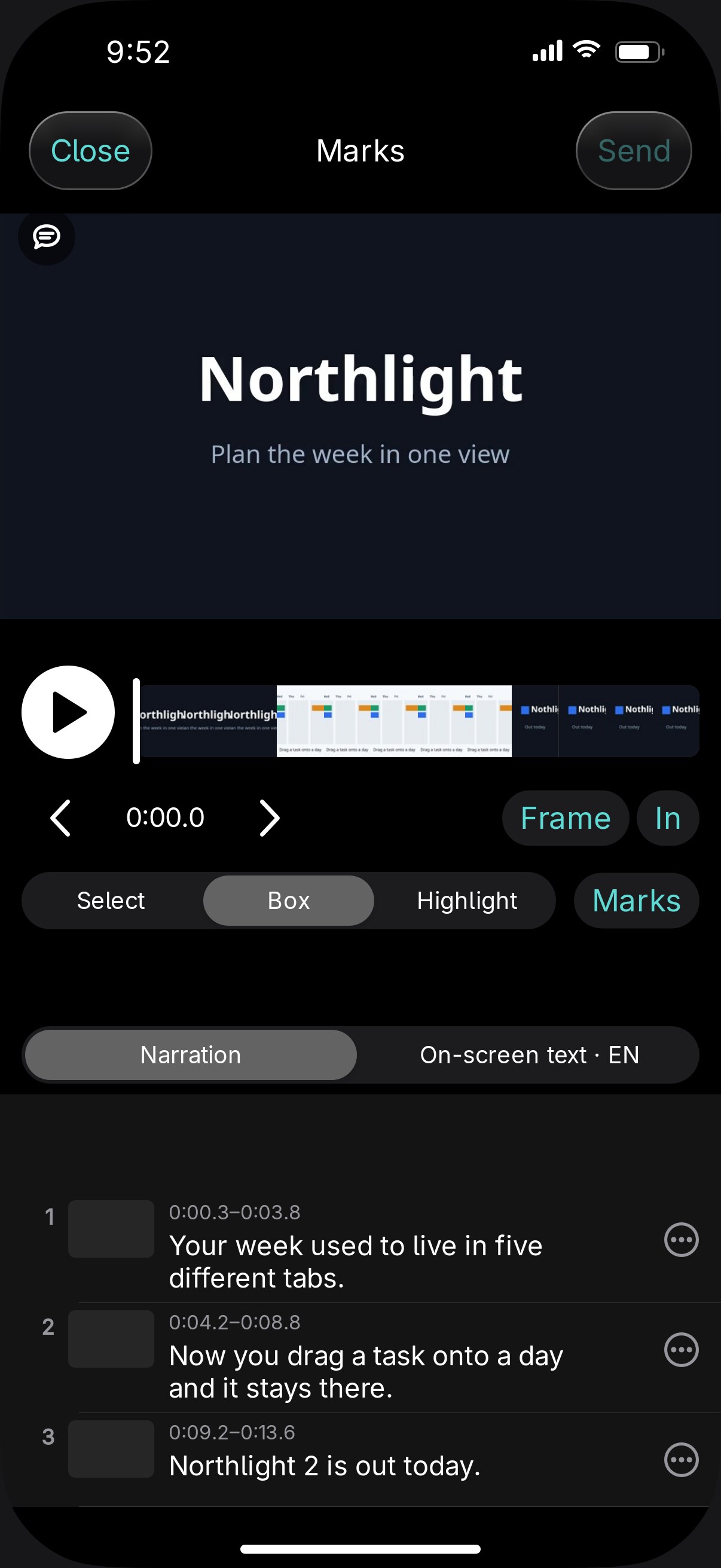
  • Narration and on-screen text

    Away from it

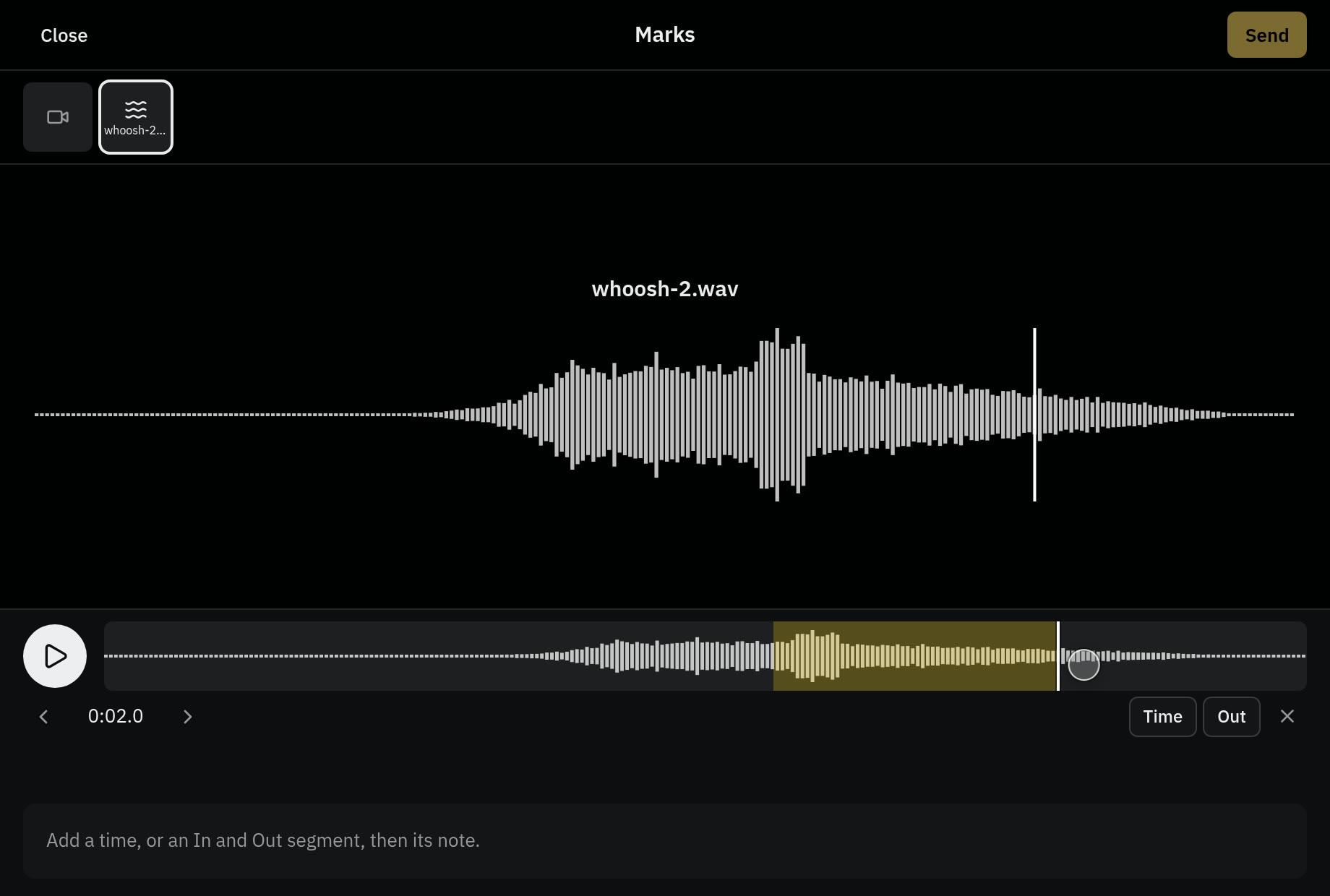
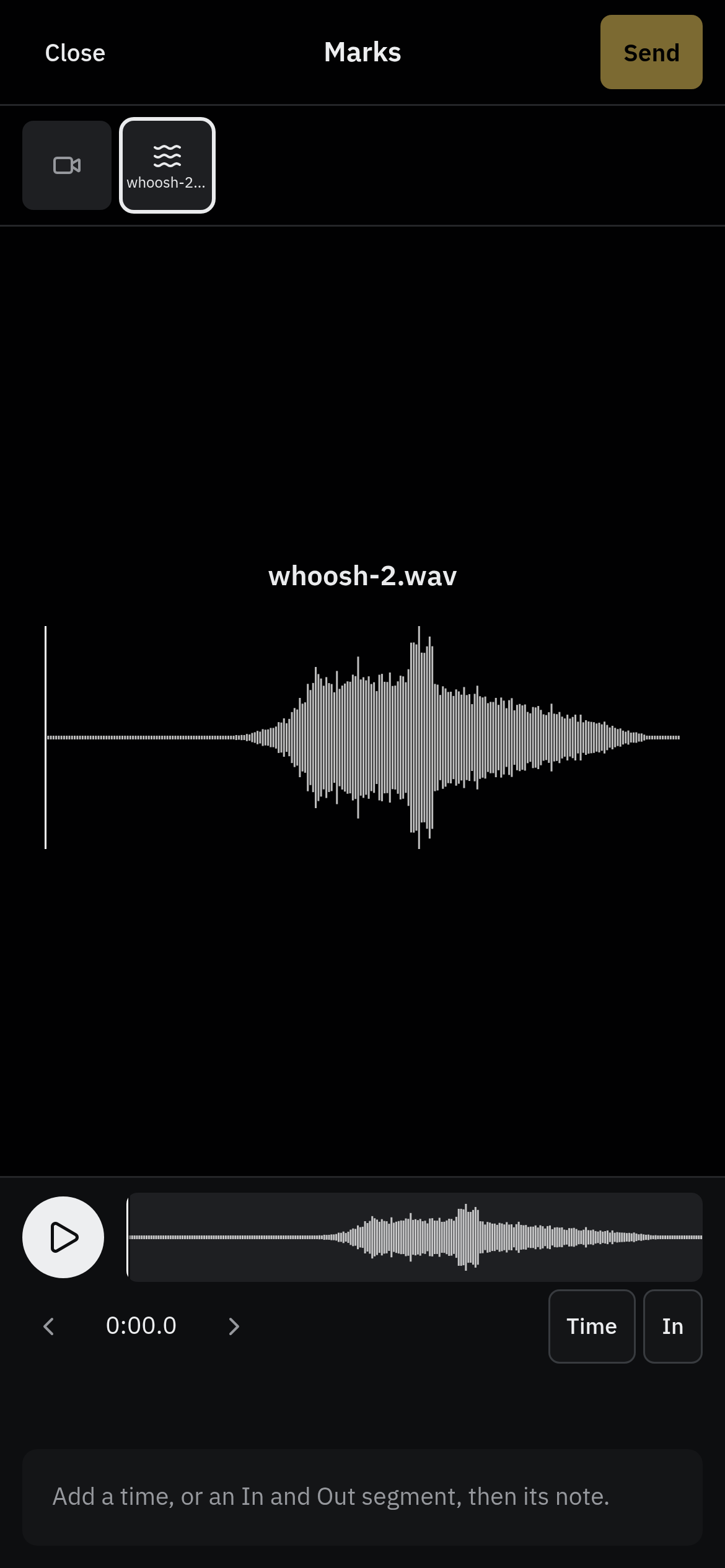
  • A sound effect open in the marks editor on a phone: its waveform, the play control, and the In and Out buttons that mark a segment

    Marks on audio

    Away from it

  • Pages in the chat

    Away from it

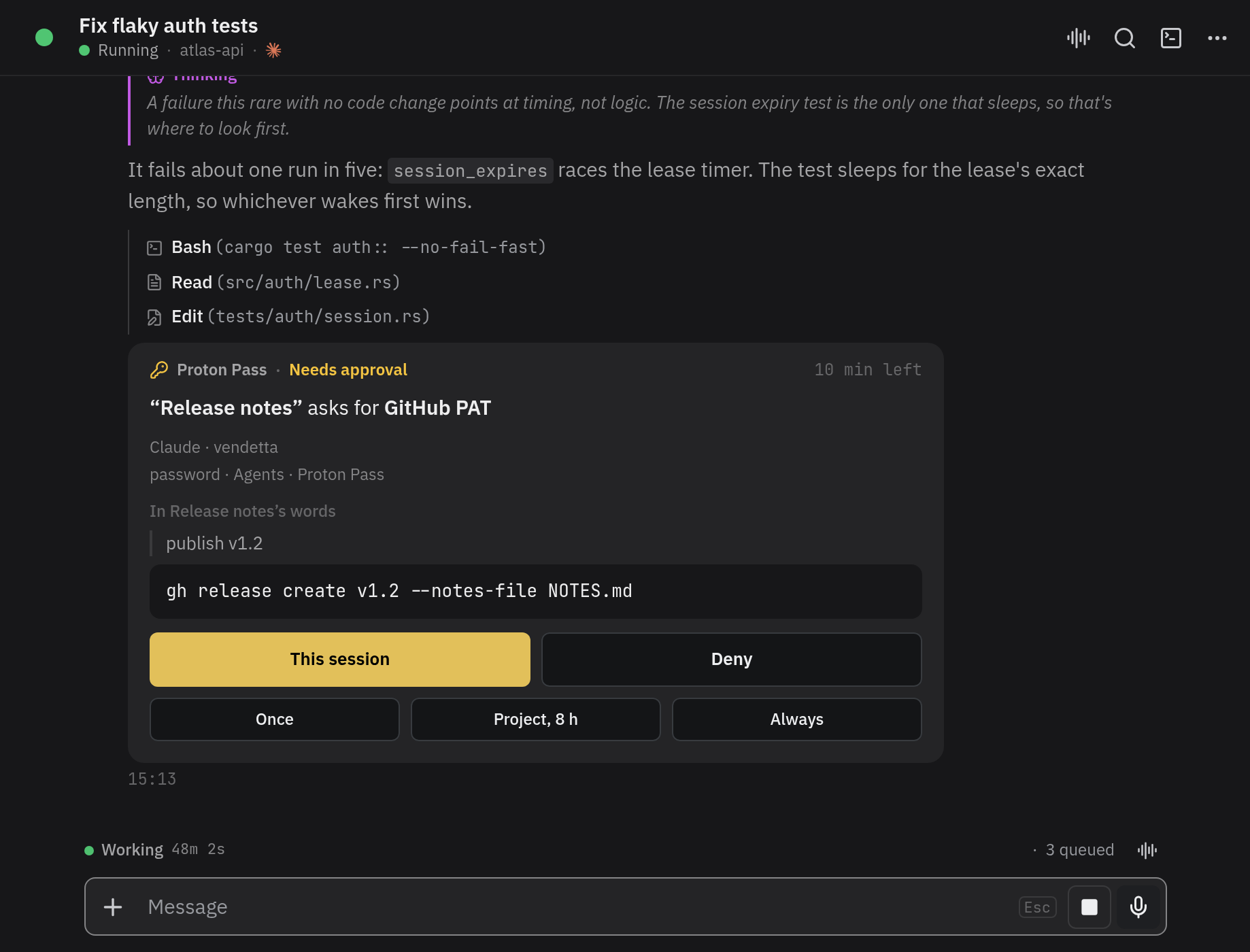
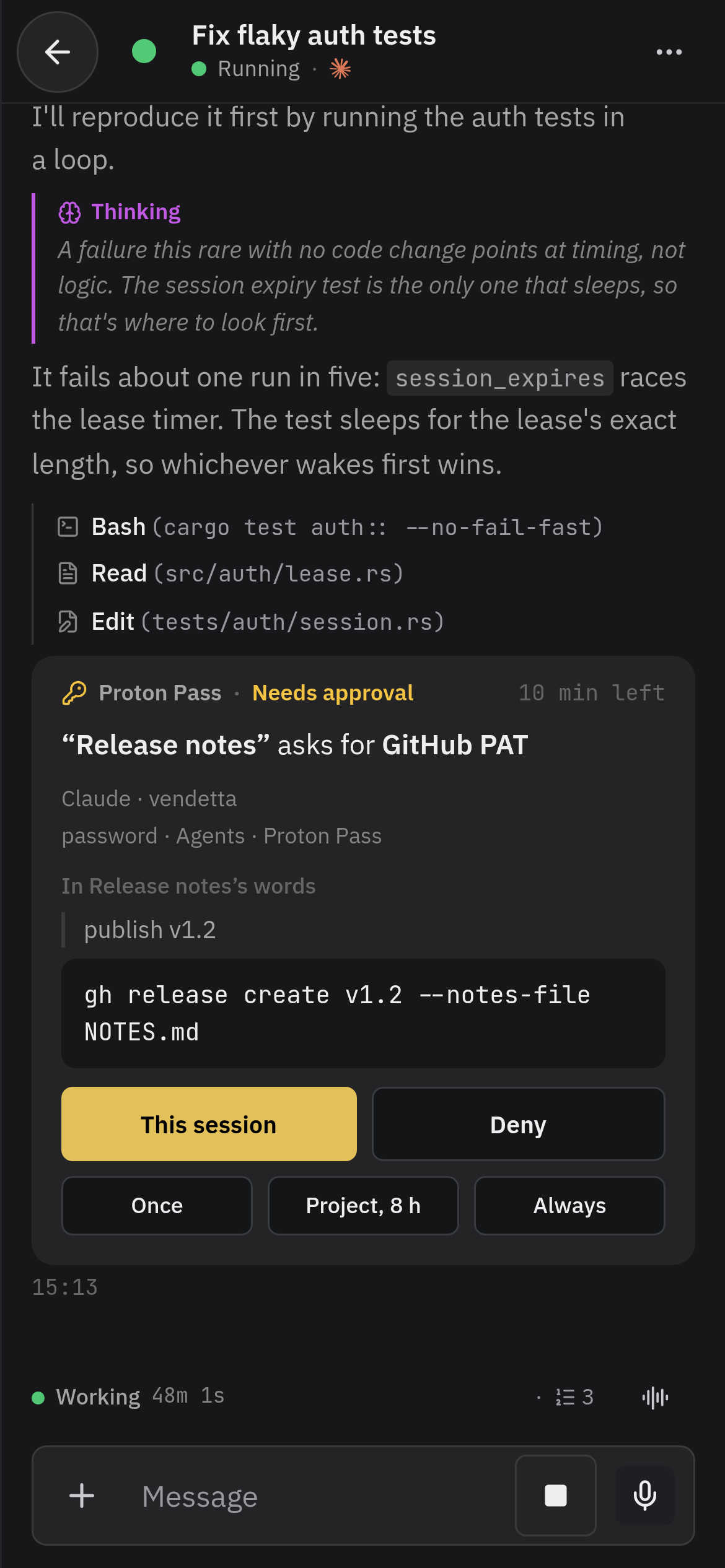
  • An agent's request for a secret, as a card in its chat: the item and its vault, the agent's reason and the command it will run, and This session, Deny, Once, Project, and Always
    On a phone, an agent's request for a secret as a card in its chat, with its reason, its command, and the answers This session, Deny, Once, Project, and Always

    Secrets on a card

    Away from it

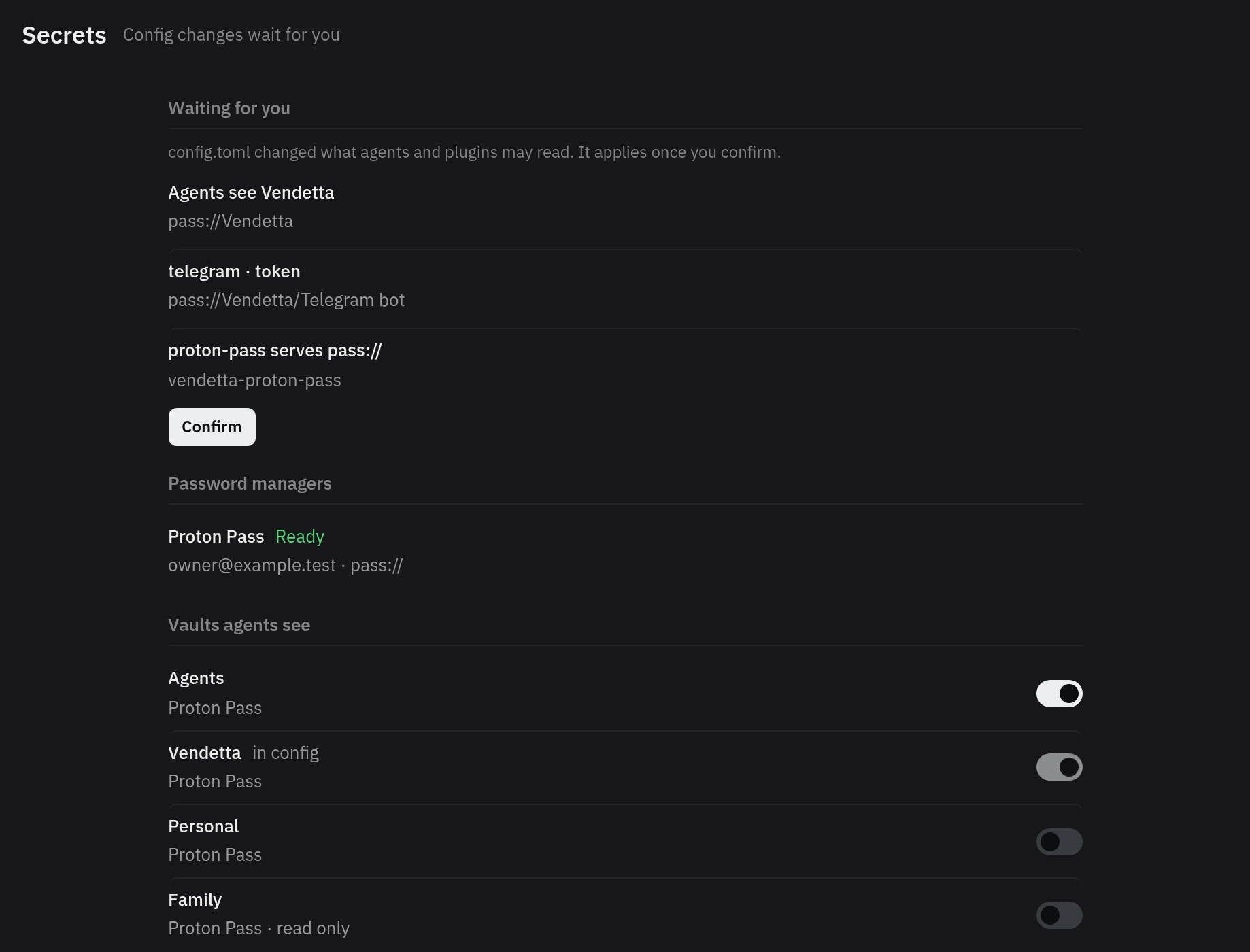
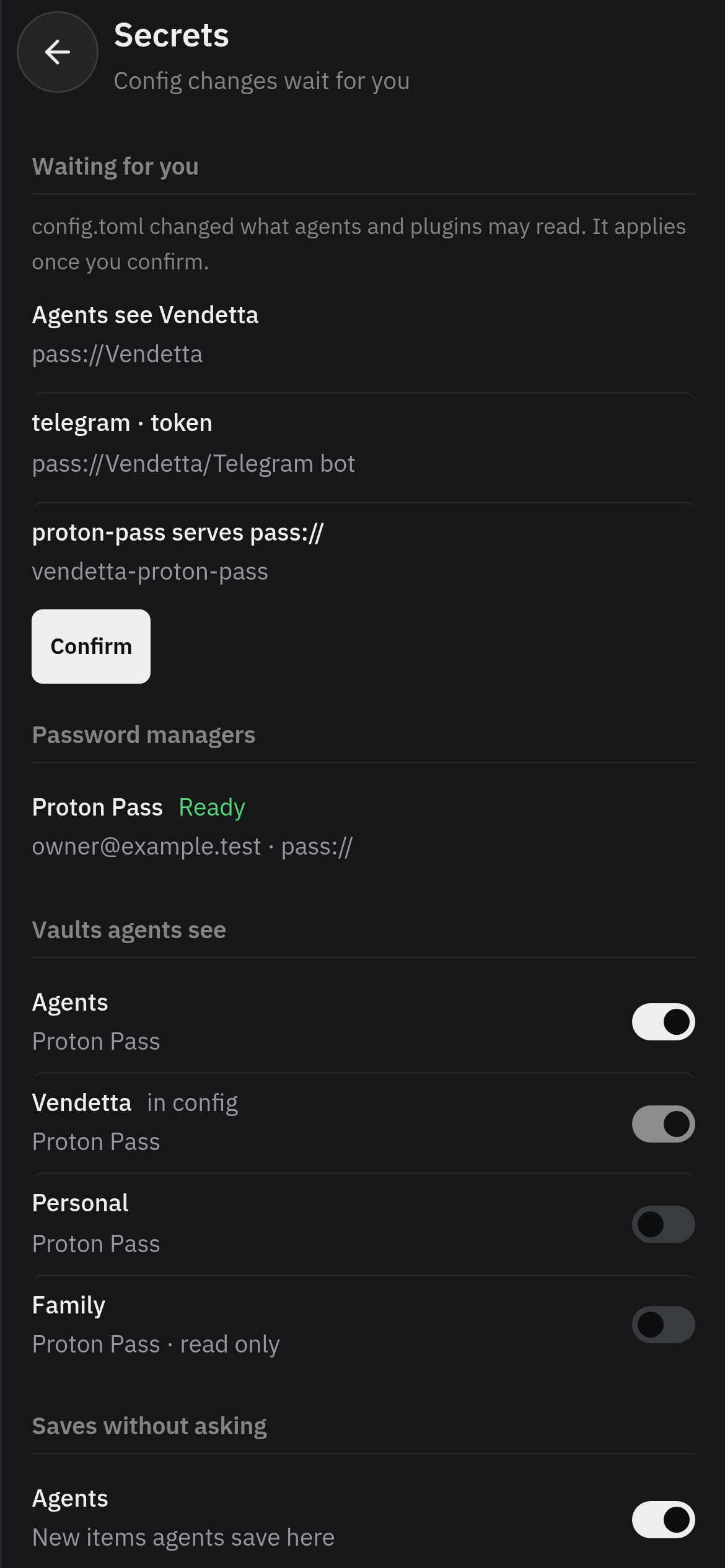
  • Settings, Secrets: a config change waiting for Confirm, the password manager and its state, and a switch for each vault agents see
    Settings, Secrets on a phone: a config change waiting for Confirm, the password manager, and the vaults agents see

    Grants and the audit

    Away from it

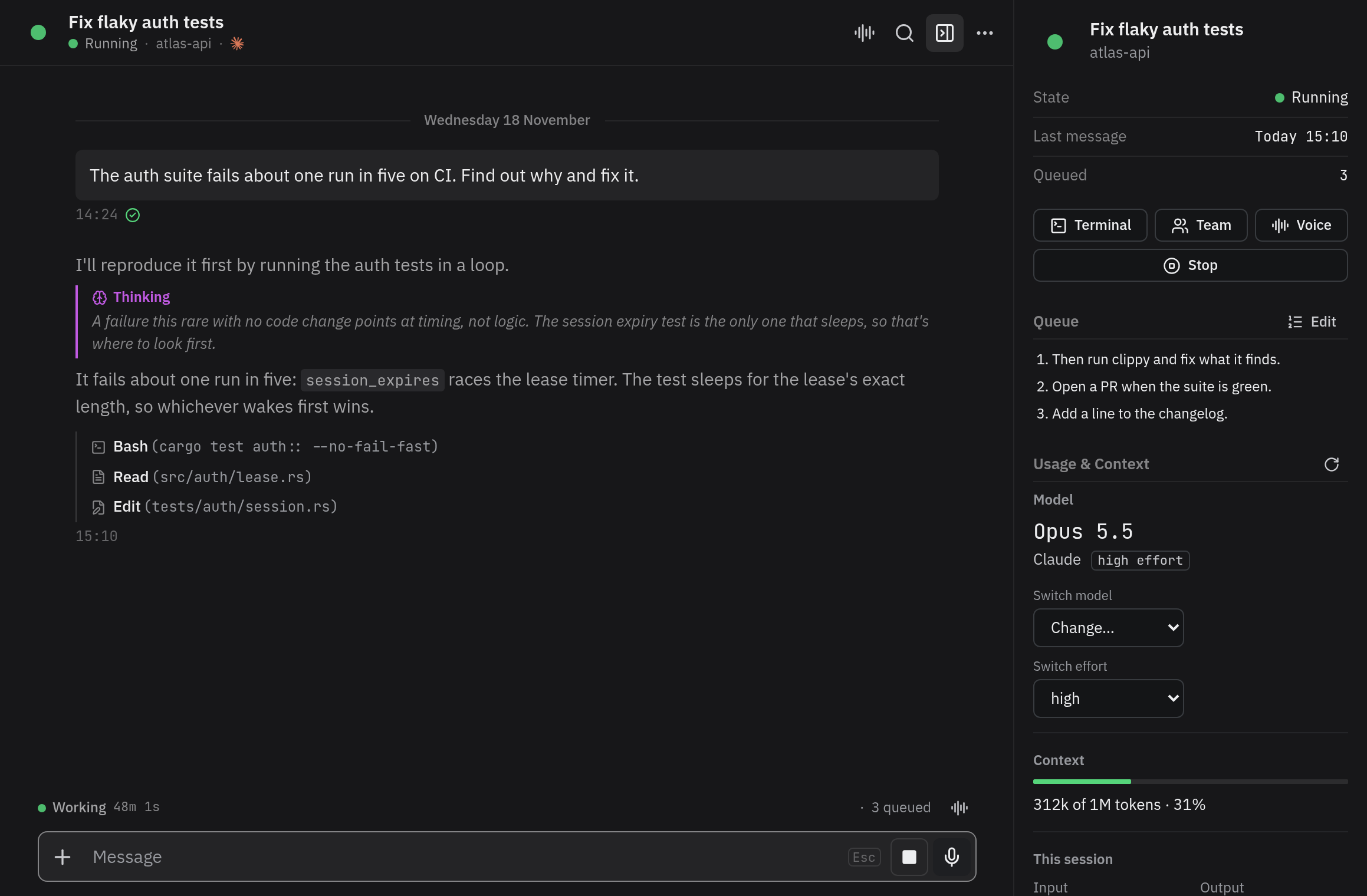
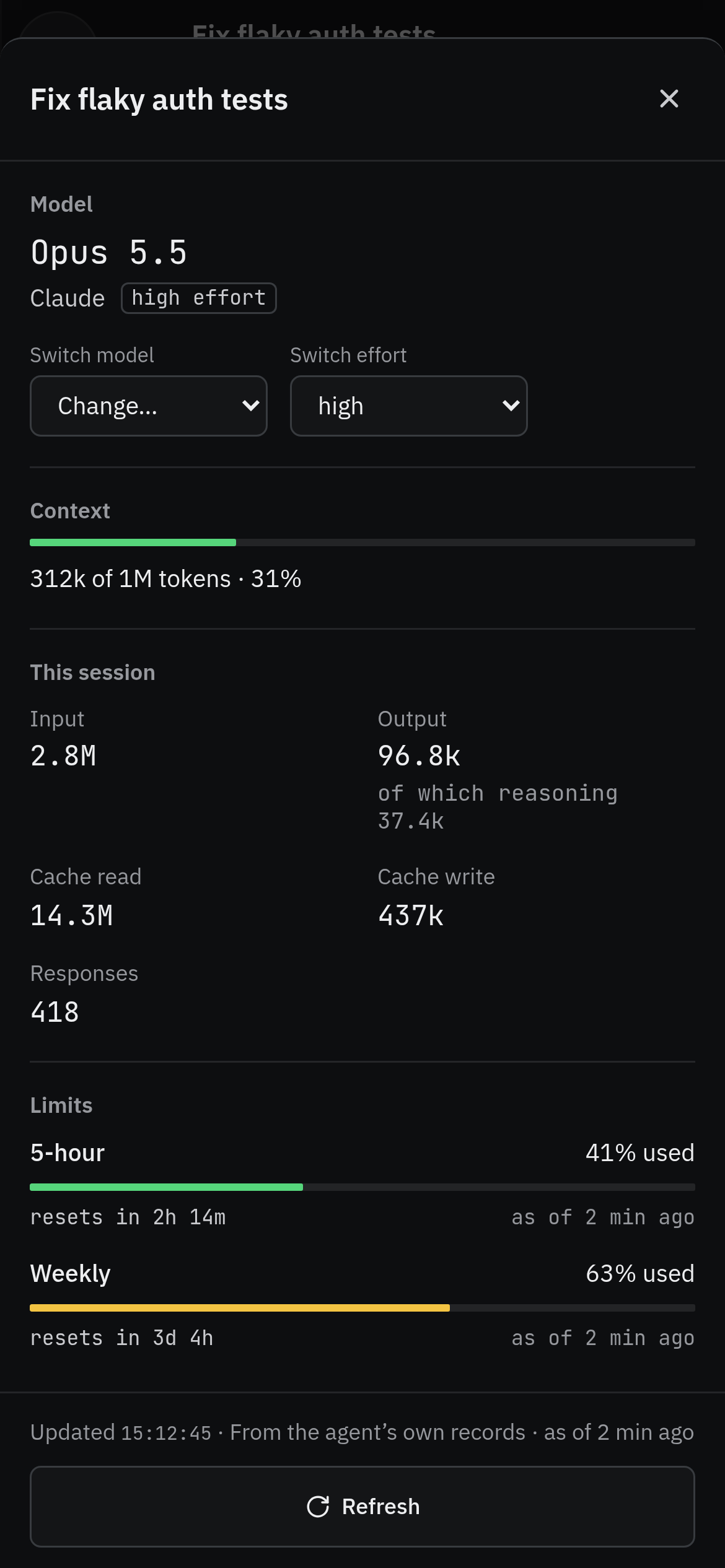
  • A running agent's chat with Usage & Context beside it: the model it is on, and Switch model and Switch effort under it
    Usage & Context on a phone: a running agent's model, with Switch model and Switch effort under it

    Switch model and effort

    Away from it

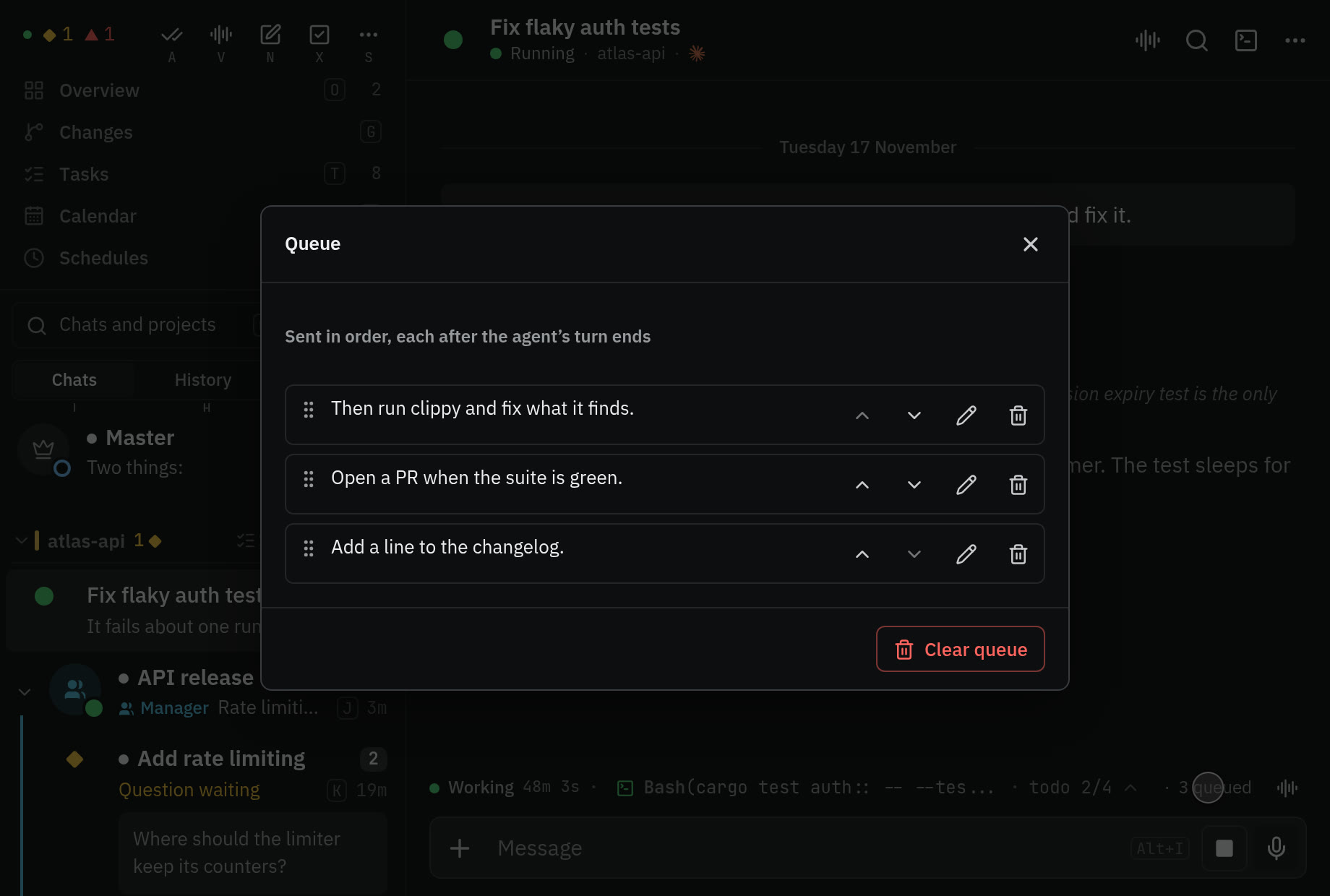
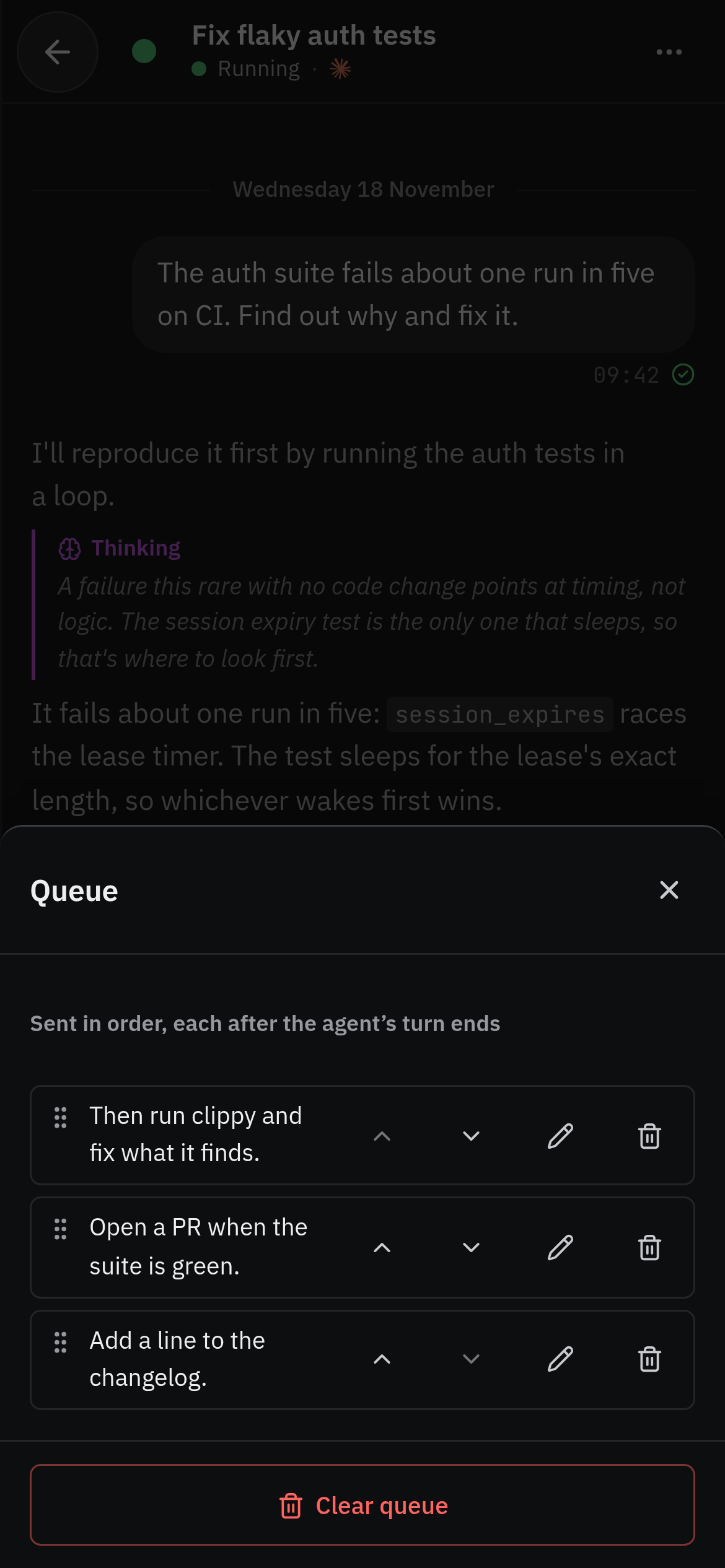
  • The queue on a phone: three messages held for the end of the agent's turn, each with controls to reorder, edit, or remove it

    Queue

    Away from it

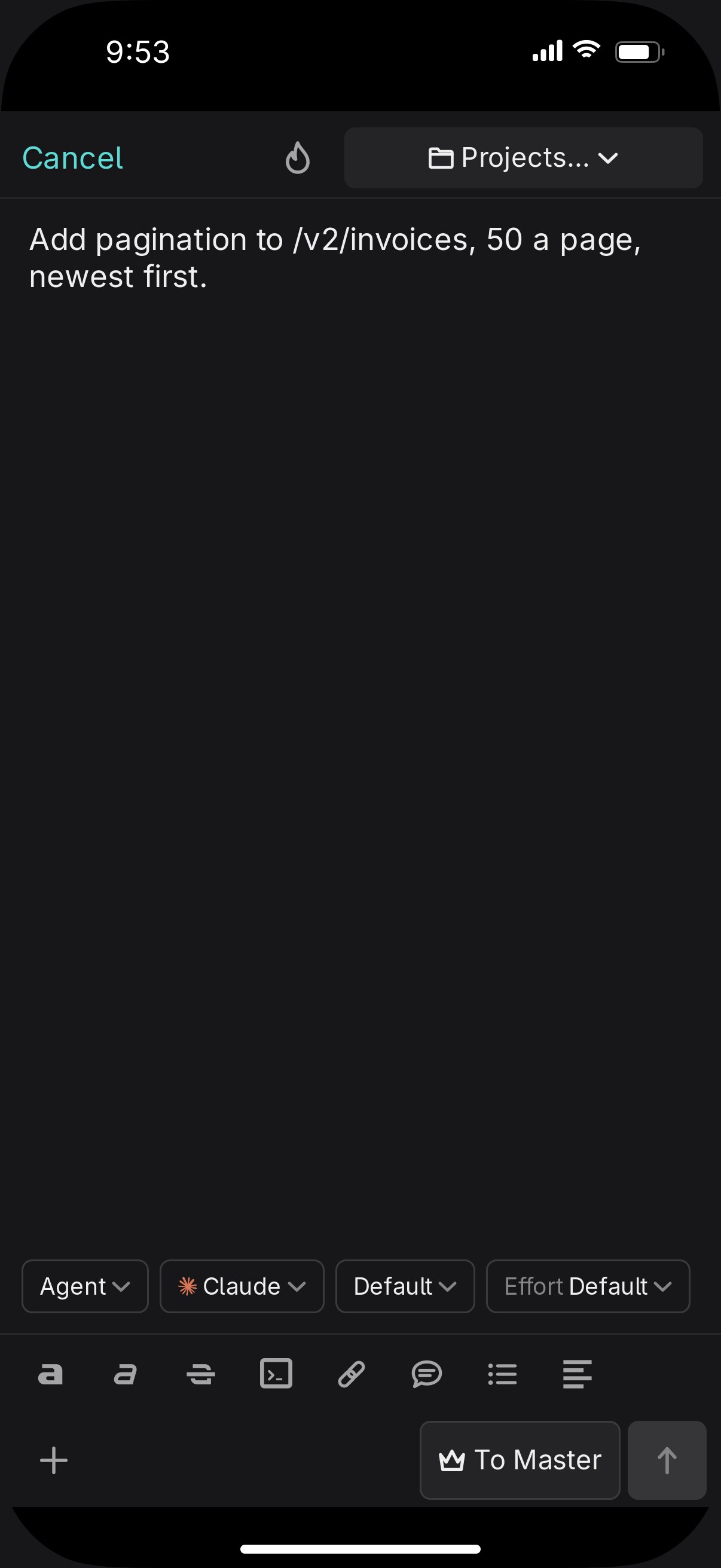
  • New agent from the phone

    Away from it

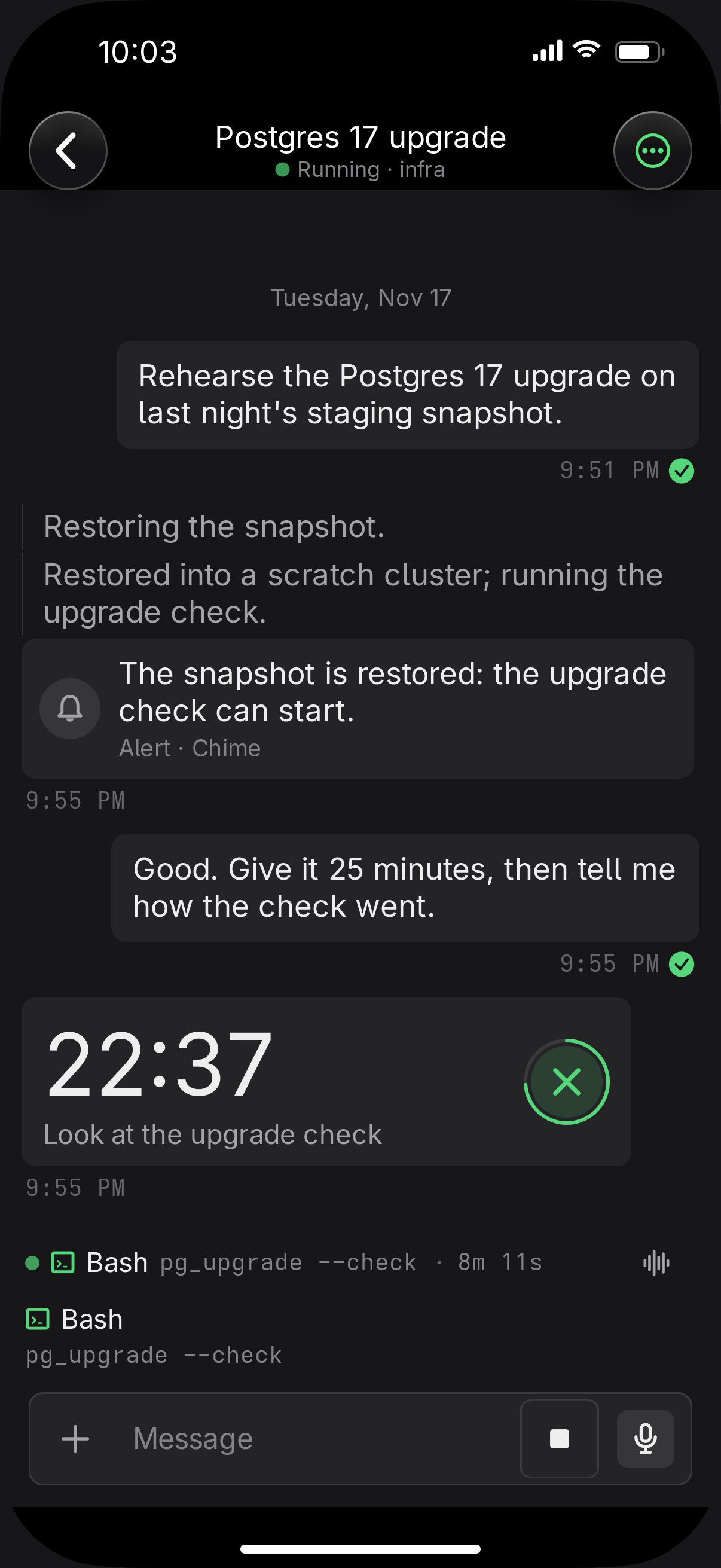
  • A chat with an agent on iPhone: a chime alert saying the snapshot is restored, and a running 25-minute countdown to look at the upgrade check, with a cancel button

    Alerts and timers

    Away from it

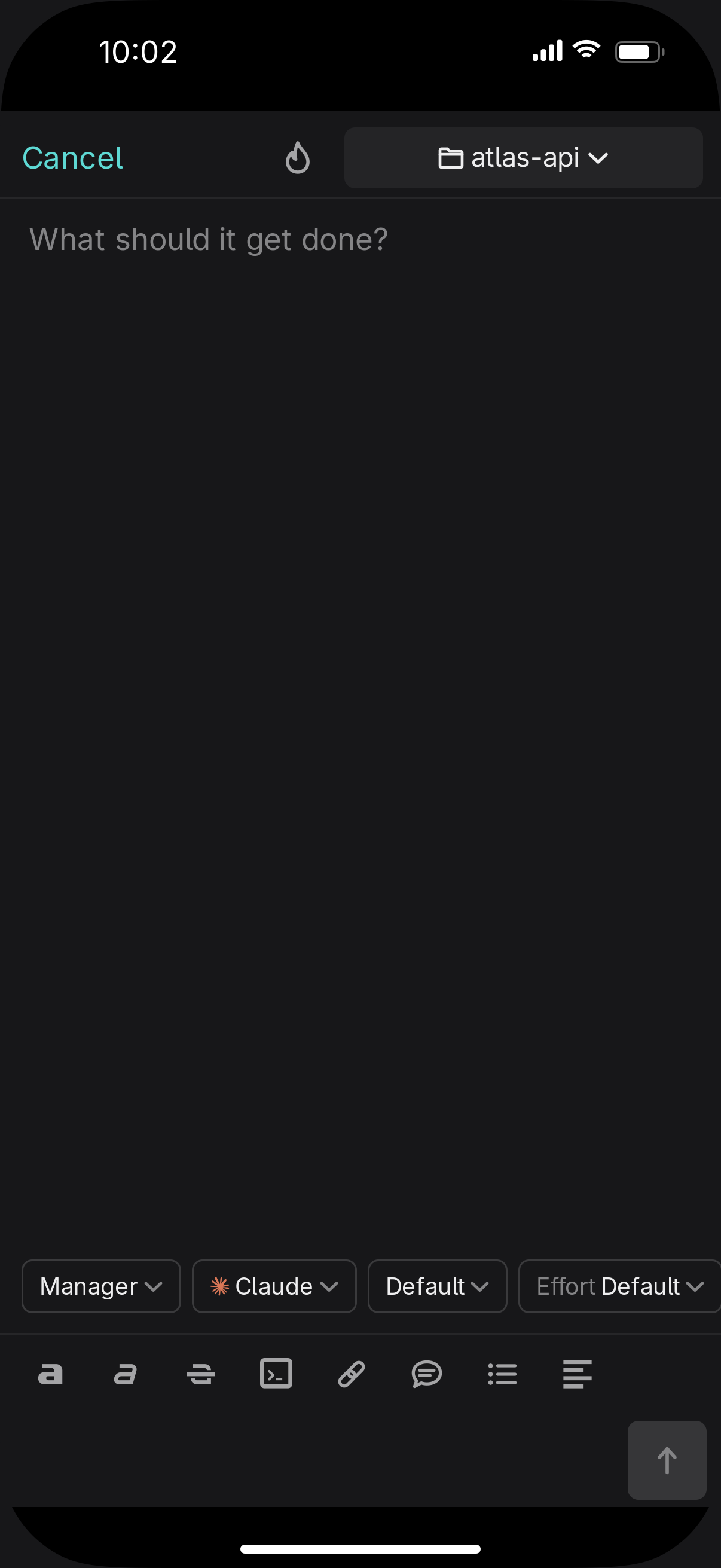
  • The new chat composer on iPhone set to Manager: What should it get done?, the project, and chips for provider, model, and effort

    Managers and teams

    With other people, and other agents

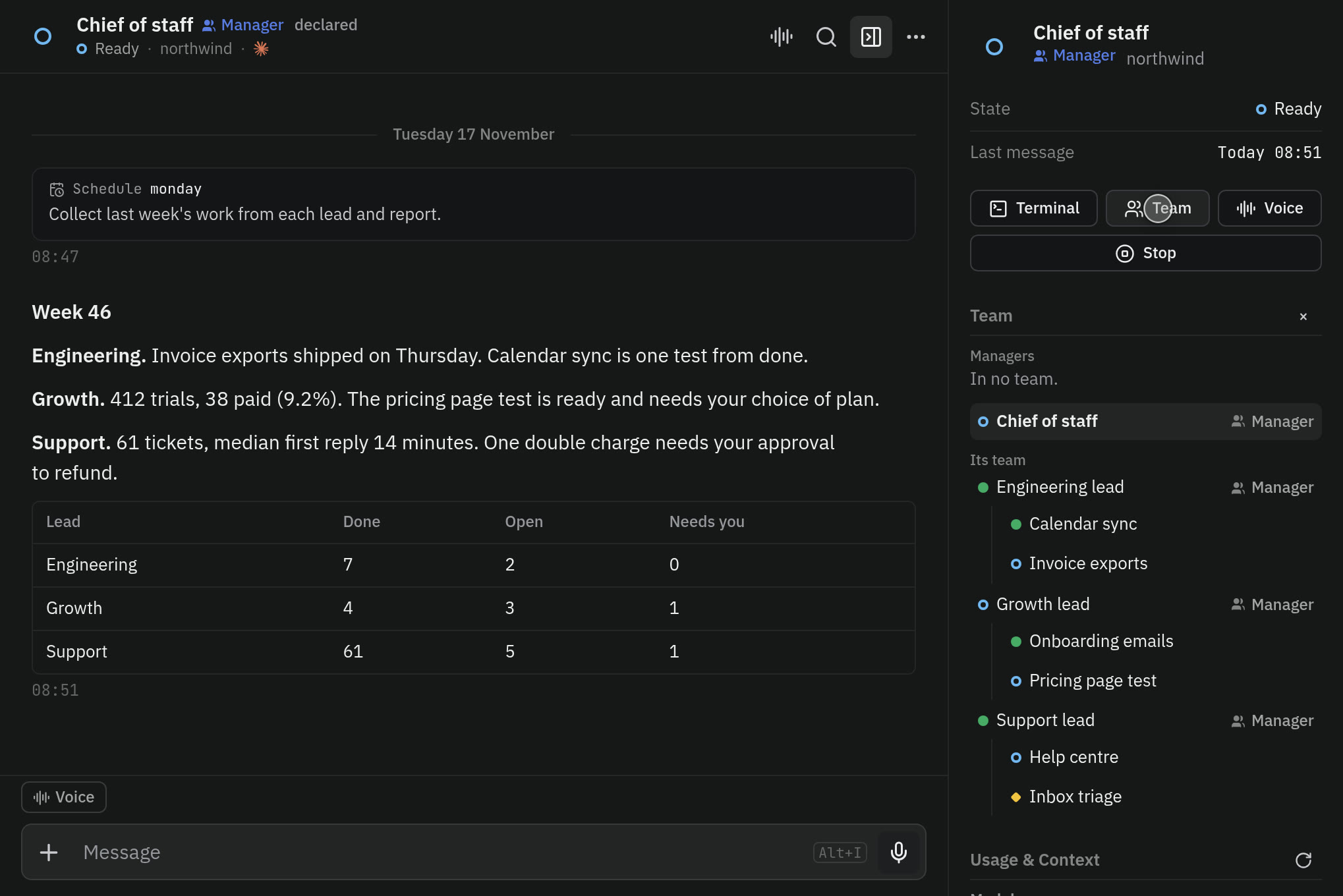
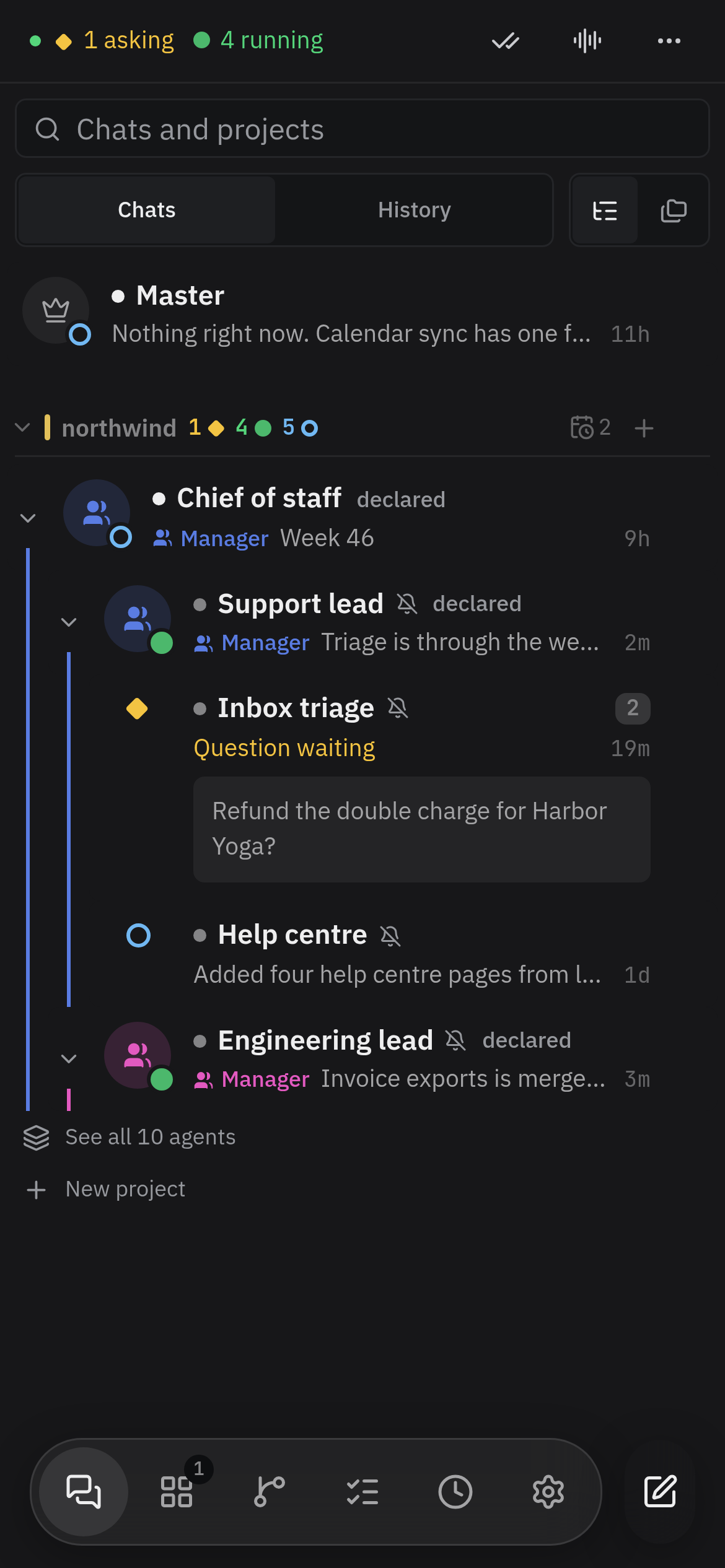
  • A company's agents on a phone, as a tree: the chief of staff, the leads under it, and each lead's members with their states

    The team tree

    With other people, and other agents

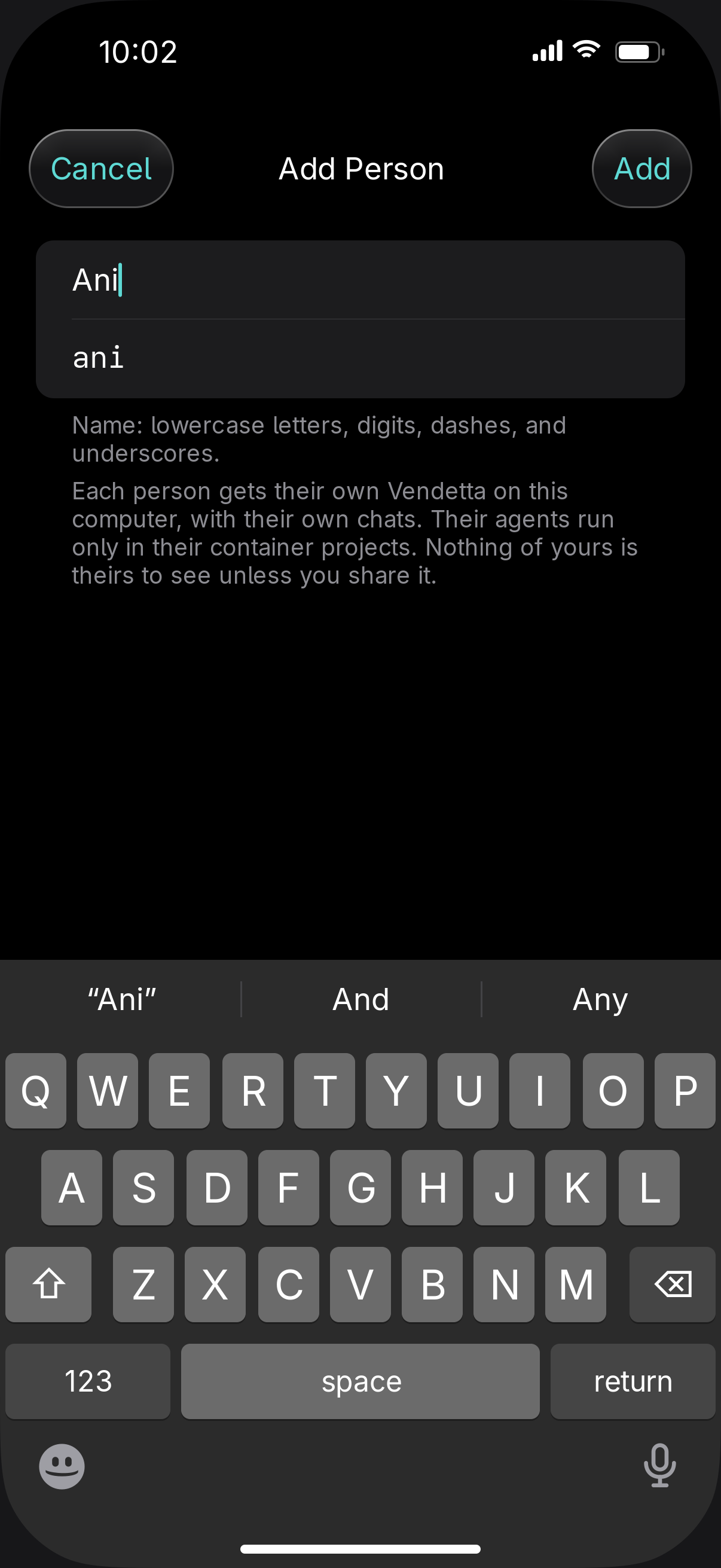
  • The Add Person sheet on iPhone with a display name typed and the name it becomes

    People

    With other people, and other agents

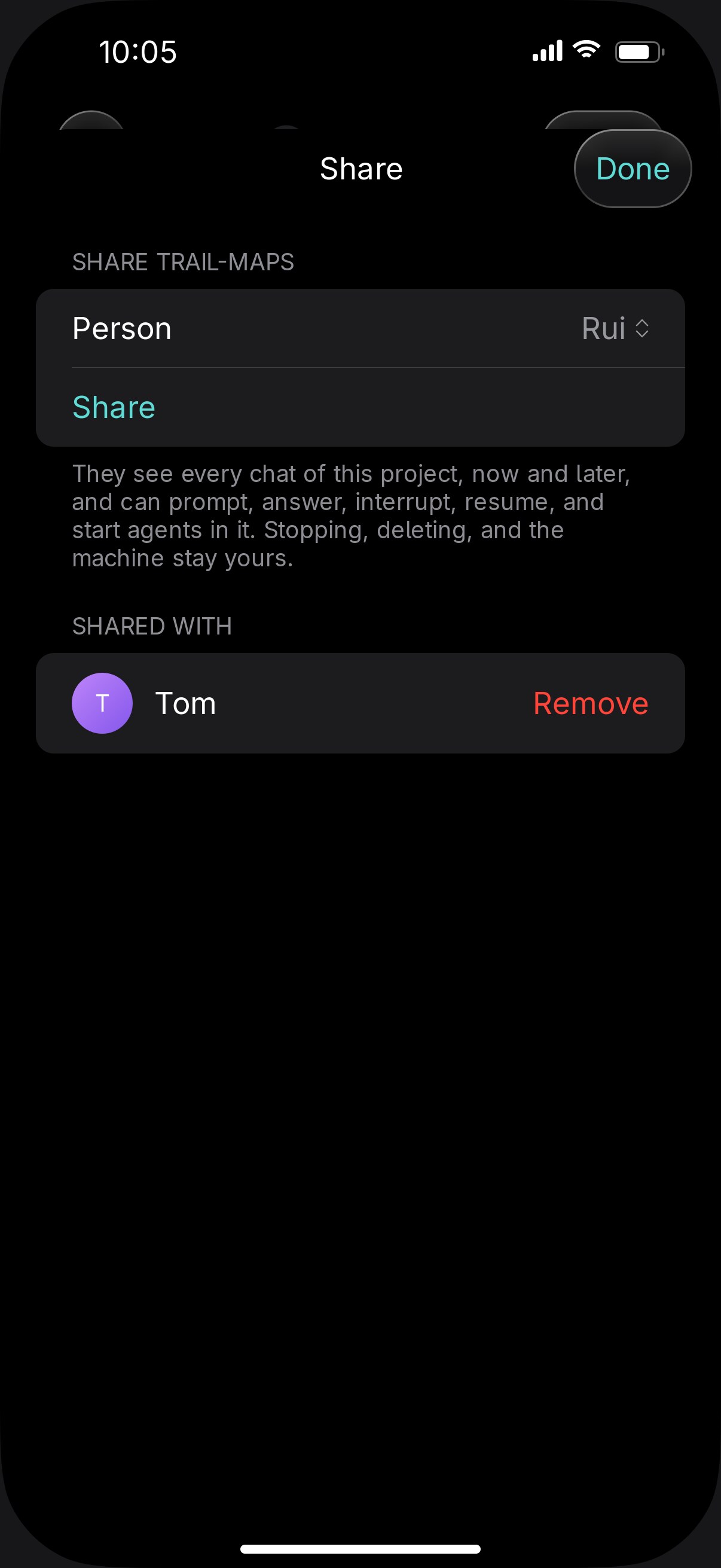
  • Share a project

    With other people, and other agents

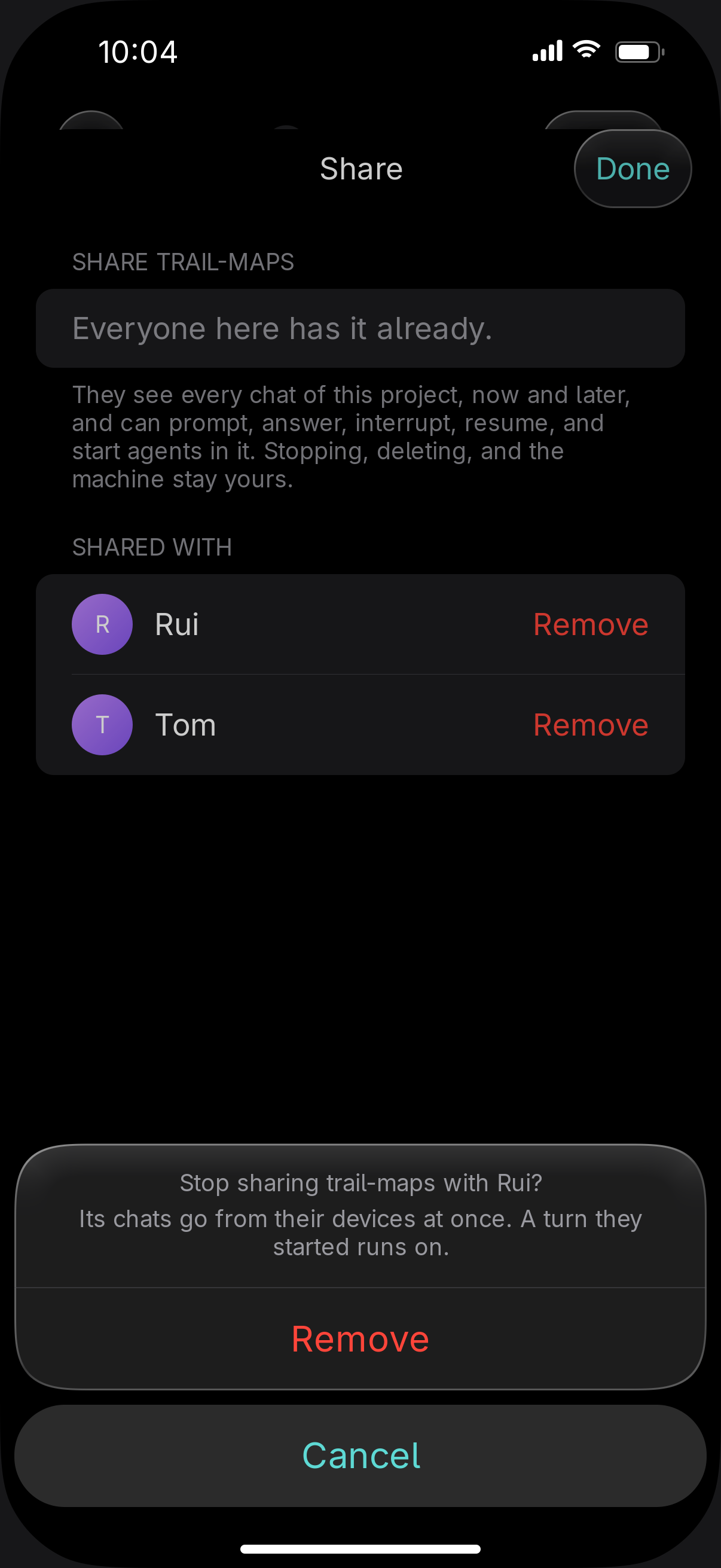
  • Ending a share on iPhone: the Share sheet for trail-maps asks Stop sharing trail-maps with Rui? Its chats go from their devices at once, with Remove and Cancel

    End a share

    With other people, and other agents

  • Simple and Advanced

    With other people, and other agents

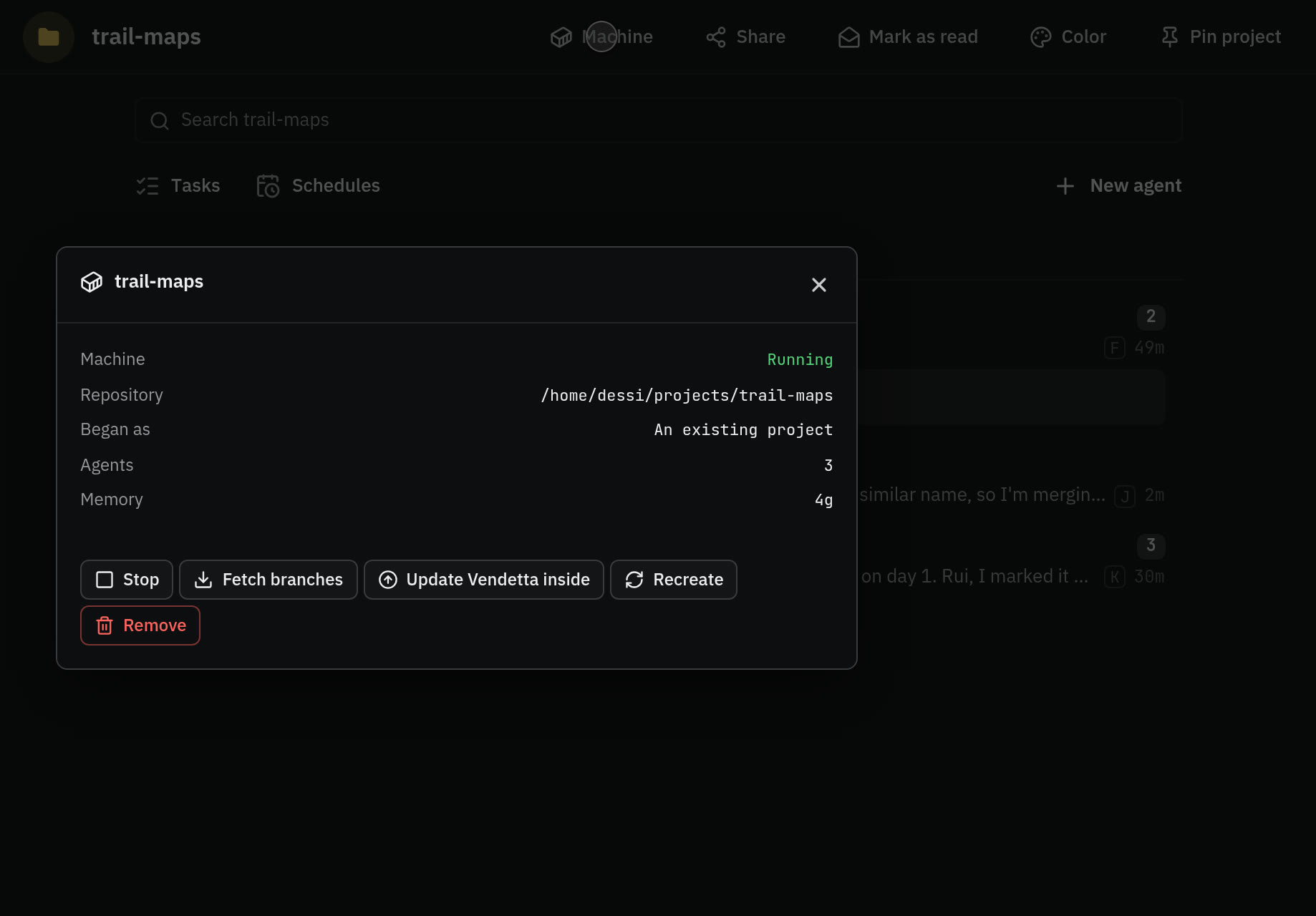
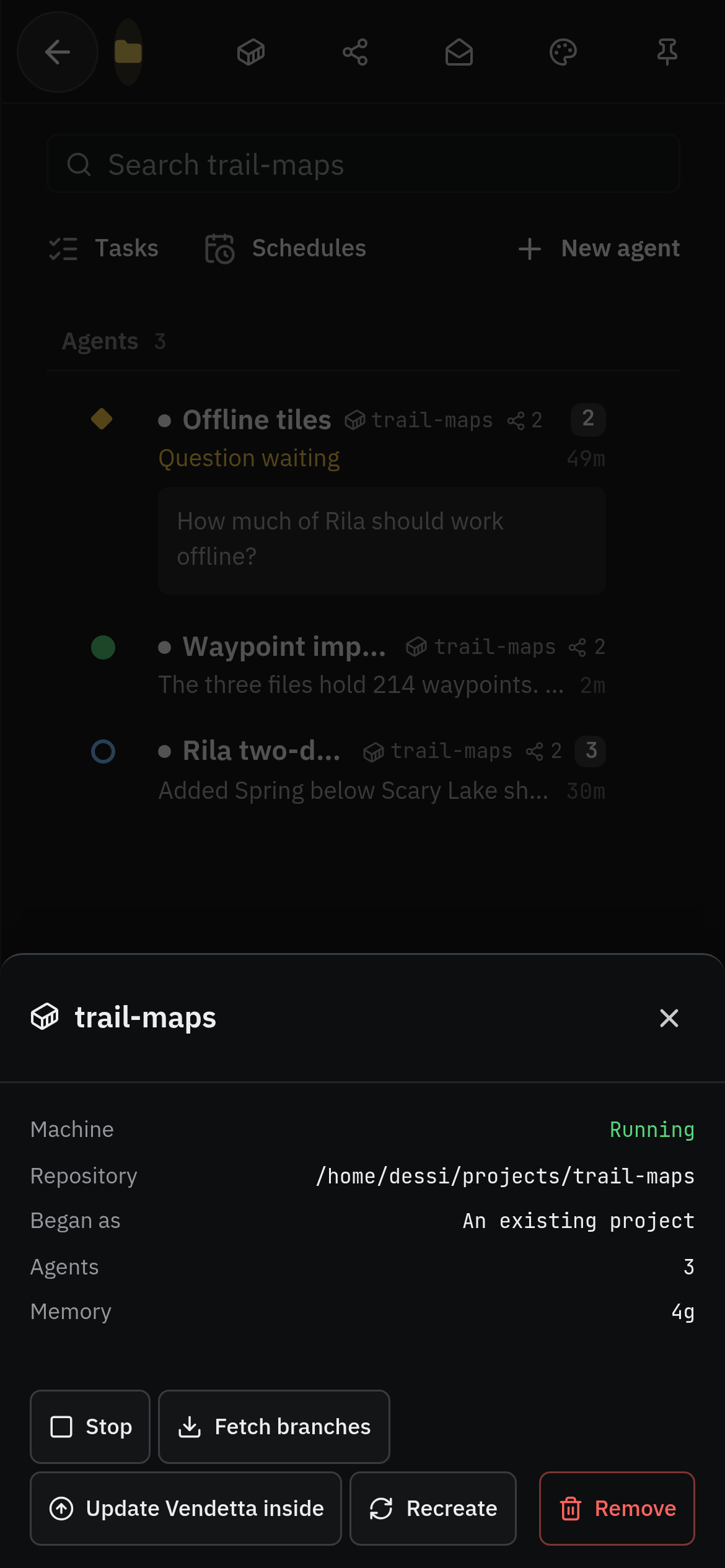
  • A container project's machine on a phone: its repository, memory, and the controls to stop it, fetch branches, or recreate it

    Containers

    With other people, and other agents

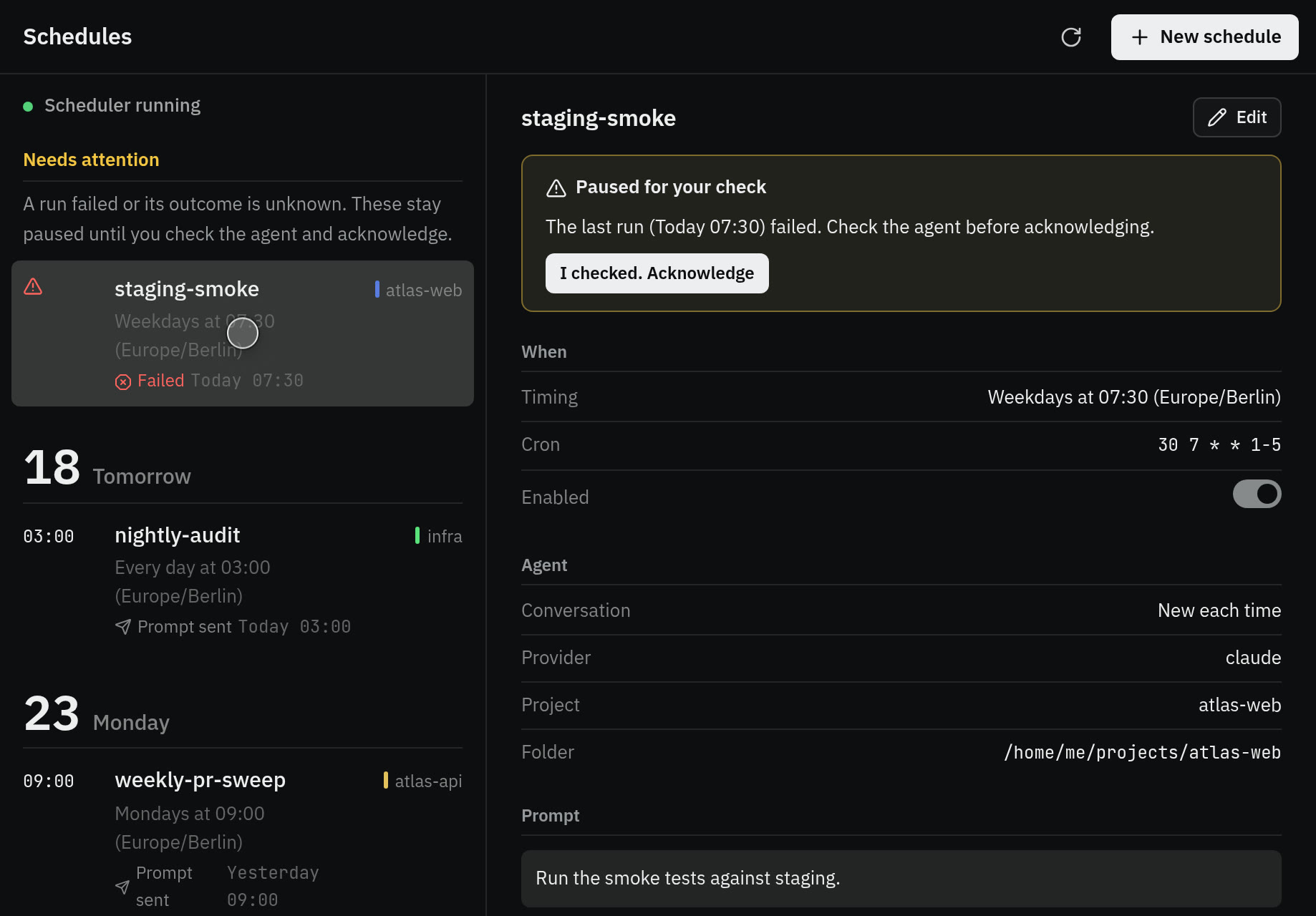
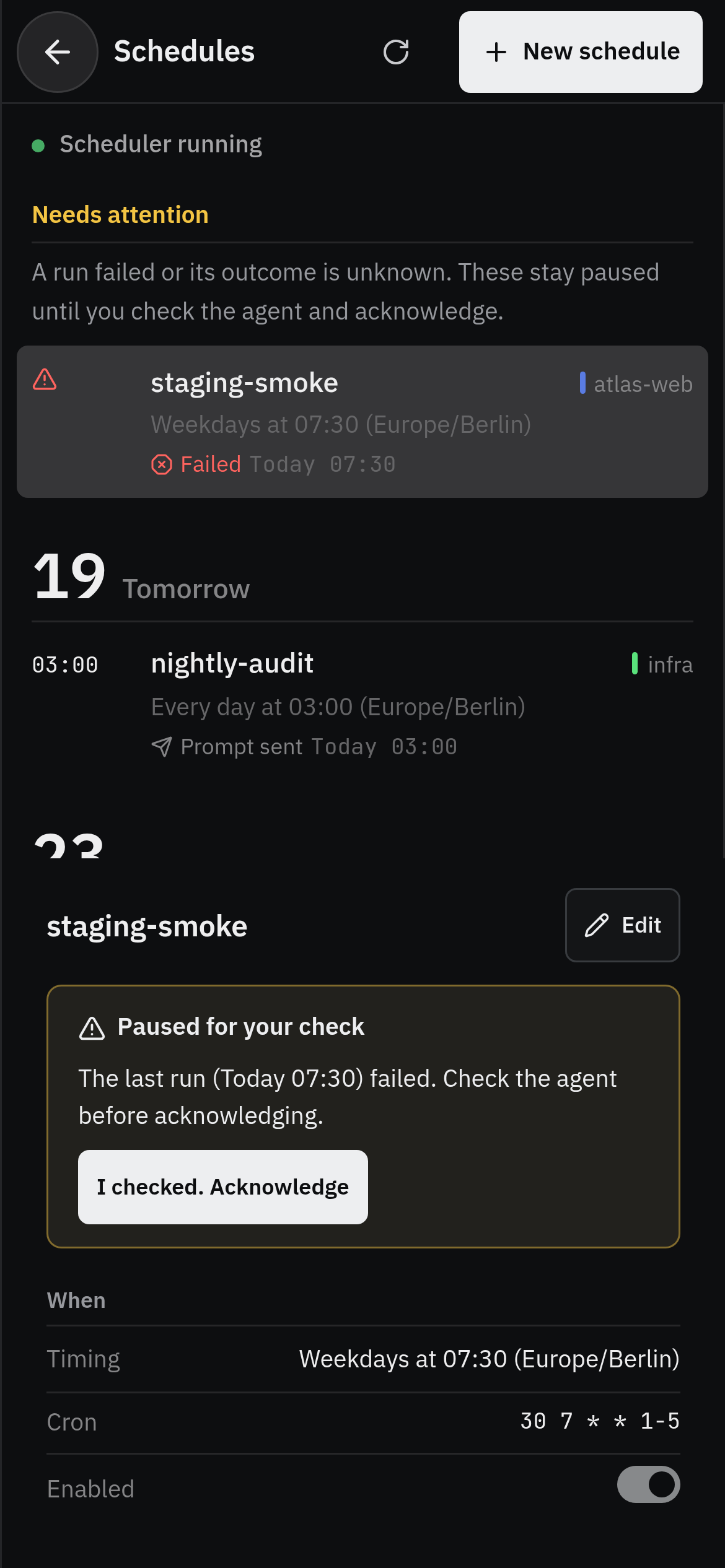
  • A schedule on a phone: the smoke test failed this morning and stays paused until it is acknowledged, above its timing and the agent it prompts

    Schedules

    On a schedule

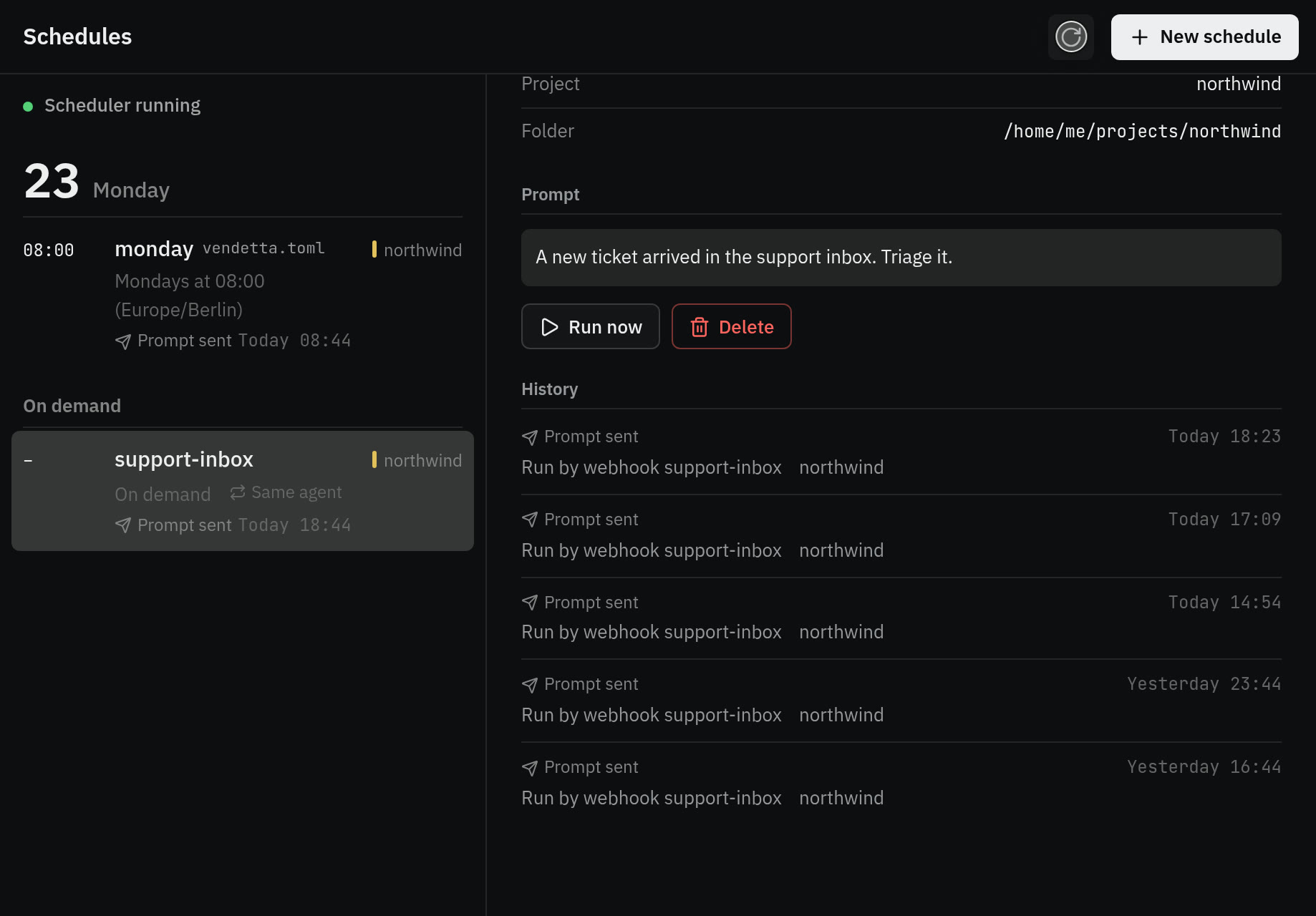
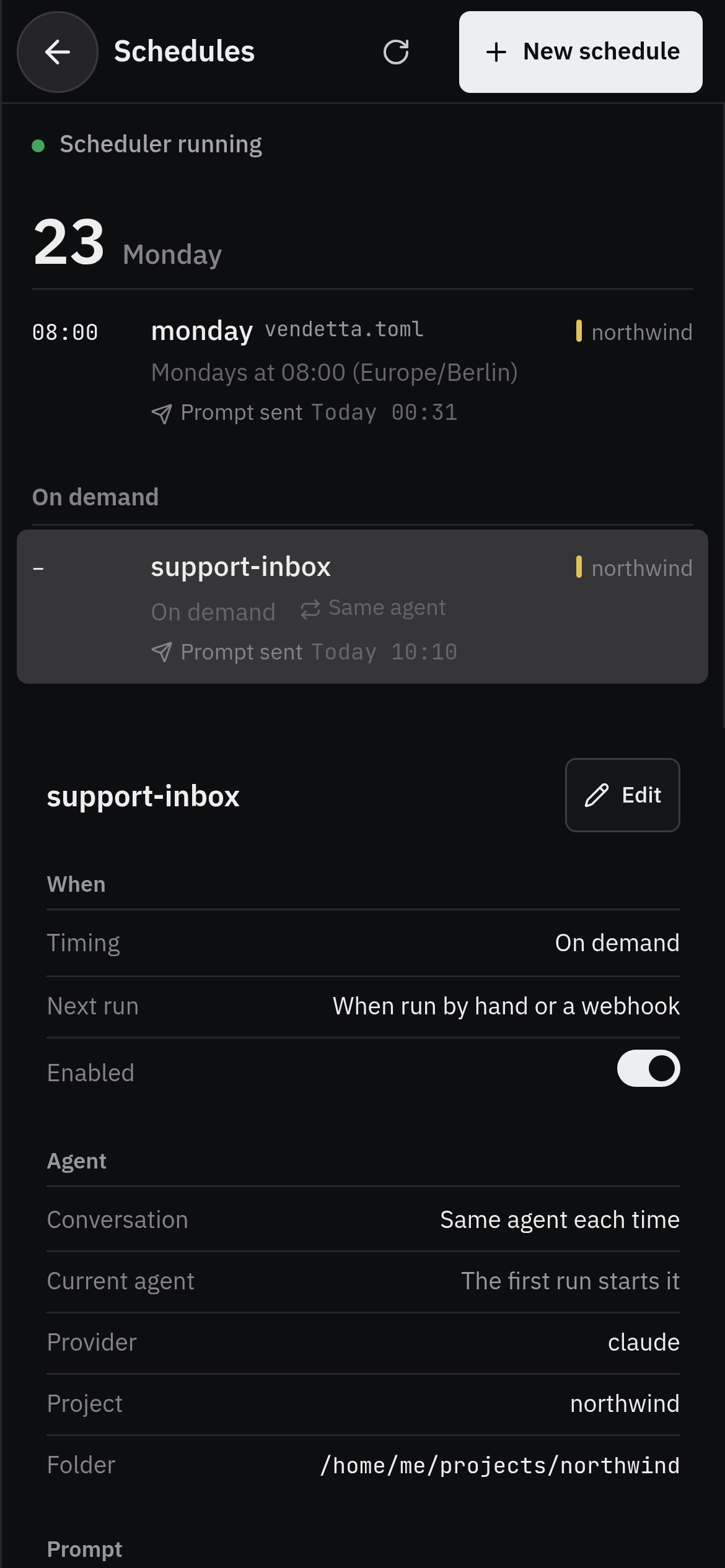
  • An on-demand schedule on a phone: the support inbox's webhook address and the prompt each call runs

    Webhooks

    On a schedule

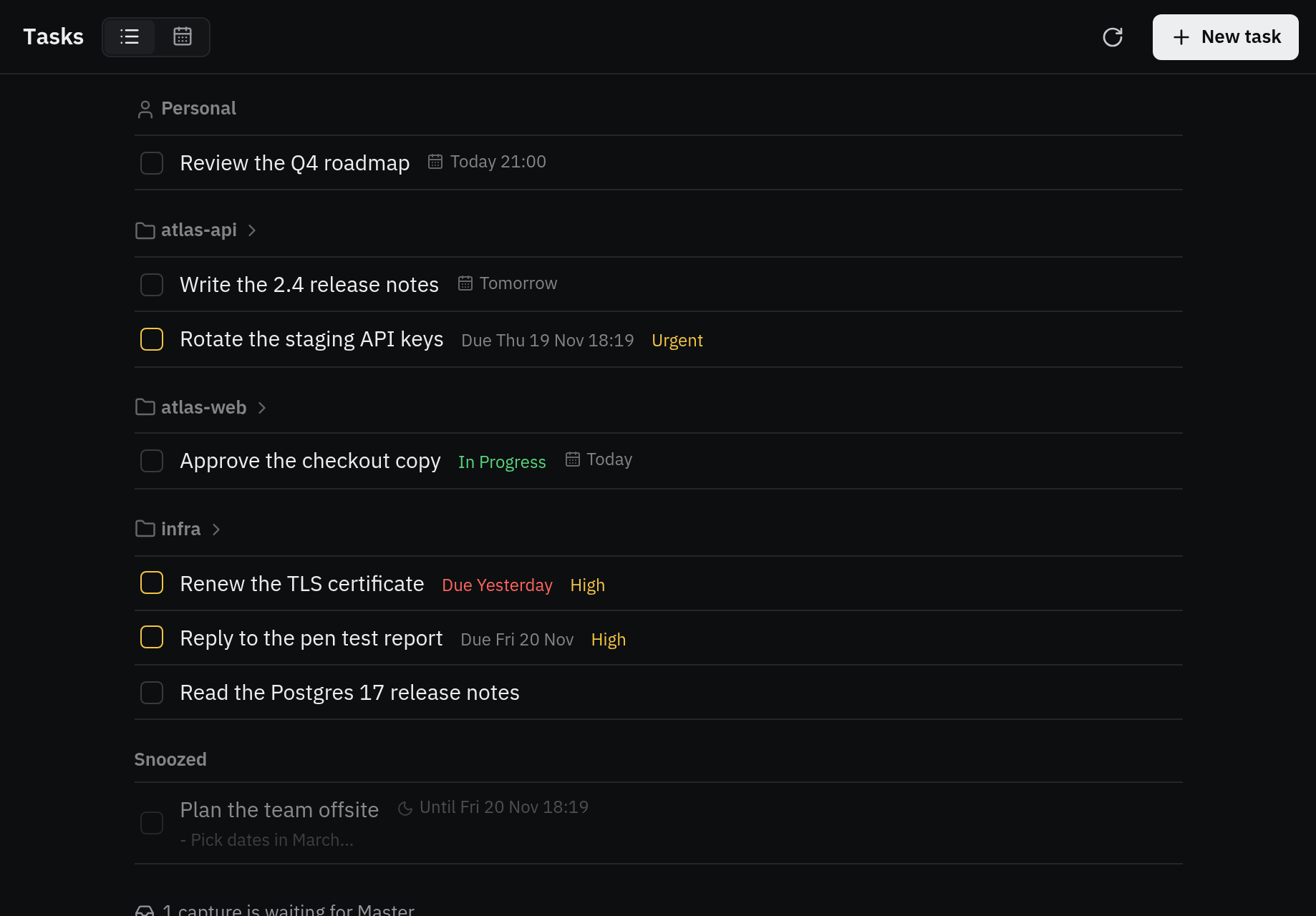
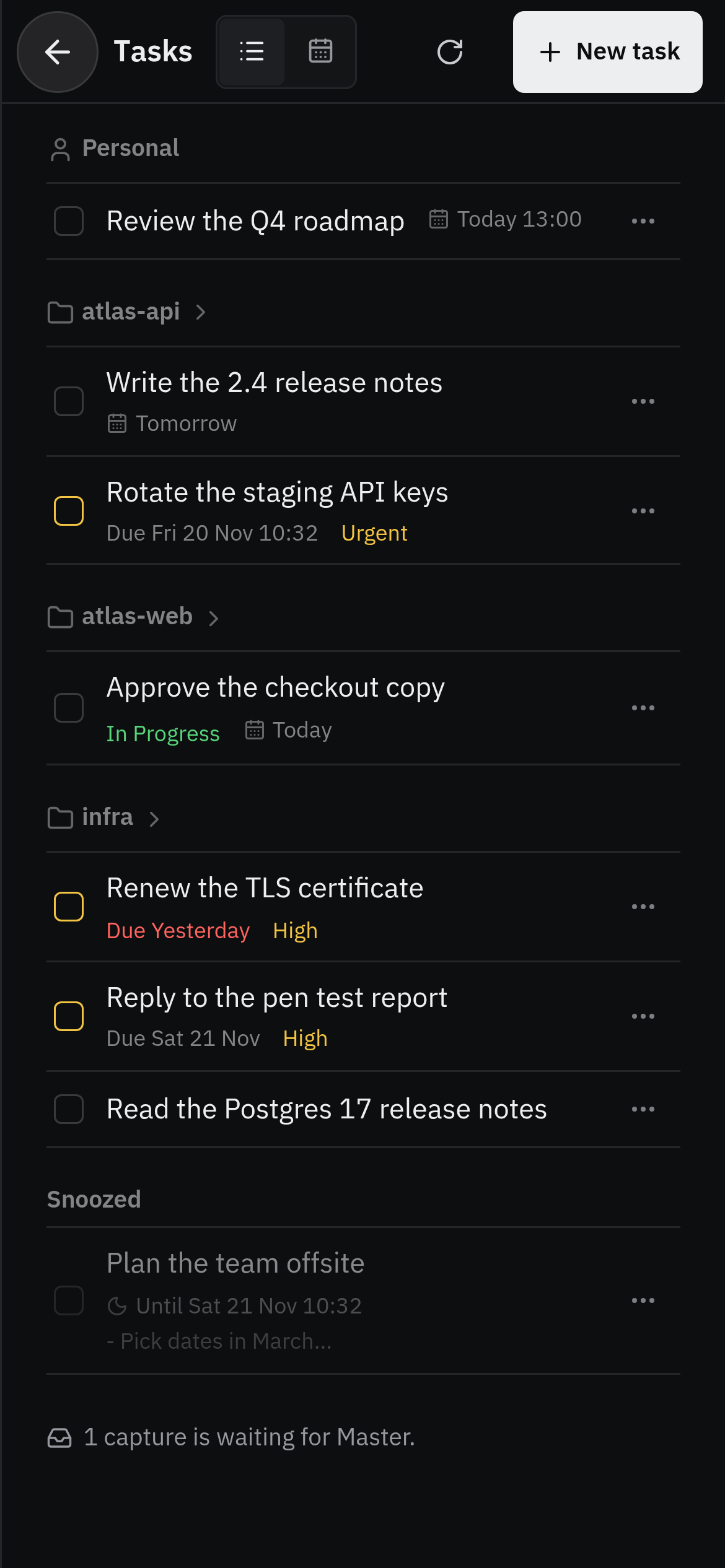
  • Tasks grouped by project, with due dates, priorities, and a snoozed task
    Tasks on a phone, grouped by project, with due dates and priorities

    Tasks

    On a schedule